 實用設施
實用設施
描述
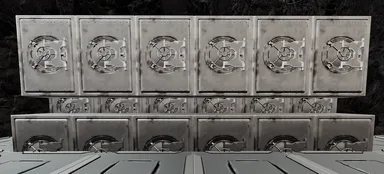
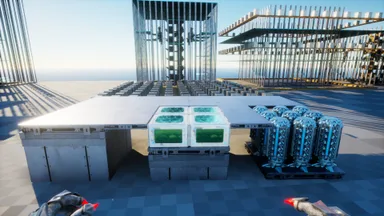
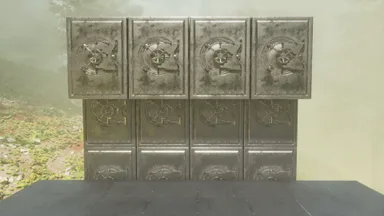
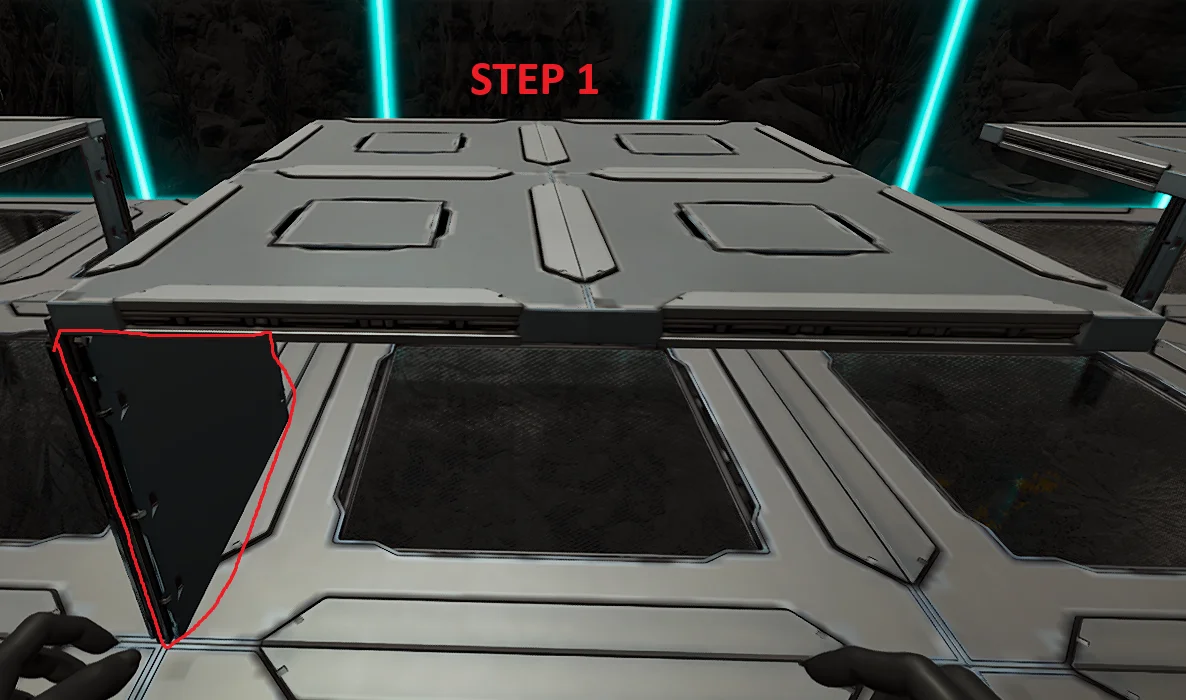
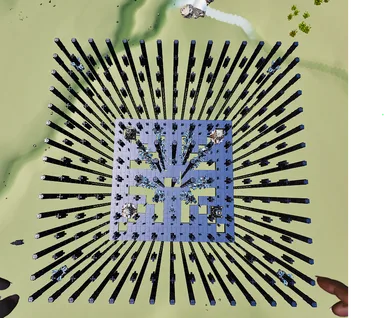
Follow the Pictures attached. Step 1: - Build the foundation where your cryos are going to be on. - This could be either Foundation, Ceiling, Vacuums - Make sure there is a wall in the bottom left corner so that the template can snap to it (Otherwise it wont line up) Step 2: - Snap the template and Autobuild. (It will finish building on its own unless its obstructed) Step 3: - Finish the build of by placing ceilings around the cryos to make it flush with floor
主機版取得方式
完整主機指南主機玩家(PlayStation、Xbox)可使用Template Hammer Importer模組,直接在遊戲內下載並放置此模板。
- 1安裝模組Open the in-game mod browser and search "Wikily" or "Template Hammer Importer".
- 2製作匯入器進入單人 + 創造模式,製作Wikily Template Importer(1個纖維)。
- 3輸入模板ID使用該物品,輸入模板ID
1034和建築索引,然後放置。


 砲塔塔樓
砲塔塔樓