 ユーティリティ
説明
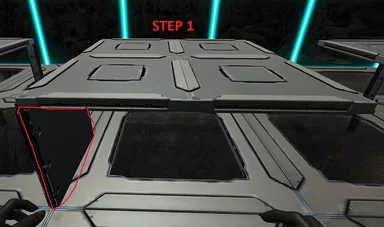
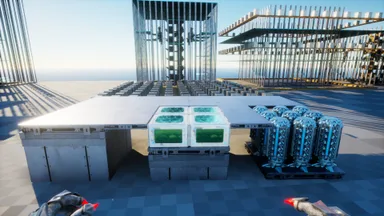
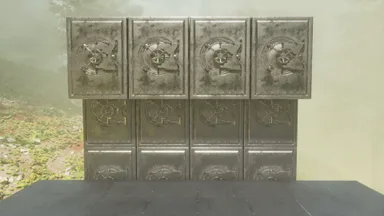
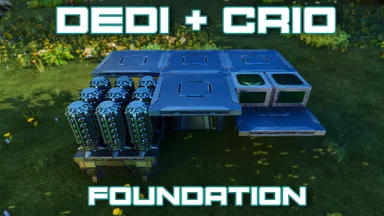
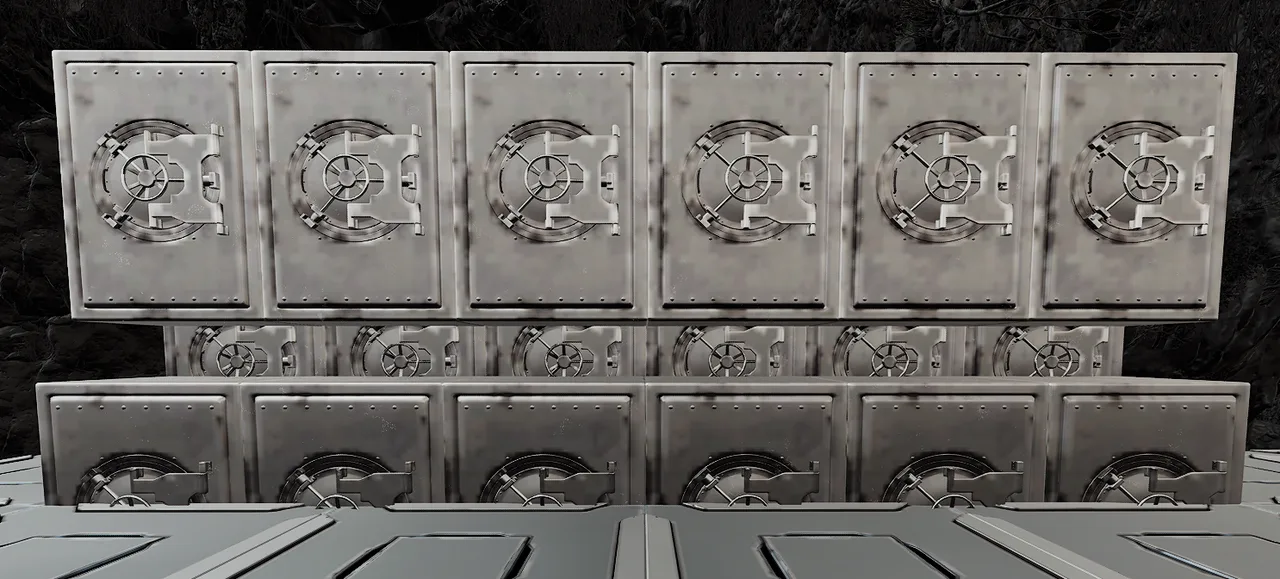
Follow the pictures attached. Step 1: - Setup you floor for the vaults. it needs to be 1 Quarter wall lower than walking floor level - Place Quarter ceiling in the back or the hole you left for the vaults to fall into Step 2: - Place and build '1st and 2nd Layer' template and break thatch wall Step 3: - Place '3rd row Final Final' template and break thatch wall Note: You can not place all three layers at the same time. the 3rd row will fall into the first row and you ill have to pick them back up Note: Both templates ate fully auto buildable provided it is not obstructed I added a normal 1 layer template in as well.
コンソールでの入手方法
コンソール向け完全ガイドコンソール (PlayStation、Xbox) のプレイヤーは、Template Hammer Importer Modを使って、このテンプレートをゲーム内で直接ダウンロードして設置できます。
- 1ModをインストールOpen the in-game mod browser and search "Wikily" or "Template Hammer Importer".
- 2インポーターをクラフトシングルプレイ + クリエイティブモードに入り、Wikily Template Importer (繊維1個) をクラフトします。
- 3テンプレートIDを入力アイテムを使い、テンプレートID
1039と建築インデックスを入力して設置します。


 タレットタワー