 ユーティリティ
説明
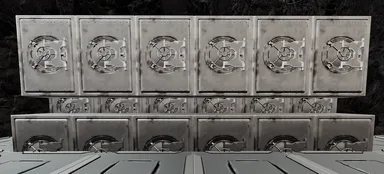
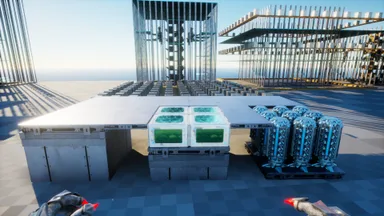
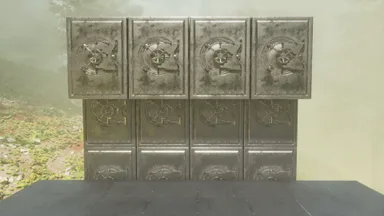
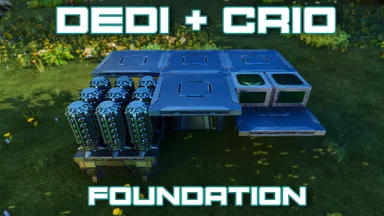
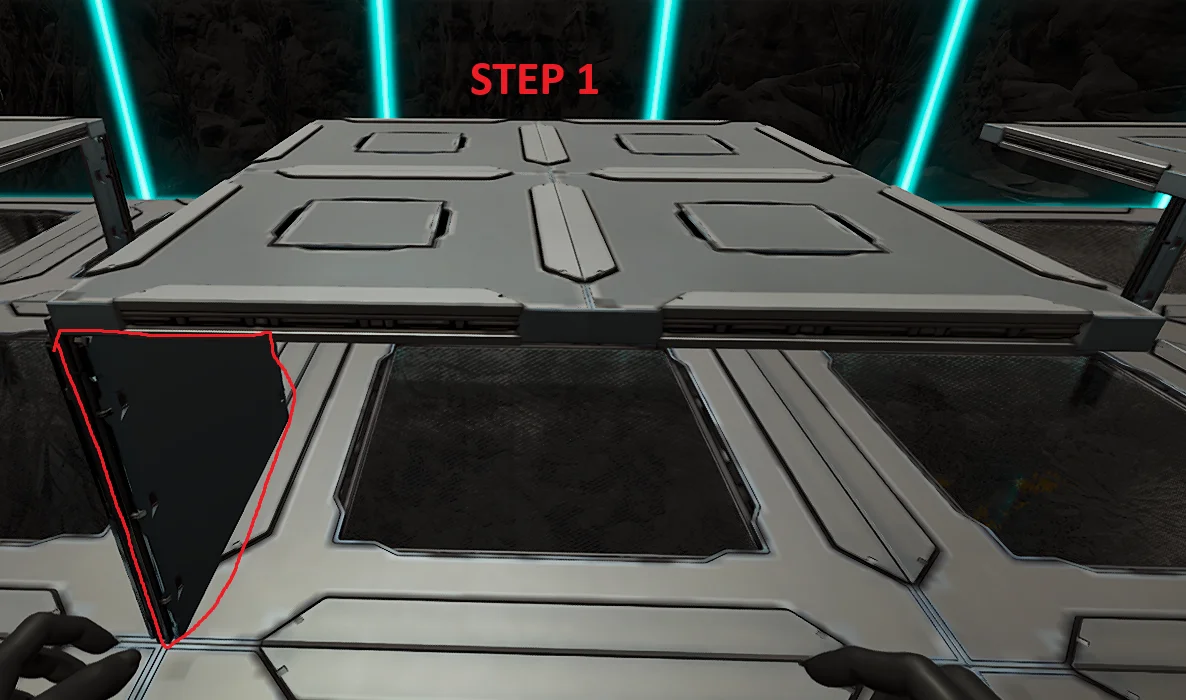
Follow the Pictures attached. Step 1: - Build the foundation where your cryos are going to be on. - This could be either Foundation, Ceiling, Vacuums - Make sure there is a wall in the bottom left corner so that the template can snap to it (Otherwise it wont line up) Step 2: - Snap the template and Autobuild. (It will finish building on its own unless its obstructed) Step 3: - Finish the build of by placing ceilings around the cryos to make it flush with floor
コンソールでの入手方法
コンソール向け完全ガイドコンソール (PlayStation、Xbox) のプレイヤーは、Template Hammer Importer Modを使って、このテンプレートをゲーム内で直接ダウンロードして設置できます。
- 1ModをインストールOpen the in-game mod browser and search "Wikily" or "Template Hammer Importer".
- 2インポーターをクラフトシングルプレイ + クリエイティブモードに入り、Wikily Template Importer (繊維1個) をクラフトします。
- 3テンプレートIDを入力アイテムを使い、テンプレートID
1034と建築インデックスを入力して設置します。


 タレットタワー