Console Guide
/building-templates/consoles-guide

Guide de la console
How to use building templates on PlayStation, Xbox, and PC with the Template Hammer Importer mod
The Template Hammer Importer is a mod that lets you download building templates from Wikily.gg directly in-game. Console players normally can't import templates because there's no clipboard access. This mod fixes that.
Installing the Mod
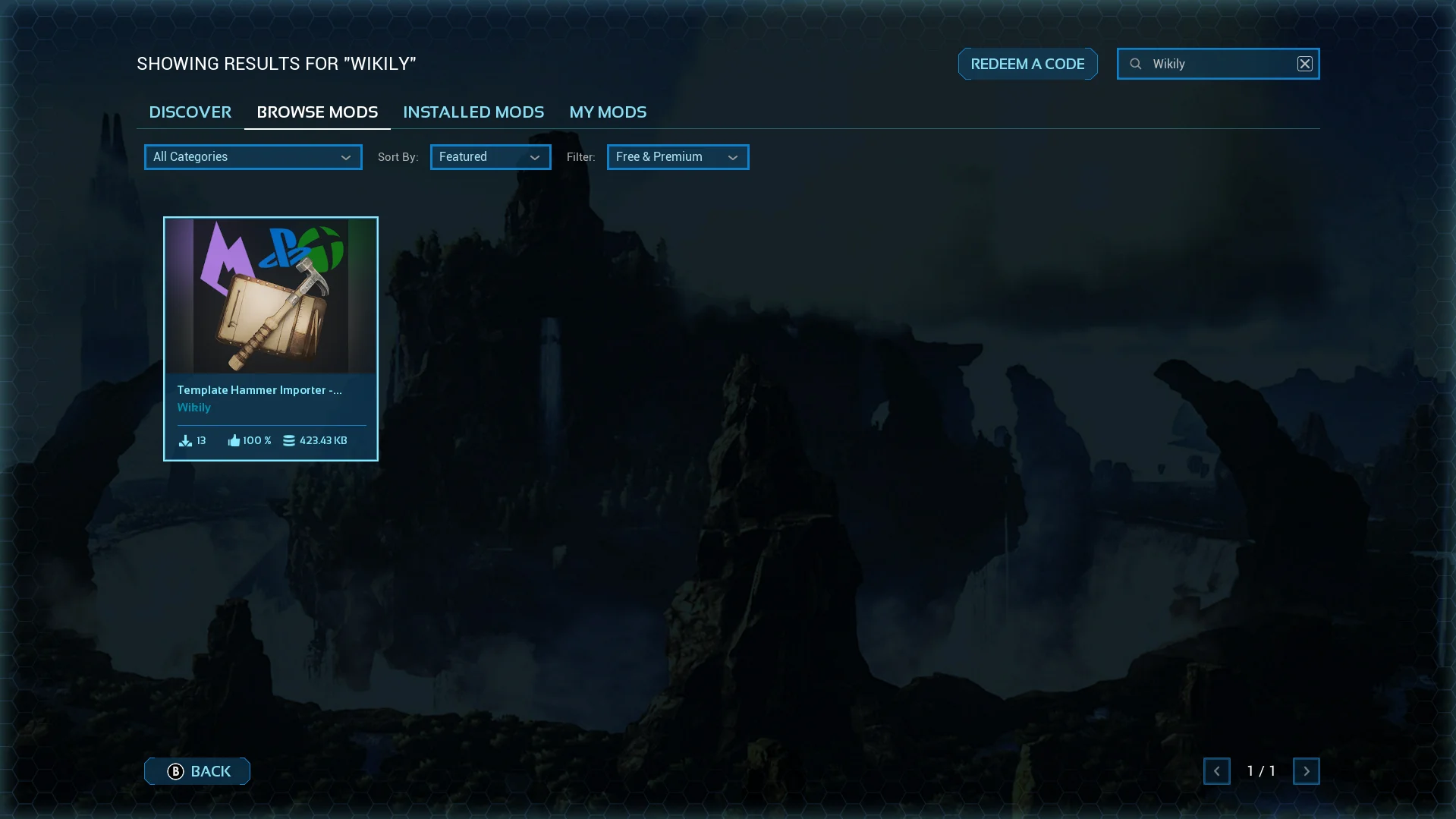
1. Search for the mod
Open the in-game mod browser and search for "Wikily" or "Template Hammer Importer".
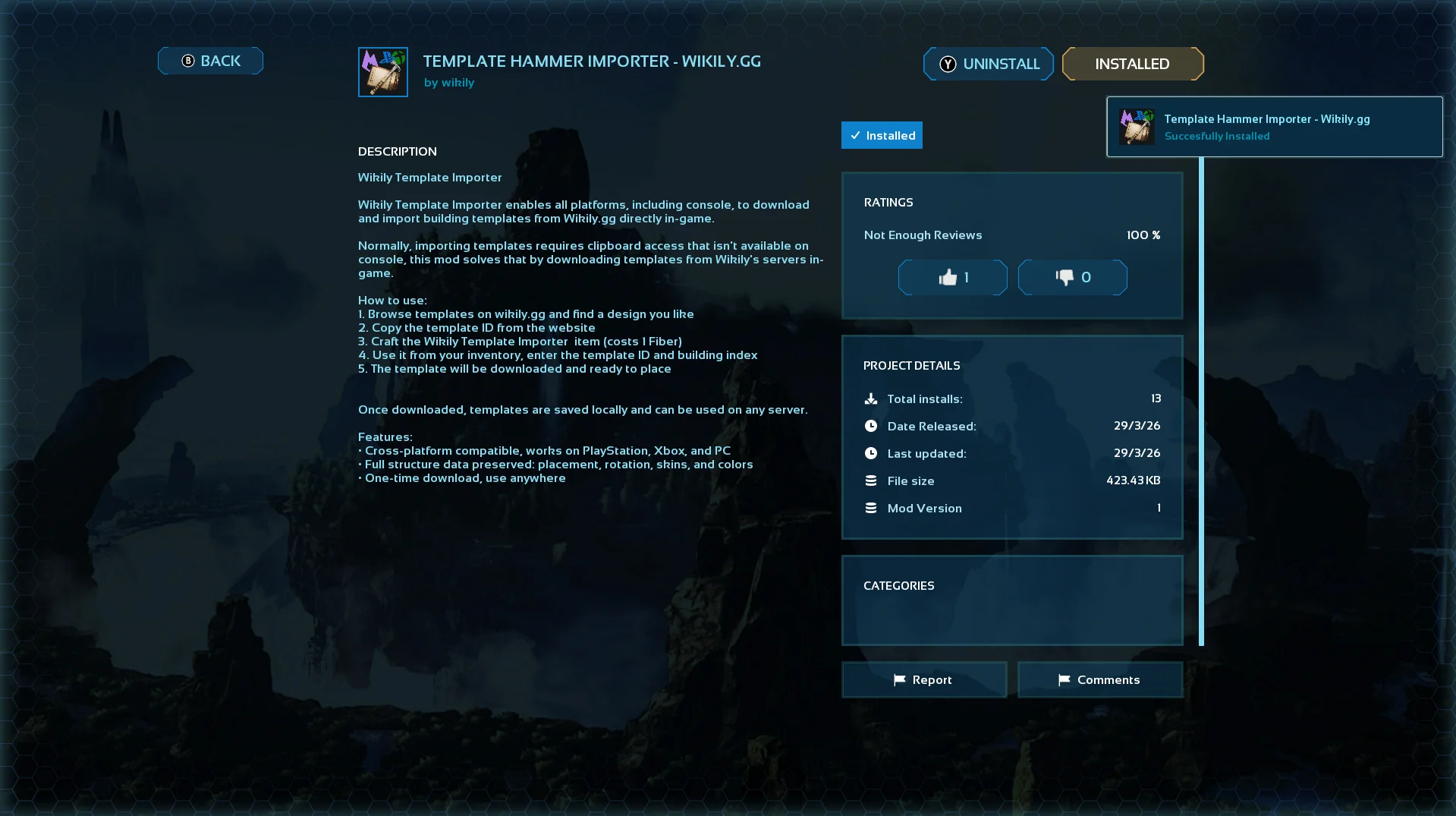
2. Install it
Click on the mod and hit install.
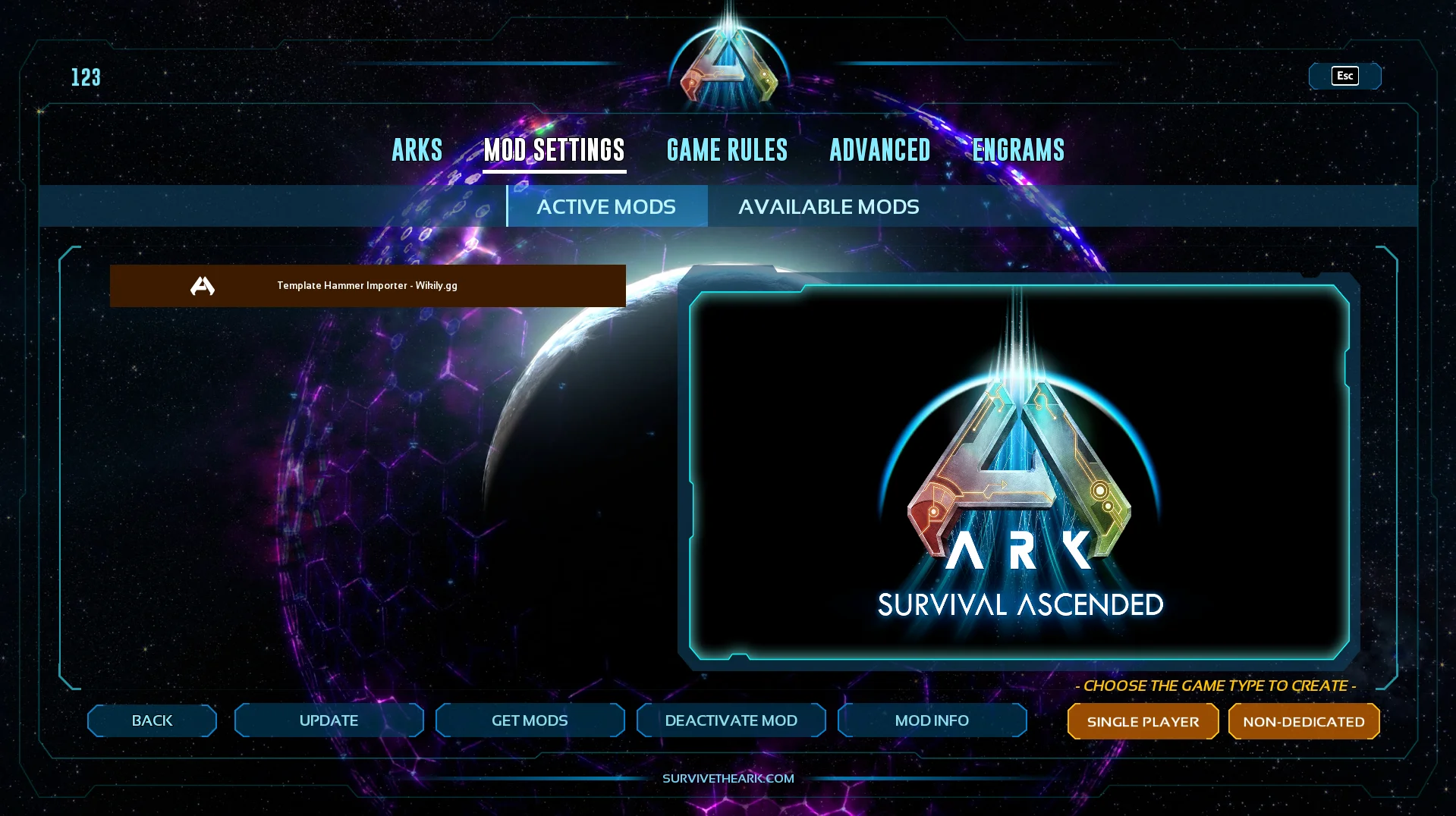
3. Activate it
Go to Available Mods and make sure the mod is active.
Using It
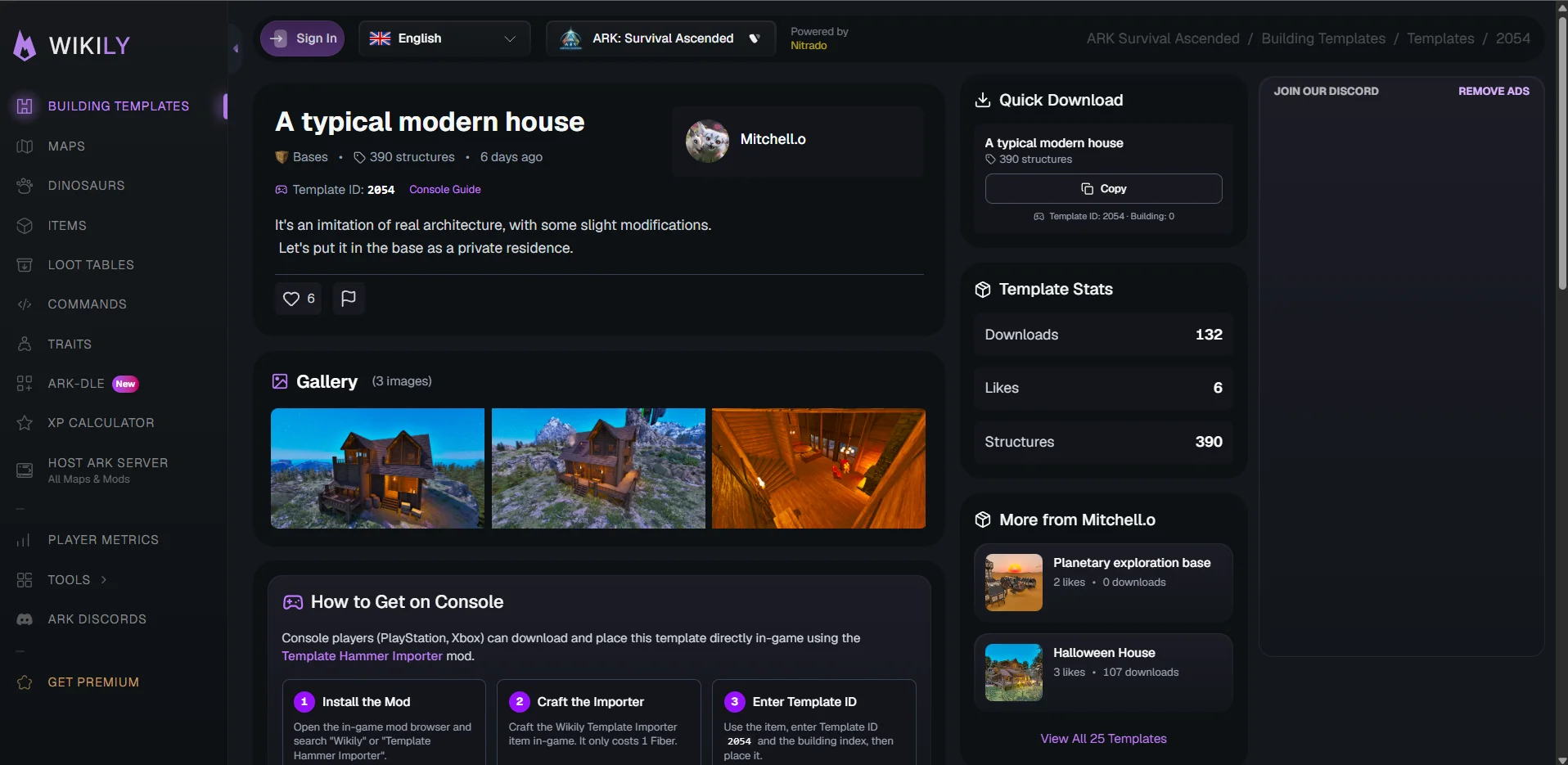
4. Find a template and note the IDs
Browse templates on Wikily.gg and pick one you like. At the top of every template page you will see the Template ID.
If the template has multiple buildings (because of the 2,000 structure cap), each building also has a Building ID (0 for the first, 1 for the second, etc.). You will find those in the download section.
5. Craft the Wikily Template Importer
Go into Singleplayer and enable Creative Mode, then craft the item. It costs 1 Fiber.
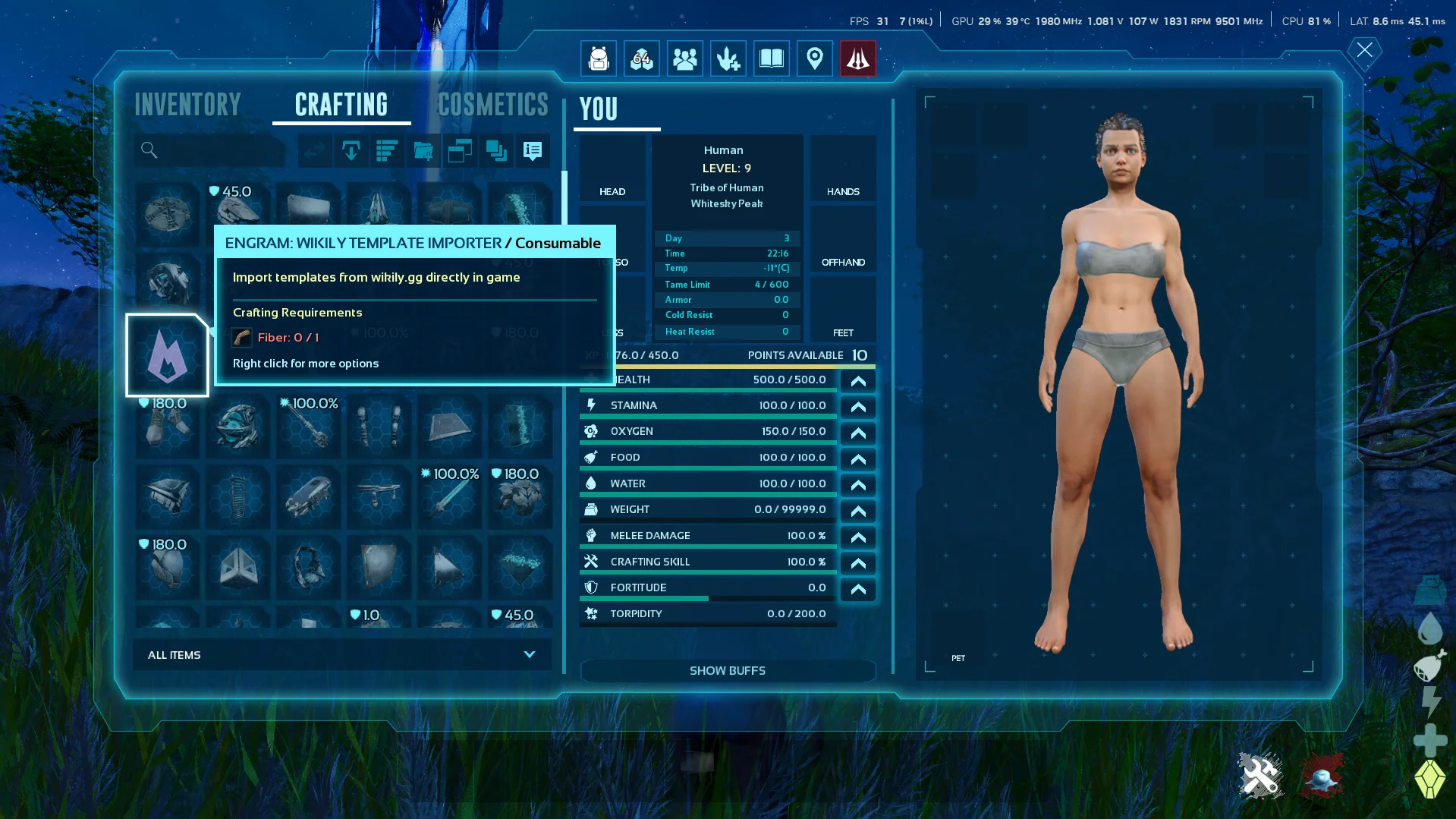
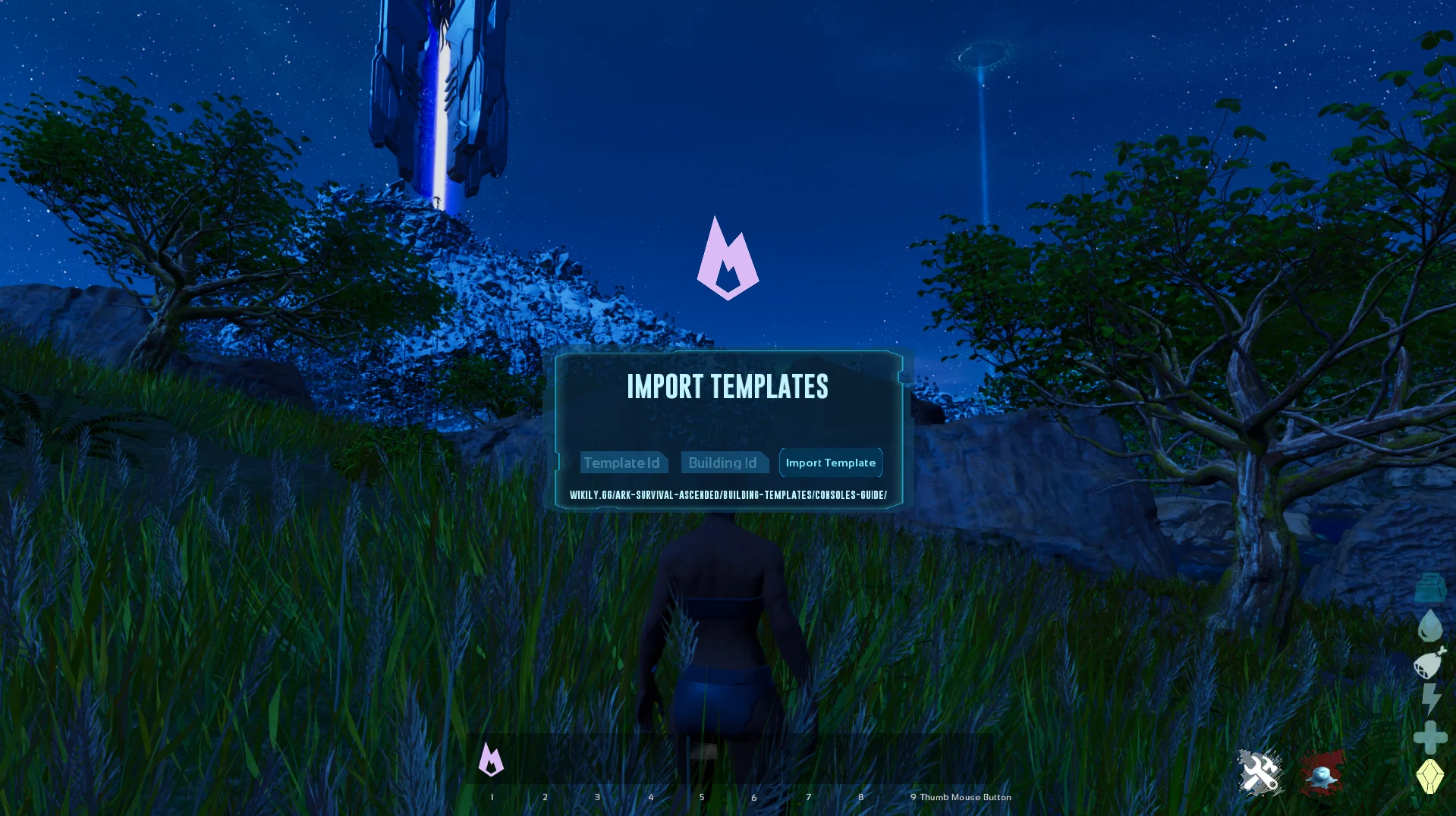
6. Enter the Template ID
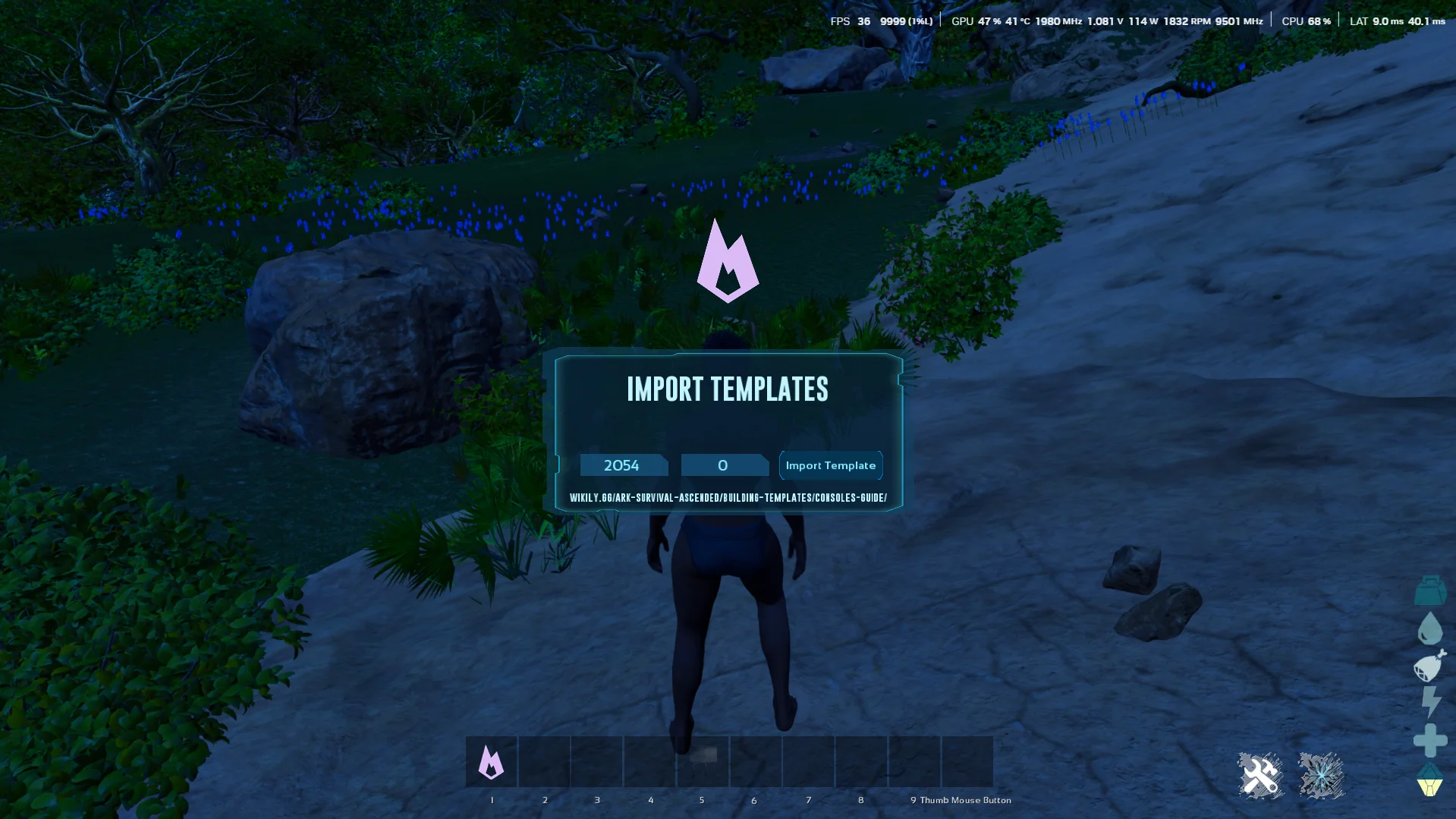
Use the item from your inventory. Enter the Template ID and the Building ID (defaults to 0 if the template only has one building).
7. Import the template
Press Import Template. The template downloads from Wikily's servers.
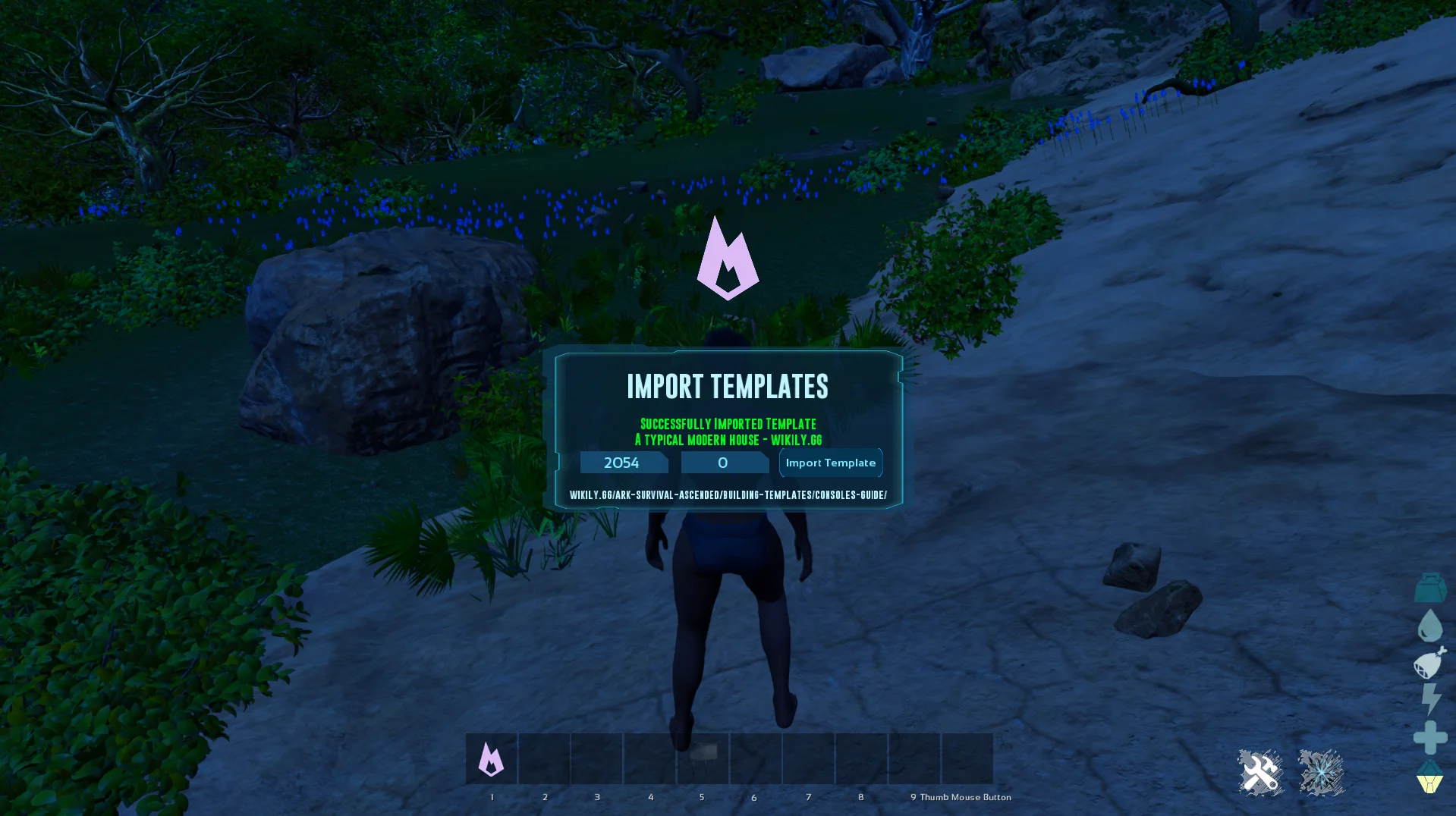
8. Done!
The template is now saved locally. You can place it right away, and reuse it on any server without downloading again.
Ready to build?
Browse thousands of community-made building templates.