INI-Generator
Rechner
Visueller Vergleich
Move the slider to compare the visual differences. Have another INI configuration to share? Post it in the ARK feedback channel. Discord beitreten
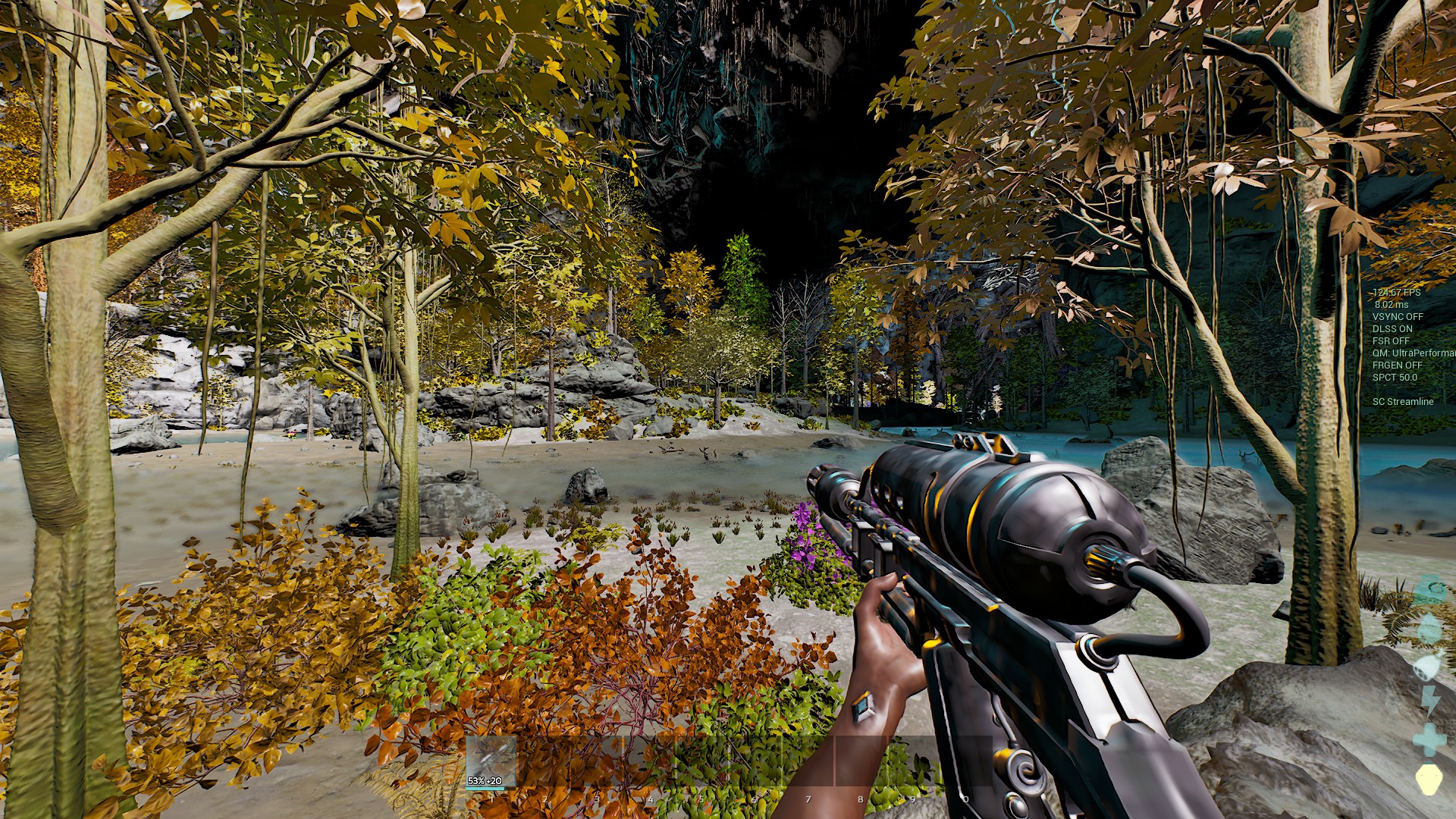

Ziehe den Regler, um die Standardgrafik mit der gewählten zu vergleichen. Ein Doppelklick setzt ihn in die Mitte.
Erzeugte Konsolenbefehle
r.ScreenPercentage 100 | r.vsync 1 | t.MaxFPS 60 | r.Tonemapper.Sharpen 0 | r.VolumetricCloud 1 | r.VolumetricFog 1 | r.Fog 1 | r.SkyAtmosphere 1 | r.ShadowQuality 3 | r.Shadow.Virtual.Enable 1 | r.Shadow.CSM.MaxCascades 4 | r.ContactShadows 1 | r.DistanceFieldShadowing 1 | r.Lumen.Reflections.Allow 1 | r.Lumen.DiffuseIndirect.Allow 1 | r.Lumen.Reflections.Contrast 0 | r.Lumen.ScreenProbeGather.RadianceCache.ProbeResolution 128 | r.DynamicGlobalIlluminationMethod 1 | sg.GlobalIlluminationQuality 3 | r.Water.SingleLayer.Reflection 1 | r.SSR.Quality 4 | r.SkylightIntensityMultiplier 1 | r.LightShaftQuality 1 | r.LightCulling.Quality 1 | grass.SizeScale 1 | grass.DensityScale 1 | grass.Enable 1 | sg.FoliageQuality 3 | foliage.LODDistanceScale 1 | r.foliage.WPODisableMultiplier 0 | r.BloomQuality 5 | r.DepthOfFieldQuality 2 | r.MotionBlur.Amount 1 | r.EyeAdaptationQuality 2 | r.PostProcessing.DisableMaterials 0 | r.Color.Grading 1 | r.LensFlareQuality 2 | ark.MaxActiveDestroyedMeshGeoCollectionCount 100 | FX.MaxCPUParticlesPerEmitter 100 | fx.MaxNiagaraGPUParticlesSpawnPerFrame 100 | fx.EnableNiagaraSpriteRendering 1 | sg.EffectsQuality 3 | sg.TextureQuality 3 | r.MipMapLODBias 0 | r.Streaming.PoolSize 3000 | r.Nanite.MaxPixelsPerEdge 1 | wp.Runtime.HLOD 1 | r.DetailMode 2 | r.MaxAnisotropy 8 | r.FidelityFX.FSR3.Enabled 0 | r.FidelityFX.FSR3.UseNativeDX12 0 | r.NGX.DLSS.Enable 0 | r.VT.EnableFeedback 1 | r.AOOverwriteSceneColor 0 | Slate.GlobalScrollAmount 20 | r.Water.SingleLayer 1 | r.Shading.FurnaceTest 0 | r.Shading.FurnaceTest.SampleCount 1 | r.SetNearClipPlane 10 | r.GlobalMinDirectionalLightAngle 0 | r.RefractionQuality 2 | r.TemporalAA 1 | Gamma 3Einstellungen
3 von 68 Einstellungen
Wie man es benutzt
- Select the performance features you want to enable.
- Copy the generated commands.
- Open ARK and press Tab to open the console.
- Paste the commands and press Enter.
- For permanent settings, add them to your GameUserSettings.ini file.