Custom Photo Everything

Workshop stats
Lifetime subscribers
Current subscribers
Lifetime favorites
Views
File size
Last updated
Published
Screenshots

Mod description
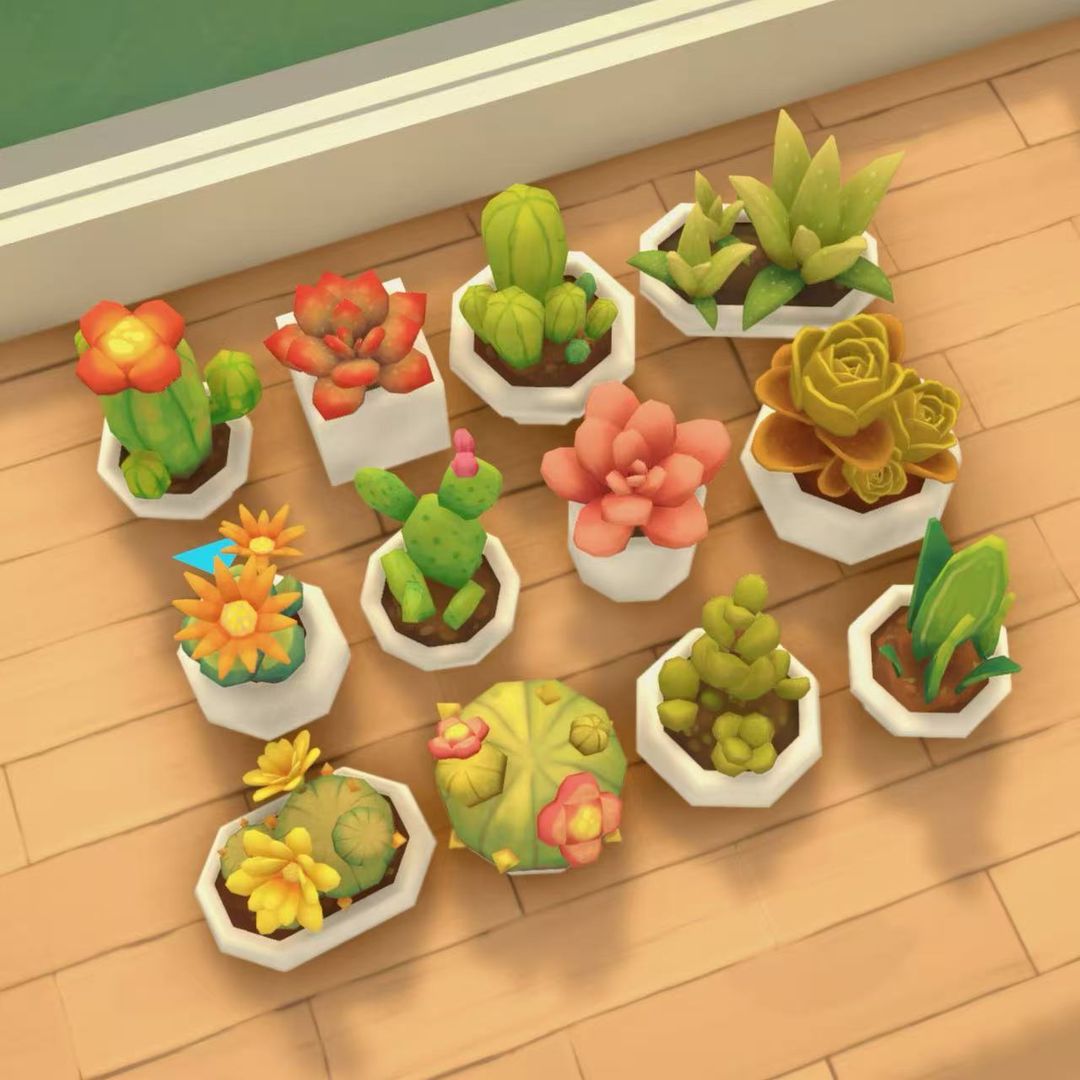
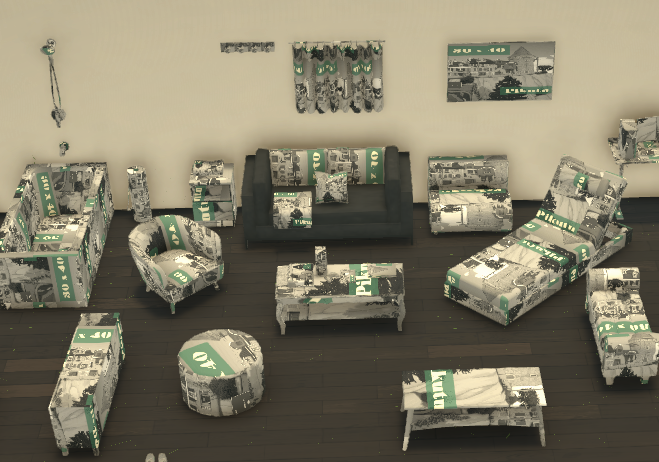
Photo Everything adds custom-photo versions of many furniture, decor, appliance, clutter, plant, rug, light, and build/buy objects.
Place a special Photo version of an object, then choose your own image in-game. These objects are separate from the original game items, so the normal versions stay untouched.
Includes photo-enabled beds, chairs, couches, tables, counters, appliances, doors, rugs, curtains, lights, plants, shelves, TVs, computers, clutter, decor, and more.
Look for items with Photo in the name.
Note I do not control where the image will end up. The placement entirely depends on how the item is built, and built in. - It is helpful to note how an object places an image, then edit the image you want to use. (Example use a bigger background and place the focus image on the left half of the square then save and upload)
Note If you remove the mod, placed Photo objects from this pack will disappear from your save. Some shapes may crop images depending on the object.
Written by the mod author on the Steam Workshop and shown in its original language.
More mods of this type
The most subscribed mods with the same Workshop tag. The number on each card is its lifetime subscribers.