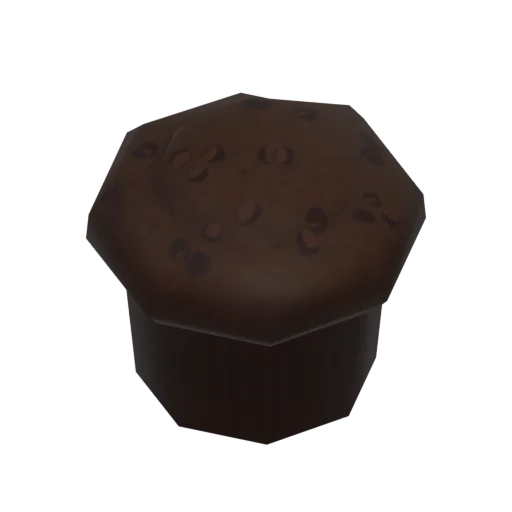
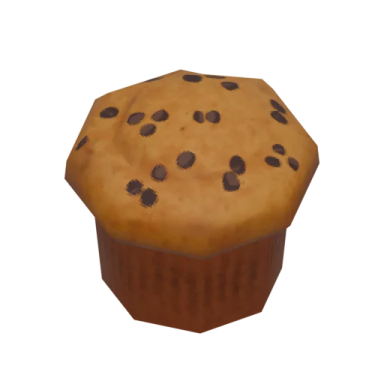
Chocolate Muffins
Bakery
Category
4
Steps
Yes
Vegetarian

How to cook it
- Gather ingredients from fridge
- Mix ingredients in bowl
- Fill cupcake tray
- Serve
Cooked with the Cooking skill, easier with Food knowledge

Recipe facts

How to unlock
How do you learn Chocolate Muffins in Paralives?
Computer
Click on a computer and select “Browse for new cooking recipes” to learn a new recipe. Limited to one new recipe per day.
General Store
Visit a General Store and select “Learn a random new recipe” to unlock a recipe from the daily selection.
Social
Another Parafolk who knows the recipe can “Teach recipe” to yours through a social interaction.
Cooking recipes level up the Cooking skill and benefit from the Food knowledge skill, which provides a 25% XP bonus per level.

More recipes
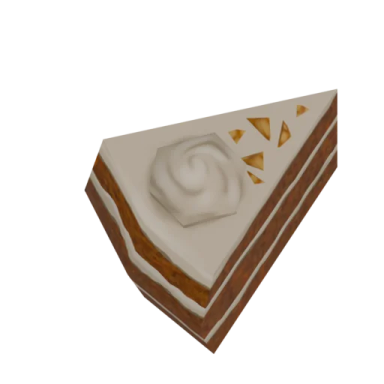
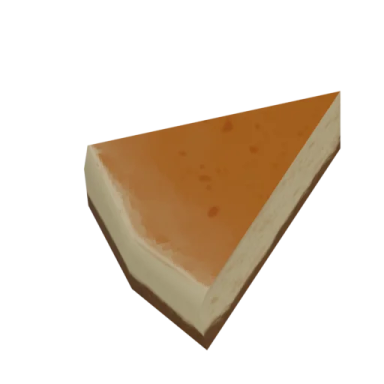
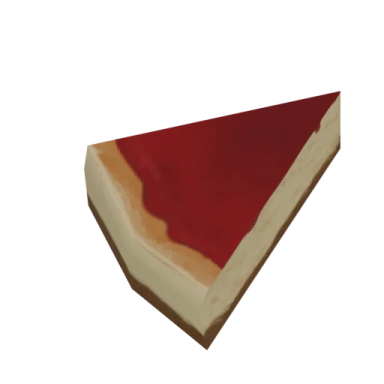
What are the related recipes in Paralives?


Frequently asked
Chocolate Muffins FAQ
How do you cook Chocolate Muffins in Paralives?
To cook Chocolate Muffins, your Parafolk follows 4 preparation steps: Gather ingredients from fridge, Mix ingredients in bowl, Fill cupcake tray, Serve. Select a Parafolk, click on a stove or counter, and choose “Cook” to start.
Is Chocolate Muffins vegetarian in Paralives?
Yes, Chocolate Muffins is a vegetarian recipe in Paralives.
Can you cook Chocolate Muffins for the whole household?
Yes, Chocolate Muffins can be cooked as both a single portion and a group portion that feeds the entire household.