INI 생성기
계산기
시각적 비교
Move the slider to compare the visual differences. Have another INI configuration to share? Post it in the ARK feedback channel. Discord 참여
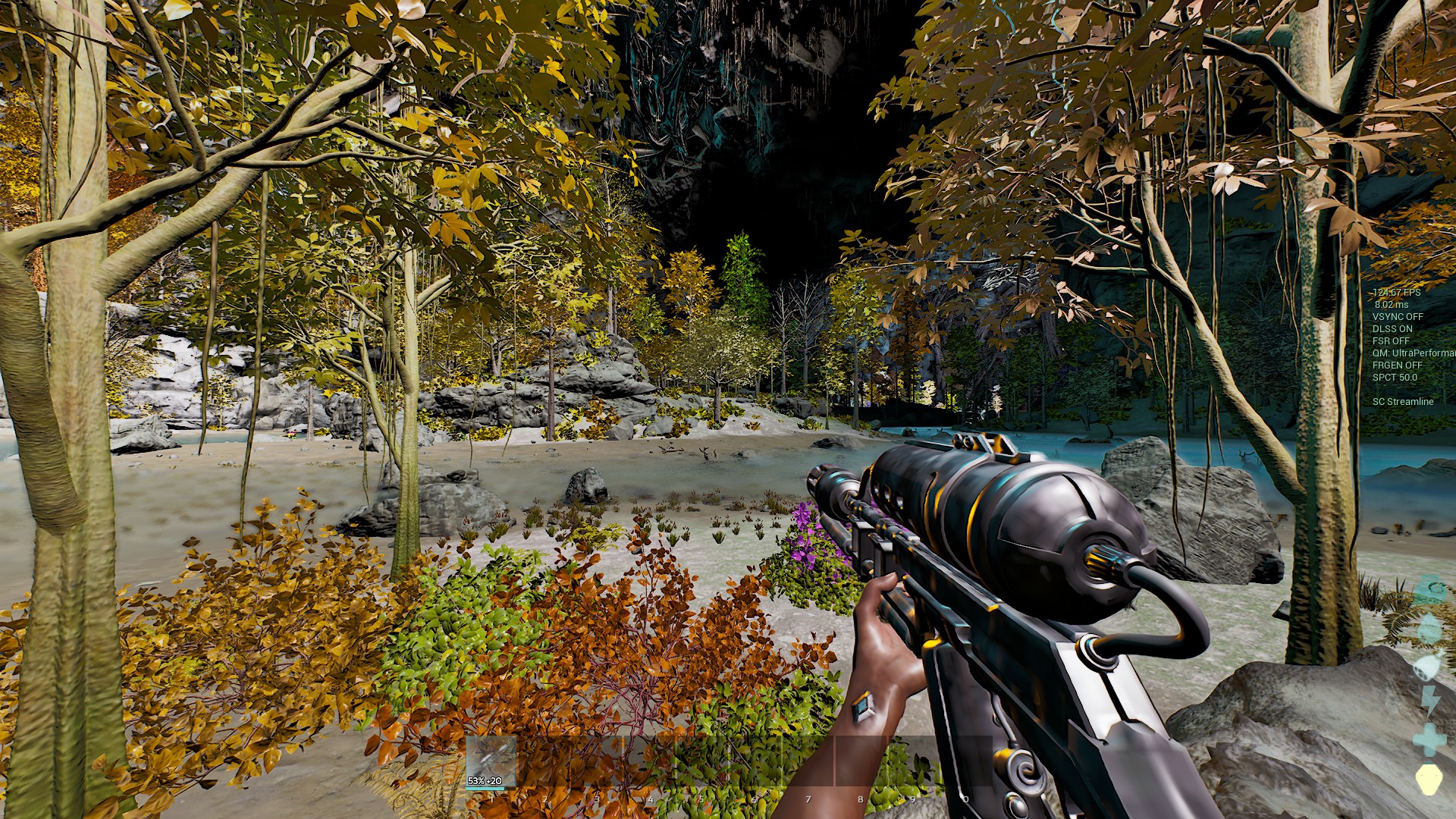
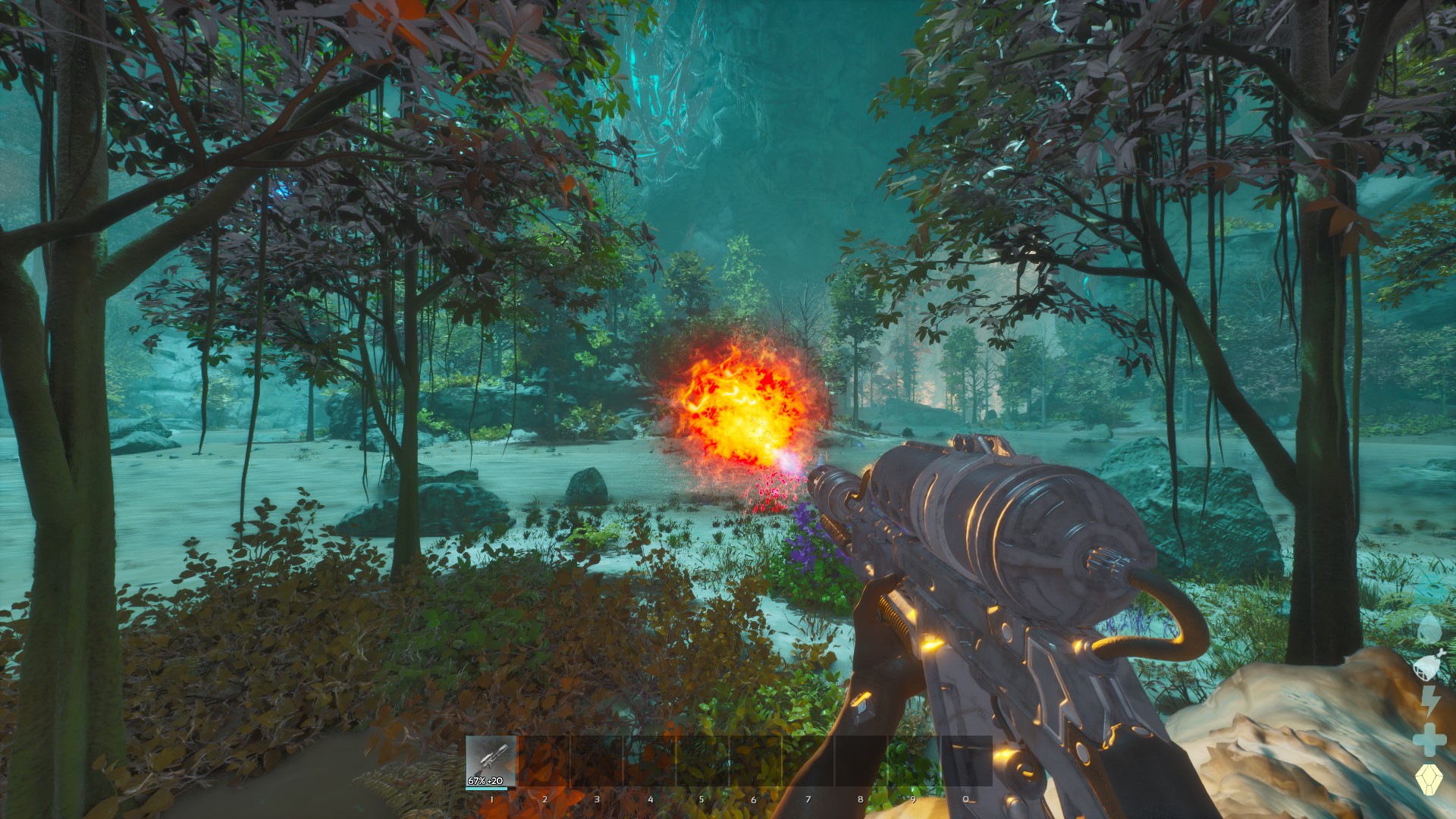
핸들을 드래그해 기본 그래픽과 선택한 그래픽을 비교하세요. 더블클릭하면 가운데로 돌아갑니다.
생성된 콘솔 명령어
r.ScreenPercentage 100 | r.vsync 1 | t.MaxFPS 60 | r.Tonemapper.Sharpen 0 | r.VolumetricCloud 1 | r.VolumetricFog 1 | r.Fog 1 | r.SkyAtmosphere 1 | r.ShadowQuality 3 | r.Shadow.Virtual.Enable 1 | r.Shadow.CSM.MaxCascades 4 | r.ContactShadows 1 | r.DistanceFieldShadowing 1 | r.Lumen.Reflections.Allow 1 | r.Lumen.DiffuseIndirect.Allow 1 | r.Lumen.Reflections.Contrast 0 | r.Lumen.ScreenProbeGather.RadianceCache.ProbeResolution 128 | r.DynamicGlobalIlluminationMethod 1 | sg.GlobalIlluminationQuality 3 | r.Water.SingleLayer.Reflection 1 | r.SSR.Quality 4 | r.SkylightIntensityMultiplier 1 | r.LightShaftQuality 1 | r.LightCulling.Quality 1 | grass.SizeScale 1 | grass.DensityScale 1 | grass.Enable 1 | sg.FoliageQuality 3 | foliage.LODDistanceScale 1 | r.foliage.WPODisableMultiplier 0 | r.BloomQuality 5 | r.DepthOfFieldQuality 2 | r.MotionBlur.Amount 1 | r.EyeAdaptationQuality 2 | r.PostProcessing.DisableMaterials 0 | r.Color.Grading 1 | r.LensFlareQuality 2 | ark.MaxActiveDestroyedMeshGeoCollectionCount 100 | FX.MaxCPUParticlesPerEmitter 100 | fx.MaxNiagaraGPUParticlesSpawnPerFrame 100 | fx.EnableNiagaraSpriteRendering 1 | sg.EffectsQuality 3 | sg.TextureQuality 3 | r.MipMapLODBias 0 | r.Streaming.PoolSize 3000 | r.Nanite.MaxPixelsPerEdge 1 | wp.Runtime.HLOD 1 | r.DetailMode 2 | r.MaxAnisotropy 8 | r.FidelityFX.FSR3.Enabled 0 | r.FidelityFX.FSR3.UseNativeDX12 0 | r.NGX.DLSS.Enable 0 | r.VT.EnableFeedback 1 | r.AOOverwriteSceneColor 0 | Slate.GlobalScrollAmount 20 | r.Water.SingleLayer 1 | r.Shading.FurnaceTest 0 | r.Shading.FurnaceTest.SampleCount 1 | r.SetNearClipPlane 10 | r.GlobalMinDirectionalLightAngle 0 | r.RefractionQuality 2 | r.TemporalAA 1 | Gamma 3설정
설정 68개 중 3개
사용 방법
- Select the performance features you want to enable.
- Copy the generated commands.
- Open ARK and press Tab to open the console.
- Paste the commands and press Enter.
- For permanent settings, add them to your GameUserSettings.ini file.