 농장
농장
설명
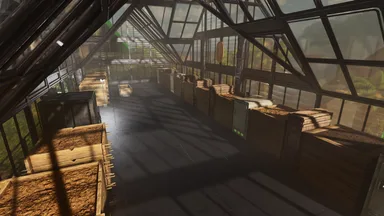
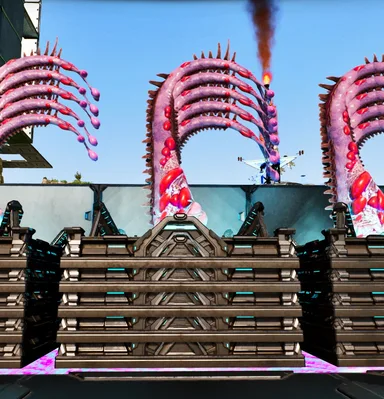
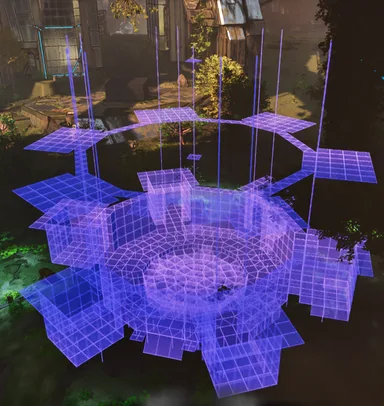
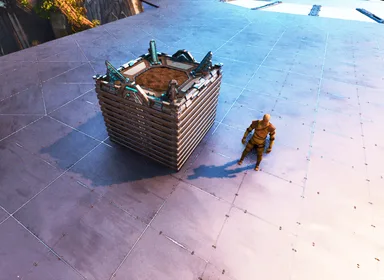
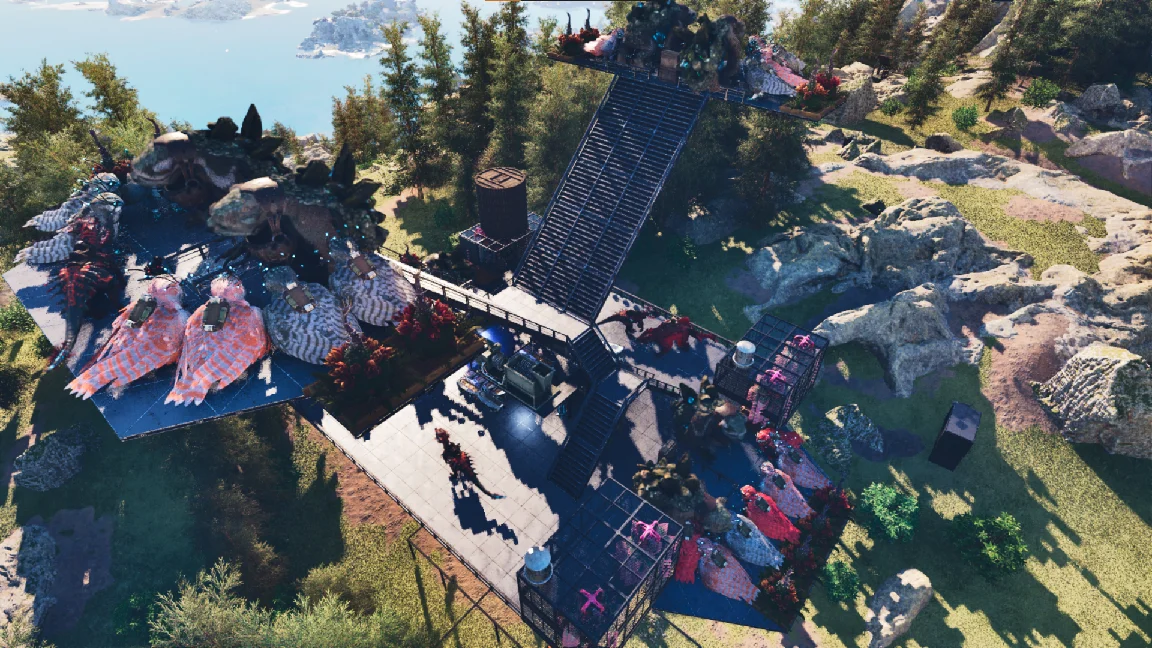
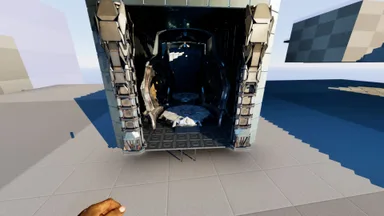
Heavily inspired by Raasclark's "How to Make an Automated Gacha Farm" video, I made this version on pillars so it can be placed anywhere, regardless of terrain. 4 Templates included 1 full build or 3 stages: - Stage1: Pillar Foundation - Stage2: Main Body - Stage3: Storage & Grinder Area If the main build is used, the template for some reason does not autobuild the Storage and grinder area so you will have to : - unequip template hammer (do not press complete build) - manually add quarter ceiling perimeter (see 2nd image) - equip template hammer and then continue with autobuild Alternatively, you can press complete and place the Storage area manually, take notice of which ceiling the doorframe is on, and while looking at it, keep cycling until it gets the correct orientation. It may look like it won't appear, but it will eventually if you keep staring at the ceiling. For building by stages, for stage 2, you will need to be slightly above the foundation to get it to snap correctly. The height was carefully considered as it is out of the damage range if a wild Giga appears or is lured to your Gacha Tower. Last Note: This is meant to work with Sir5rM8 to automatically fill the storage boxes with Plant Y. Currently, he is broken on official servers 01 -Sept-2025. But on unofficial servers, I have heard he is working as intended. The centermost spot is next to the tek trough, which feeds all dinos in range, and you can place a few pego there to catch crystals, High level pego is needed; level 400s are in rotation on official PVE servers, so you should be fine. For any assistance, leave a comment and also like if it helped you :)
콘솔에서 받는 방법
콘솔 전체 가이드콘솔 플레이어 (PlayStation, Xbox)는 Template Hammer Importer 모드를 사용해 게임 안에서 이 템플릿을 바로 다운로드하고 설치할 수 있습니다.
- 1모드 설치Open the in-game mod browser and search "Wikily" or "Template Hammer Importer".
- 2임포터 제작싱글플레이어 + 크리에이티브 모드에 들어가 Wikily 템플릿 임포터를 제작하세요 (섬유 1개).
- 3템플릿 ID 입력아이템을 사용하고 템플릿 ID(
979)와 건축 색인을 입력한 다음 설치하세요.


 Bases
Bases
 유틸리티
유틸리티