Bases
Bases
설명
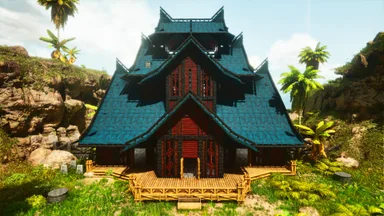
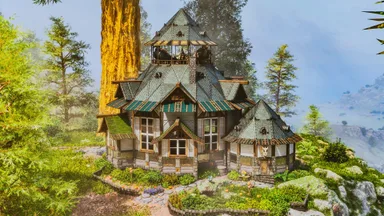
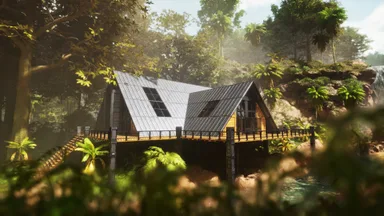
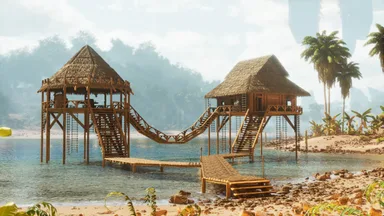
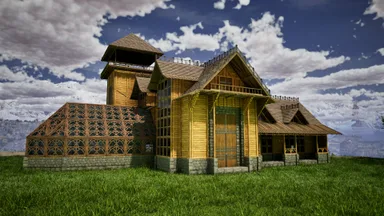
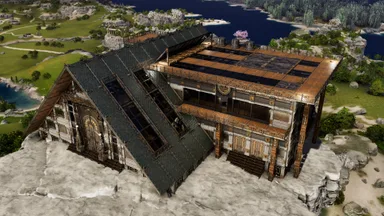
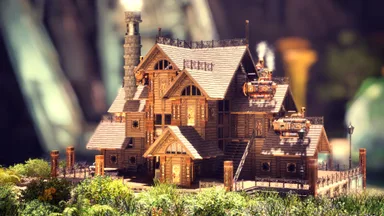
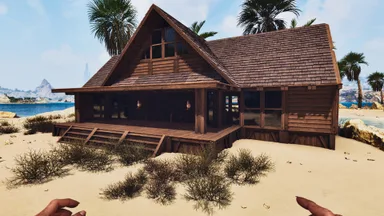
My Ultimate Tek Base, it is a very big build with multiple parts. Should be complete but in case small parts are missing or not placing check the tutorial! Should work on official I removed most overlaping pieces so no or only minor adjustments are needed. - Place three foundation parts first - Then add the left side of the building - Then add the A-Frame - Then add the Storage Room - Then add the Crafting Hall No mods needed but you can of course improve it with mods or cosmetics, especially the glass windows!
콘솔에서 받는 방법
콘솔 전체 가이드콘솔 플레이어 (PlayStation, Xbox)는 Template Hammer Importer 모드를 사용해 게임 안에서 이 템플릿을 바로 다운로드하고 설치할 수 있습니다.
- 1모드 설치Open the in-game mod browser and search "Wikily" or "Template Hammer Importer".
- 2임포터 제작싱글플레이어 + 크리에이티브 모드에 들어가 Wikily 템플릿 임포터를 제작하세요 (섬유 1개).
- 3템플릿 ID 입력아이템을 사용하고 템플릿 ID(
816)와 건축 색인을 입력한 다음 설치하세요.