 Bases
Bases
설명
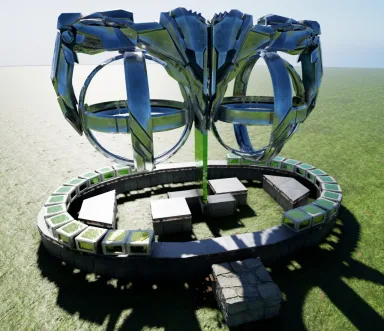
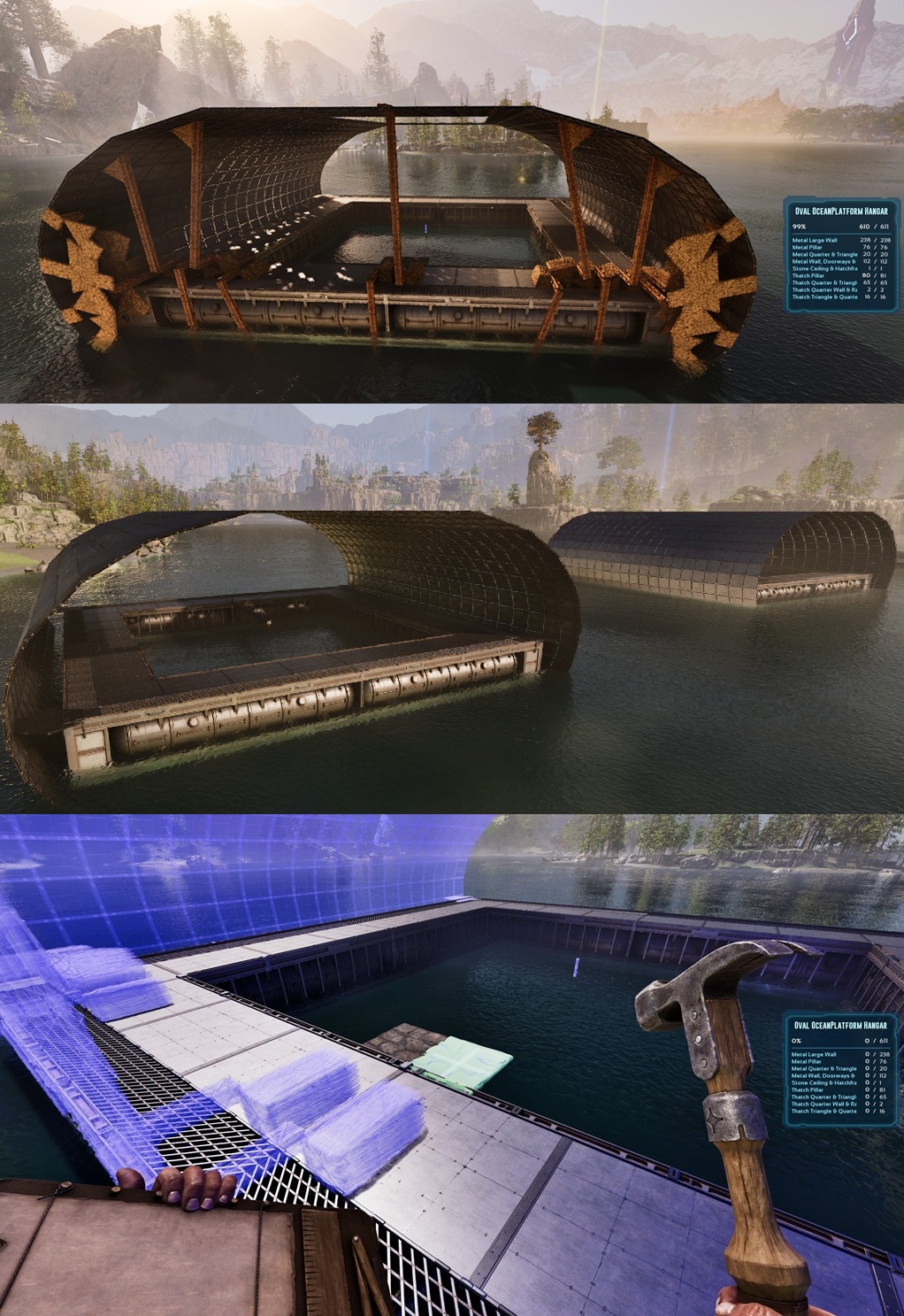
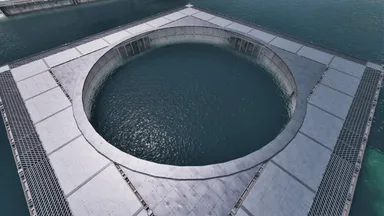
This places a 24 sided Oval over&around an OceanPlatform & basically turns em into a Hangar I build this because its possible & because the Oval and the Platform just fit together effordlessly...which, is beautiful imho! - place a "north-turned" Ceiling "left of the Center" inside the Pool & snap this Template to it [OceanPlatforms are basically giant Foundations, so when you place one in front of you, its "north-turned"] The Scaffolding will build a Wall-Ring with Pillars (outside) on both Ends. These will keep the Oval intact & the Rest is just filled with large Walls The 4 Hexagons on/in the Corners are offset by half a Wall and connect the Platform and the Oval with Pillars! (19+2Hexagons is the Ovals Diameter!) - remove all Thatch...id say, disconnect the Oval first & keep the Rest of the Scaffolding till the End, u never konw... Thats all for the basic Build! If you want to close it, id recommend placing quarterCeilings inside the Oval, then you can just use the normal(and sloped)Walls from the Platform to "cut into them" and close it all there might be some small "Wall-Ears" visible outside, but a Glass skin would fix that [it IS possible to avoid these, but that comes at the cost of MANY Pieces & Complications, YOUR Choice^^] OFC You could also place multiple & turn like 4 of them into one HUGE Hangar! And lastly, as you can see on the Screen, if you have enough flat-Ground to "simulate a Platform", you can just DoubleClick a Foundation somewhere and build a Hangar on normal Ground! YOU just need to tinker a bit, but all the Pieces are there and i even added some convenient extra Foundations & Pillars for this Use-Case! PS: The lonely Pillar in the Center is just the "Grab-Point" for the Template (ignore it) Enjoy
콘솔에서 받는 방법
콘솔 전체 가이드콘솔 플레이어 (PlayStation, Xbox)는 Template Hammer Importer 모드를 사용해 게임 안에서 이 템플릿을 바로 다운로드하고 설치할 수 있습니다.
- 1모드 설치Open the in-game mod browser and search "Wikily" or "Template Hammer Importer".
- 2임포터 제작싱글플레이어 + 크리에이티브 모드에 들어가 Wikily 템플릿 임포터를 제작하세요 (섬유 1개).
- 3템플릿 ID 입력아이템을 사용하고 템플릿 ID(
3107)와 건축 색인을 입력한 다음 설치하세요.


 장식
장식