 Bases
Bases
설명
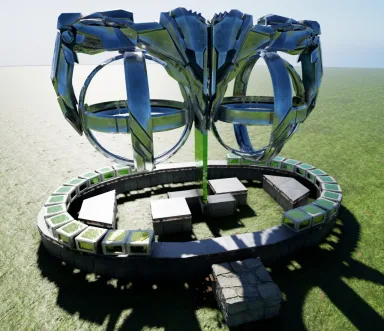
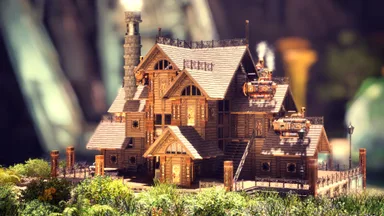
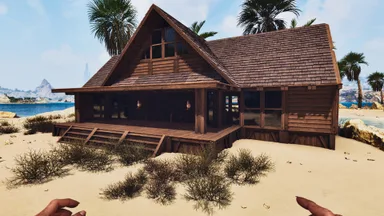
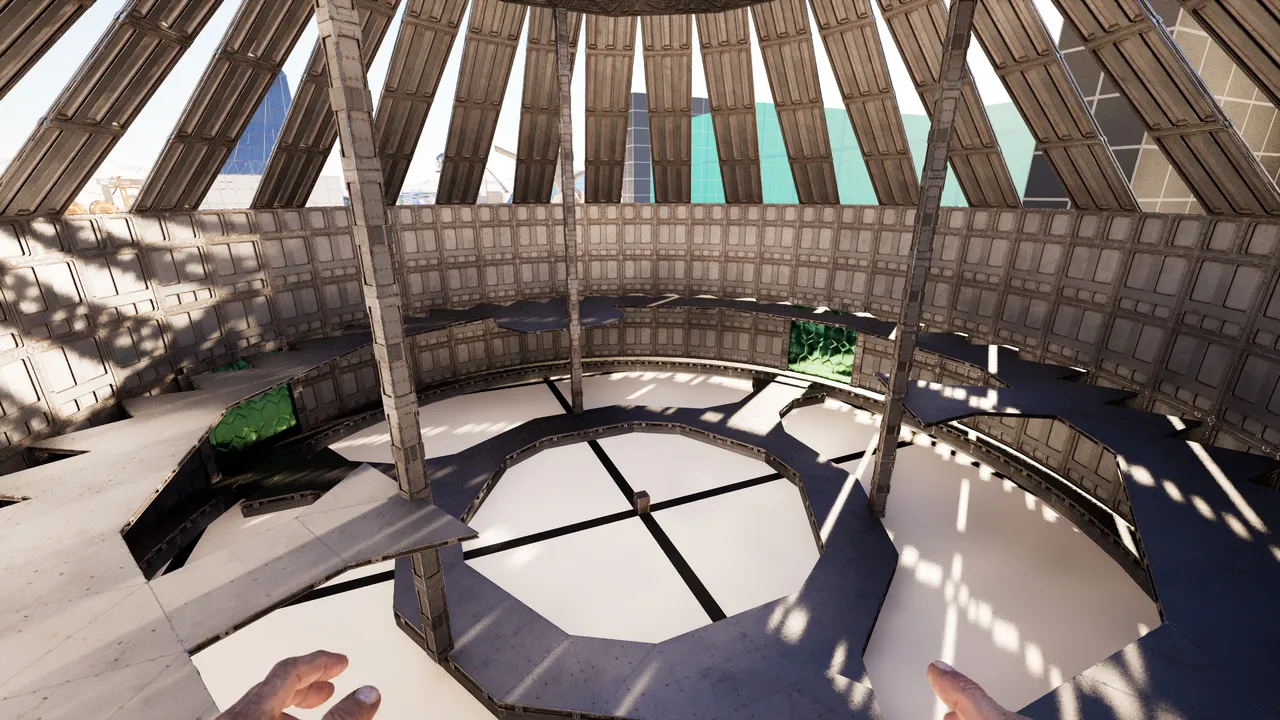
48Sided House with Floors & Roof - its the 48 sided small foundation circle with large walls all around - the upper rim is a layer of quarter walls, that are needed to offset the triangle roofs & also have the pillars in them to make it all "one ring" [if you want to make the foundation ring "one" , you need to add pillars on the foundations] - the entire center is just one of the four 12 sided circle plates lowered by 16 & i gave it connection to the outer rim on 3 sides with 8 offset [meaning you can freely overlap these floors & have ceilings cut into foundations] - to close the floors, fill the outer rim with triangles & then the leftover 90°gaps with quarter ceilings - lastly use quarter ceilings all around(on the large walls) to cover up your floor plates pointy ends & id recommend also adding a ring of pillar-beams! it gives it an overall solid look you can have any one wall/pillar going up to hold the floors/ceiling, i just used 3 pillars for symmetry & safety^^ - the triangle roofs would block the ramps "below them" from being build, so these have to be added by hand later on to close the roof - as final touch add a ring of railing onto the ceiling plate on top (its a great spot for a teleporter for example) - the 3 "gates" are made out of 4 tek ceiling doors, held by that pillar frame PS: the hammer is sometimes stupid & places foundations without connection to all neighbouring ones... replacing them by hand will connect to all sides.... idk why, but #arklife i think thats all enjoy
콘솔에서 받는 방법
콘솔 전체 가이드콘솔 플레이어 (PlayStation, Xbox)는 Template Hammer Importer 모드를 사용해 게임 안에서 이 템플릿을 바로 다운로드하고 설치할 수 있습니다.
- 1모드 설치Open the in-game mod browser and search "Wikily" or "Template Hammer Importer".
- 2임포터 제작싱글플레이어 + 크리에이티브 모드에 들어가 Wikily 템플릿 임포터를 제작하세요 (섬유 1개).
- 3템플릿 ID 입력아이템을 사용하고 템플릿 ID(
2888)와 건축 색인을 입력한 다음 설치하세요.



 장식
장식