 유틸리티
유틸리티
설명
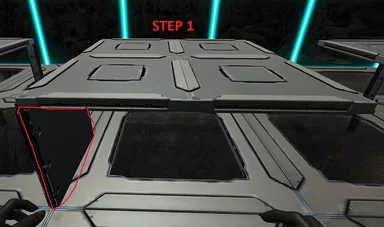
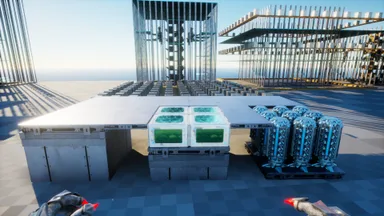
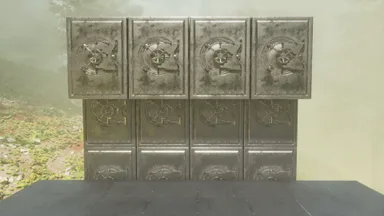
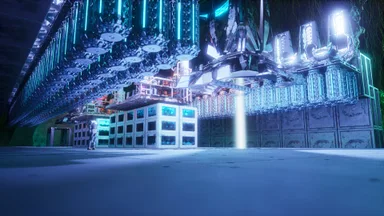
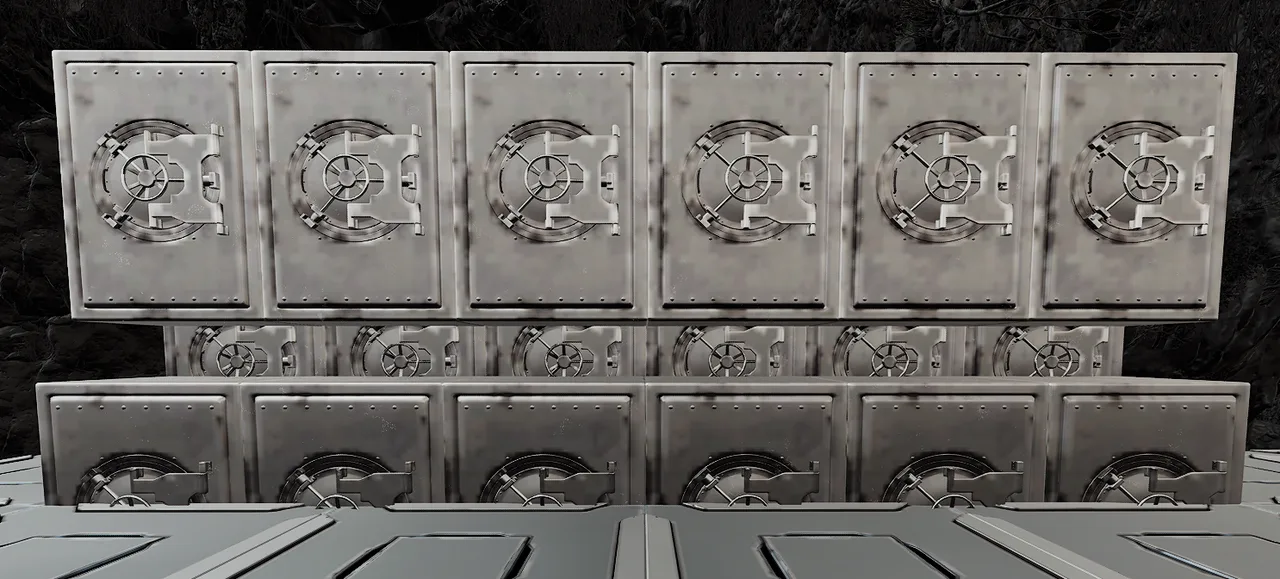
Follow the pictures attached. Step 1: - Setup you floor for the vaults. it needs to be 1 Quarter wall lower than walking floor level - Place Quarter ceiling in the back or the hole you left for the vaults to fall into Step 2: - Place and build '1st and 2nd Layer' template and break thatch wall Step 3: - Place '3rd row Final Final' template and break thatch wall Note: You can not place all three layers at the same time. the 3rd row will fall into the first row and you ill have to pick them back up Note: Both templates ate fully auto buildable provided it is not obstructed I added a normal 1 layer template in as well.
콘솔에서 받는 방법
콘솔 전체 가이드콘솔 플레이어 (PlayStation, Xbox)는 Template Hammer Importer 모드를 사용해 게임 안에서 이 템플릿을 바로 다운로드하고 설치할 수 있습니다.
- 1모드 설치Open the in-game mod browser and search "Wikily" or "Template Hammer Importer".
- 2임포터 제작싱글플레이어 + 크리에이티브 모드에 들어가 Wikily 템플릿 임포터를 제작하세요 (섬유 1개).
- 3템플릿 ID 입력아이템을 사용하고 템플릿 ID(
1039)와 건축 색인을 입력한 다음 설치하세요.


 터렛 타워
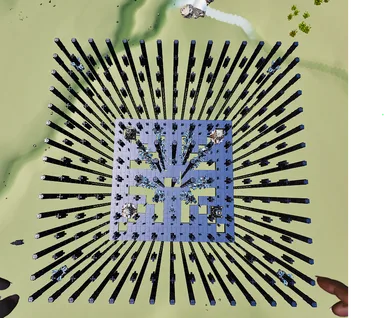
터렛 타워