基地
基地
説明
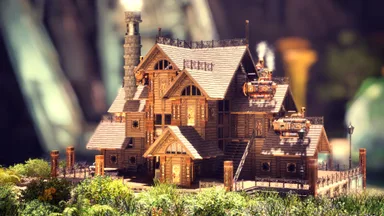
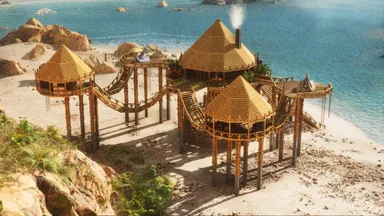
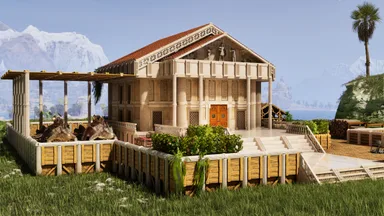
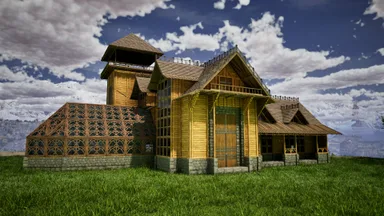
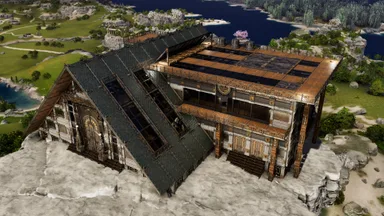
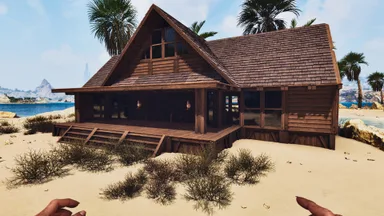
Welcome to the ultimate ARK: Survival Ascended starter base tutorial! In this video, I'll walk you through how to build the easiest and most efficient beginner base you can make. Say goodbye to the ‘Bob’s Box’ and hello to a cozy, functional, and secure home for your journey on ARK! Inside this easy starter base, you'll find everything you need for a great start, from a crafting and living area on the first floor to a bedroom and storage zone upstairs. Plus, there’s a built-in dino pen outside to keep your first tames safe and sound. Whether you're new to ARK or looking for a fresh start, this beginner base will help you survive and thrive on the island. If you enjoy the video, don't forget to like, comment, and subscribe for more ARK: Survival Ascended tutorials, tips, and epic base builds!
コンソールでの入手方法
コンソール向け完全ガイドコンソール (PlayStation、Xbox) のプレイヤーは、Template Hammer Importer Modを使って、このテンプレートをゲーム内で直接ダウンロードして設置できます。
- 1ModをインストールOpen the in-game mod browser and search "Wikily" or "Template Hammer Importer".
- 2インポーターをクラフトシングルプレイ + クリエイティブモードに入り、Wikily Template Importer (繊維1個) をクラフトします。
- 3テンプレートIDを入力アイテムを使い、テンプレートID
195と建築インデックスを入力して設置します。