

How to Transfer an ASA Single-Player World to a Server
Your single-player world, with its tames and buildings, can run on your own dedicated server.
Back up first
Copy the SavedArksLocal folder on your PC (below) and the server's ShooterGame\Saved\SavedArks folder somewhere safe before you change anything.
Find the world on your PC
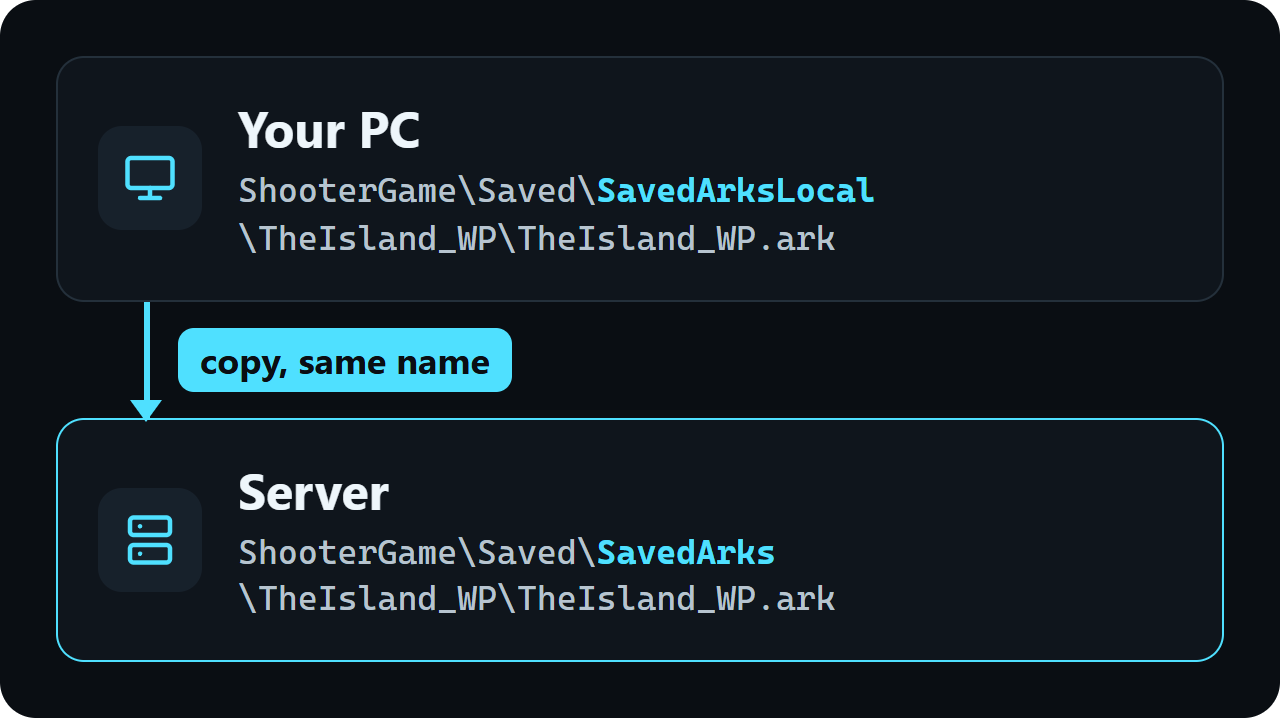
Single-player saves are in the game's install folder, one folder per map:
...\steamapps\common\ARK Survival Ascended\ShooterGame\Saved\SavedArksLocal\TheIsland_WP\TheIsland_WP.ark
In Steam, right-click the game, then Manage and Browse local files to open the install folder.
Put it on your server
1. Stop the server: run saveworld, then DoExit, over RCON or in the admin console. 2. Copy TheIsland_WP.ark into ShooterGame\Saved\SavedArks\TheIsland_WP on the server, replacing the file there.
3. Start the server with the same map name in its start line (TheIsland_WP). A different map name starts a different world.
Other maps work the same way, with their own folder and file name, for example ScorchedEarth_WP\ScorchedEarth_WP.ark.