 装饰
装饰
描述
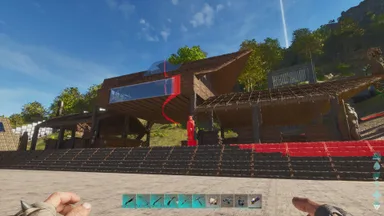
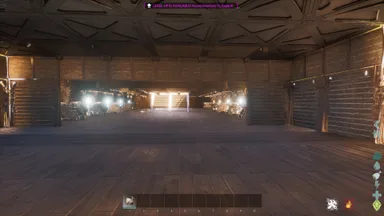
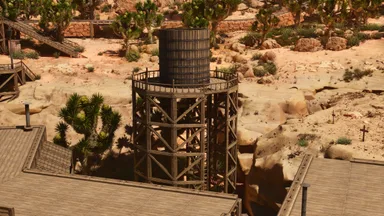
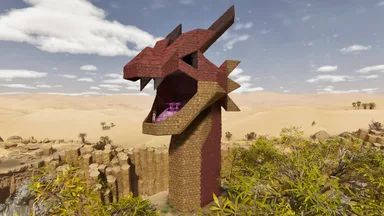
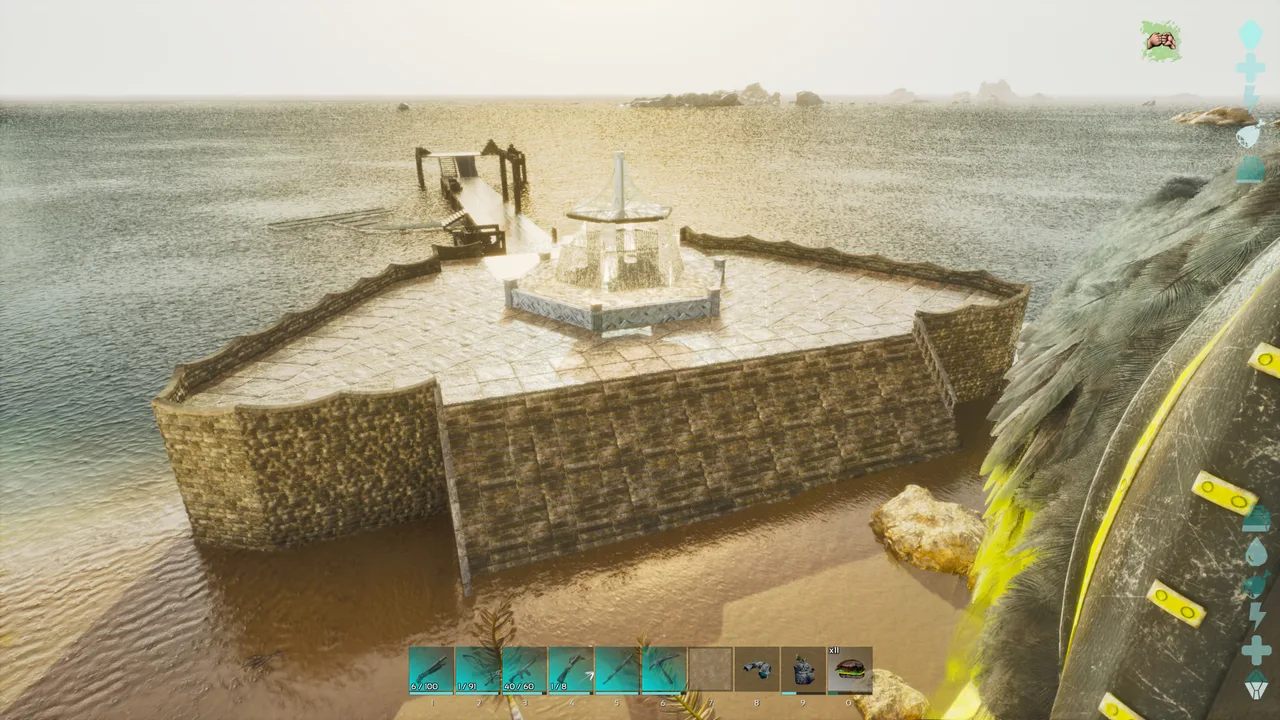
This comes in 2 parts and should snap together. This is based loosely off of assassin's creed black flag when you enter into Havana's port. I used quite a bit of decor with this. When building the fountain, you will have to place beams on the triangle ceiling tiles first. Step 1: then place one pillar onto the ceiling tile beam. Step 2: Then place one vertical beam on top of the pillar. Step 3: Then place another pillar in the second spot away from the beam. Step 4: Then place a beam going towards the other beam. They should kind of meet up. Step 5: Then place a pillar where the two beams meet. Delete one of the outside pillars and repeat all steps until the top horizontal beams match the floor beams with the pillars at all six points. I forgot one mod which gives the water effect for the ceiling it is: Arcadian Structures. There is a structure mod that allows you to change a tile to water, pond or clear. After the structure is placed, you will have to adjust the grass looking tile to the water one.
主机端获取方法
完整主机指南主机玩家(PlayStation、Xbox)可以使用 Template Hammer Importer 模组,直接在游戏内下载并放置此模板。
- 1安装模组Open the in-game mod browser and search "Wikily" or "Template Hammer Importer".
- 2制作导入器进入单人 + 创造模式,制作 Wikily 模板导入器(1 个纤维)。
- 3输入模板 ID使用该物品,输入模板 ID
1300和建筑索引,然后放置。


 基地
基地