Updated / Live tracking / Free on Windows
Less searching. More surviving.
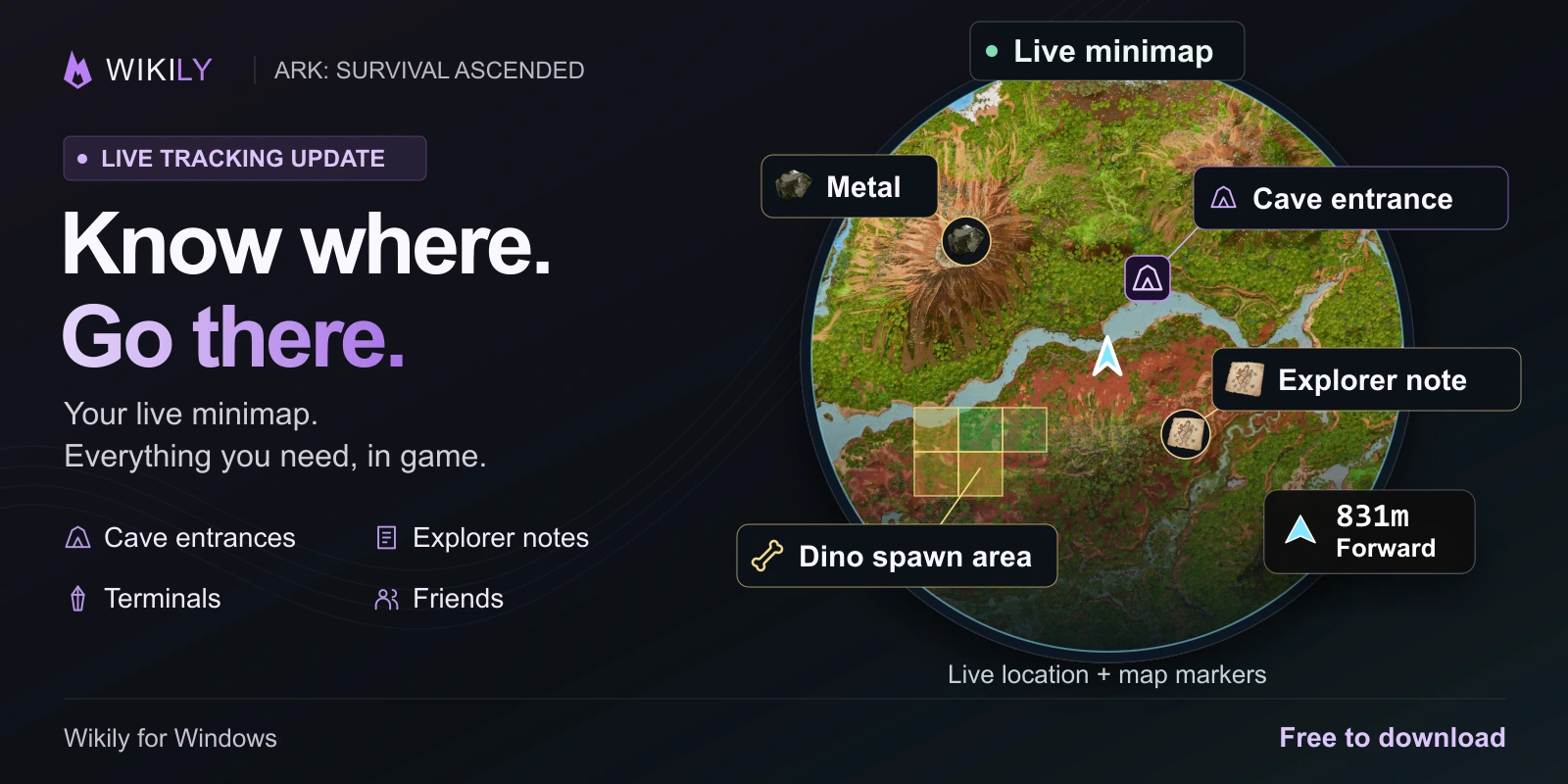
Your live minimap, cave entrances, explorer notes, terminals and friends, right in ARK. Pick a destination and follow it while you play. Press Shift + F9 to open it.
- Sonsuza dek ücretsiz
- İsteğe bağlı arkadaş paylaşımı
- Her haritada çalışır
- Overwolf üzerinde çalışır
Your location, map markers and friends, right in game.
Neler sunar
Everything below runs over the game, without alt-tabbing.
Keep your live position and heading in view while you play. Resize the minimap, zoom in and put it where it fits your HUD.
Track cave entrances, explorer notes and obelisk terminals with direction and distance right in your game. Choose a compass bar, guidance around your crosshair or a movable panel.
Share your position with friends and tribemates who connect using your code. See their latest location and follow them in game. Sharing is opt-in and you can stop it at any time.
Resource nodes, caves, drops, spawns, notes and artifacts as toggleable layers. Find what you need without leaving the game.
The whole template library, open next to your build instead of on a second monitor.
Start a tame, keep the timer on screen, and get the food and narcotic counts without alt-tabbing.
Stats, taming times, drops and calculators for every creature, plus the full item and structure reference.
Draw your own crosshair over the game for weapons that do not have one.
Performance in a small corner overlay, positioned wherever you want it. Second-screen support for multi-monitor setups.
Something to do while a 4 hour tame ticks down.
More features are on the way, including the rest of the tools from this site.
What it looks like in game
Kurulum bir dakika sürer
One installer. It sets up Overwolf and Wikily together.
The overlay attaches itself. Nothing to configure.
The menu opens over the game. Press it again to close.
Kurmadan önce
Yes. The overlay is free to download and free to use. There is nothing to buy inside it.
Sign in to use friend sharing, enable it and create a connection code for a friend. Only connected people can see the position you share. You can stop sharing or revoke access at any time.
Press Shift + F9 while ARK is running. You can change the hotkey in the app settings if it clashes with something else.
Windows PC only, for ARK: Survival Ascended. The overlay runs on Overwolf, which does not exist on console or mobile.
It runs on Overwolf, a platform built for in-game overlays that reads nothing from the game process beyond what its public API exposes. It does not modify game files.
Remove it from the Overwolf app list, the same way as any other Overwolf app. Nothing is left behind in your ARK install.
Follow your position on the minimap as you play. Choose a cave entrance, explorer note or terminal to track, or connect with a friend who shares their position. Your direction and distance stay in view while you explore.
Wiki'yi oyunun içine taşıyın
Windows'ta ücretsiz. ARK çalışırken Shift + F9 tuşlarına basın.