
GTA 6 조작과 설정
PS5와 Xbox Series X|S의 버튼 배치, 세 가지 조작 방식, 각 설정 탭의 내용을 게임 메뉴에서 직접 확인해 정리했다.
기본 조작
게임의 조작 화면에 표시된 기본 배치. Xbox 버튼도 같은 위치에 있다. 조준에 대한 Xbox 화면은 공개되지 않았으며, 나머지는 동일하다.
- L2LTAim, interactAim, interactBrake, reverseThrottle downLock on, strafeBrake, reverseBrake left
- L1LBHolsterHolsterHolsterHolster-HolsterHolster
- Left stickLeft stickMoveMoveTurnPitch and rollMoveTurn, leanTurn
- L3LS clickRunRunHorn, nitrousUndercarriage-Bell-
- D-pad ↑D-pad ↑PhoneZoom scope inPhonePhone---
- D-pad ←D-pad ←RadioSwitch shoulderIndicate leftRadio---
- D-pad ↓D-pad ↓Objective, minimapZoom scope outObjective, minimapObjective, minimap---
- D-pad →D-pad →Detonate explosivesDetonate explosivesIndicate right----
- Touch padViewMapMapMapMap---
- R2RTShootShootAccelerateThrottle upGrapplePedalBrake right
- R1RBCoverCoverShootShoot-ShootShoot
- △YInteractQuick swap weaponExit vehicleExit vehicle-DismountDetach parachute
- ○BCrouchCrouchHeadlightsYaw right-Bunnyhop-
- □XMeleeMeleeMeleeYaw leftPunch, kickMelee-
- ✕AJump, climb-Handbrake-Block, dodgeSprintOpen parachute
- Right stickRight stickLookLookLookLookLookLookLook
- R3RS clickLook behindZoom, throw pathLook behindLook behind-Look behindLook behind
- OptionsMenuPausePausePausePause---
대시(-)는 해당 상황에서 조작 화면에 그 버튼의 동작이 지정되어 있지 않음을 뜻한다.
조작 방식
조작 방식 탭에서는 기본, 클래식, 왼손잡이용을 선택할 수 있다. 클래식은 페이스 버튼을 Grand Theft Auto V의 배치로 되돌리며, 기본에서는 달리기가 왼쪽 스틱으로 옮겨졌다.
더 보기
각 방식에는 상황별 컨트롤러 그림이 있다: 도보, 조준, 근접 공격, 지상 및 수상 차량, 항공기, 자전거, 수영, 낙하산.
출처: Eurogamer, Finger Guns, The Outer Haven
길게 누르기 버튼과 Focus
- Focus
- L3와 R3(양쪽 스틱)를 동시에 누른다. 게임 내 프롬프트: "Focus L3 R3".
- 로드아웃
- L1(LB)을 길게 눌러 무기 로드아웃을 연다.
- 방향 패드 길게 누르기
- 방향 패드를 길게 누르면 WAINK 앱, 라디오 메뉴, 빠른 길 찾기, 파트너 메뉴가 열린다.
- 휴식
- 도보 중에 Circle(B)을 길게 누른다.
- 사람들과 대화
- 누군가의 근처에서 L2(LT)를 길게 눌러 인사하거나, 도발하거나, 진정시킨다.
Sources: Digital Foundry, Eurogamer, VGC
클래식 방식
클래식은 도보 시 페이스 버튼을 Grand Theft Auto V의 배치로 되돌린다: 점프와 오르기는 Square(Xbox에서는 X), 근접 공격은 Circle(B), 달리기는 Cross(A), 웅크리기는 L3(왼쪽 스틱 클릭).
무기 휠
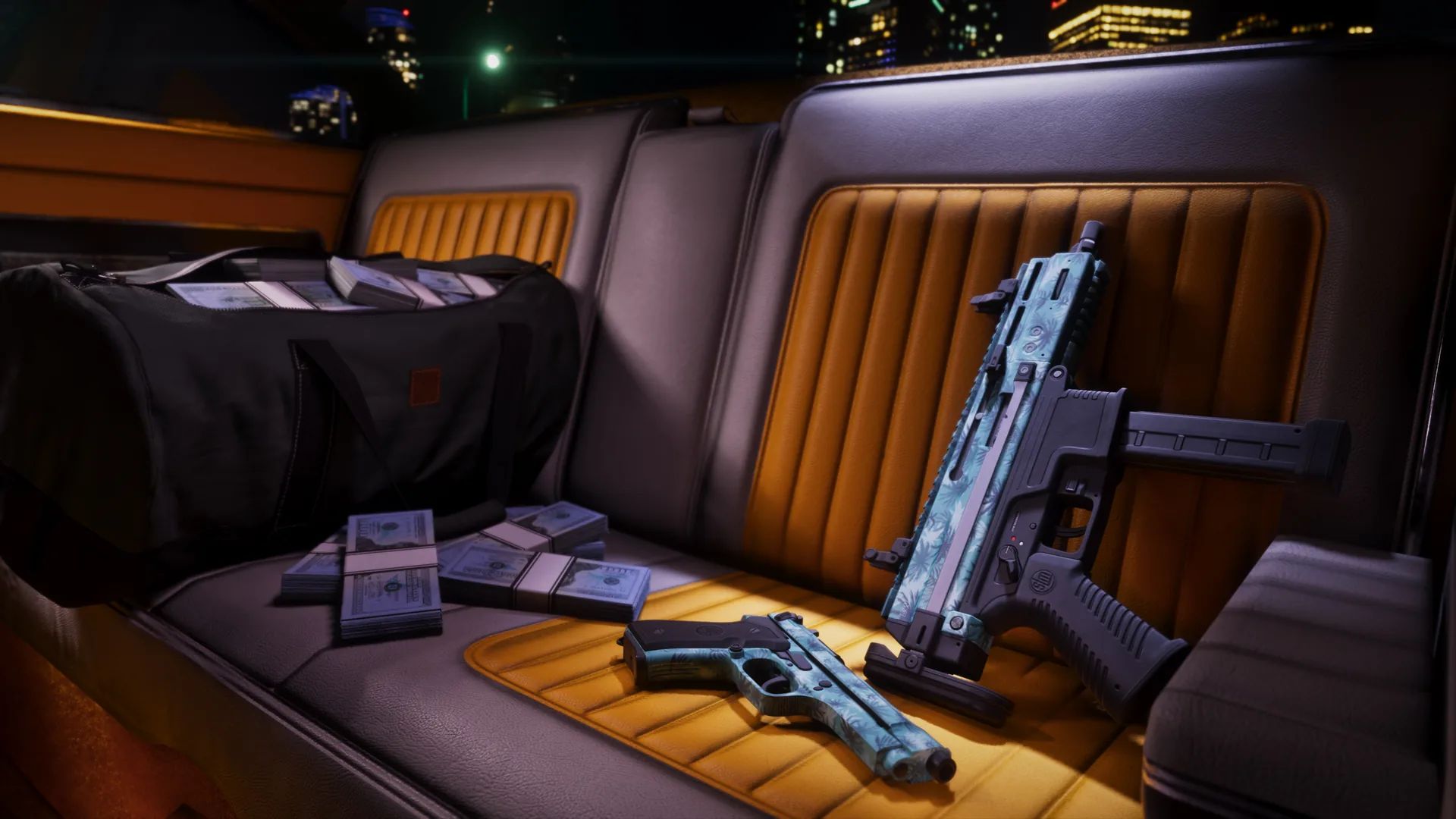
야자수 무기 무늬.
L1(LB)을 길게 눌러 무기 휠을 연다. R1로 Weapons 탭과 Items 탭을 전환한다.
더 보기
링에는 손에 든 것, 보조 무기, 장총, 폭발물 슬롯이 있으며, 각 총기의 피해량, 정확도, 핸들링, 사거리가 표시되고 버리기 옵션도 있다. 모서리의 Square와 Triangle(Xbox에서는 X와 Y)에는 소모품 두 개가 배정된다.
설정 메뉴
- 컨트롤러
- 감도, 조준 곡선, 반전 조작, 진동, 데드존. PS5에서는 적응형 트리거와 라이트 바도 있다.
More
Look and aim sensitivity and acceleration, aim response curve, inverted look, movement and aircraft controls, vibration strength, stick deadzones, and on PS5 the adaptive trigger resistance and vibration, an adaptive speed limiter and the light bar.
- 게임플레이
- 타기팅 모드, 조준 보조, 락온, 사격 및 드라이브바이 보조, 이동 속도, 접근성 옵션.
More
Targeting (Lock-On, Partial or Free Aim), aim assist strength, lock-on time, shooting and drive-by assist, quick draw, cover selection, holstering in vehicles, movement speeds, and the accessibility options below.
- 디스플레이
- HDR과 밝기, 모션 블러, 유혈 및 신체 절단, 섬광탄 효과, 고대비 셰이더.
More
HDR (on an HDR screen), brightness calibration, safe zone, motion blur strength, dismemberment, blood and gore intensity, flashbang effect, a focus trail colour-blind mode, brightness reduction and high contrast shaders.
- UI
- 언어, 글자 크기, 자막, 미니맵과 나침반, GPS, 조준선, 알림, 단위.
More
Language, text size, subtitles, a dynamic or fixed minimap and compass, the GPS route, markers, the reticle, which notifications appear (Criminal Profile and relationship among them), and imperial or metric units.
- 카메라
- 카메라 높이와 추적 속도, 무기 흔들림, 화면 흔들림과 상하 움직임, 시네마틱 카메라 재생 빈도.
More
Camera height and follow speed on foot, in vehicles, in aircraft and underwater; weapon sway, camera shake and bob; how often cinematic kill shots and crash cameras play.
- 오디오
- 모노 오디오, 이명 감소, 컨트롤러 스피커와 경찰 무전 스캐너, 음악 음소거, 볼륨, 오디오 설명.
More
Mono audio, tinnitus reduction, the controller speaker and police scanner through it, GPS voice, muting licensed music, volume sliders, screen narration and audio descriptions for cutscenes (English only).
- 계정
- 고객 지원, Rockstar Games 계정, GTA+ 부스트, 크레딧, 법률 페이지.
Rockstar Support도 일시 정지 메뉴의 설정에서 들어가는 동일한 여덟 개 탭을 안내하며, 화면 하단의 모두 복원하기와 기본값 복원으로 변경한 내용을 초기화할 수 있다고 설명한다.
그래픽과 성능
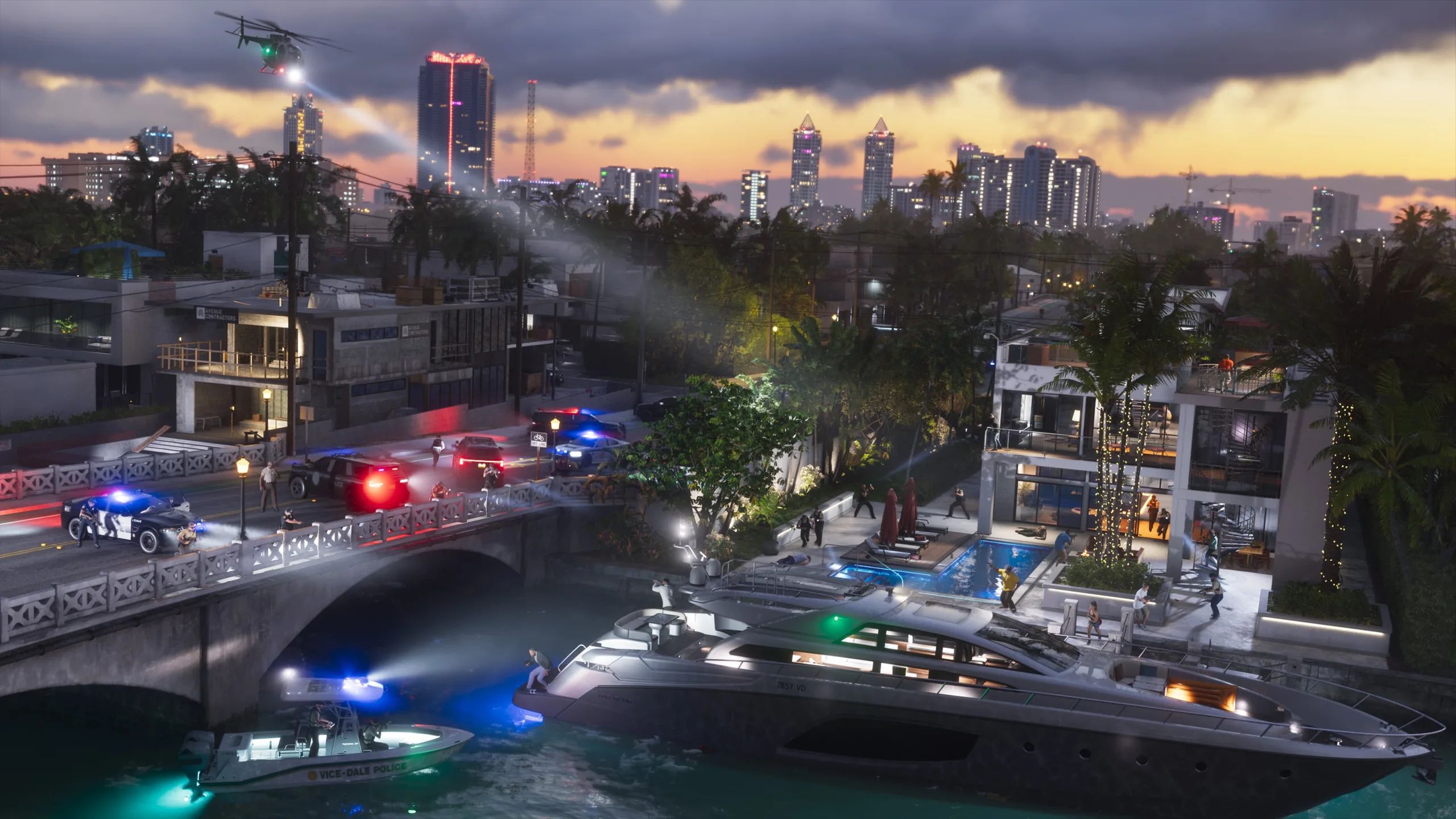
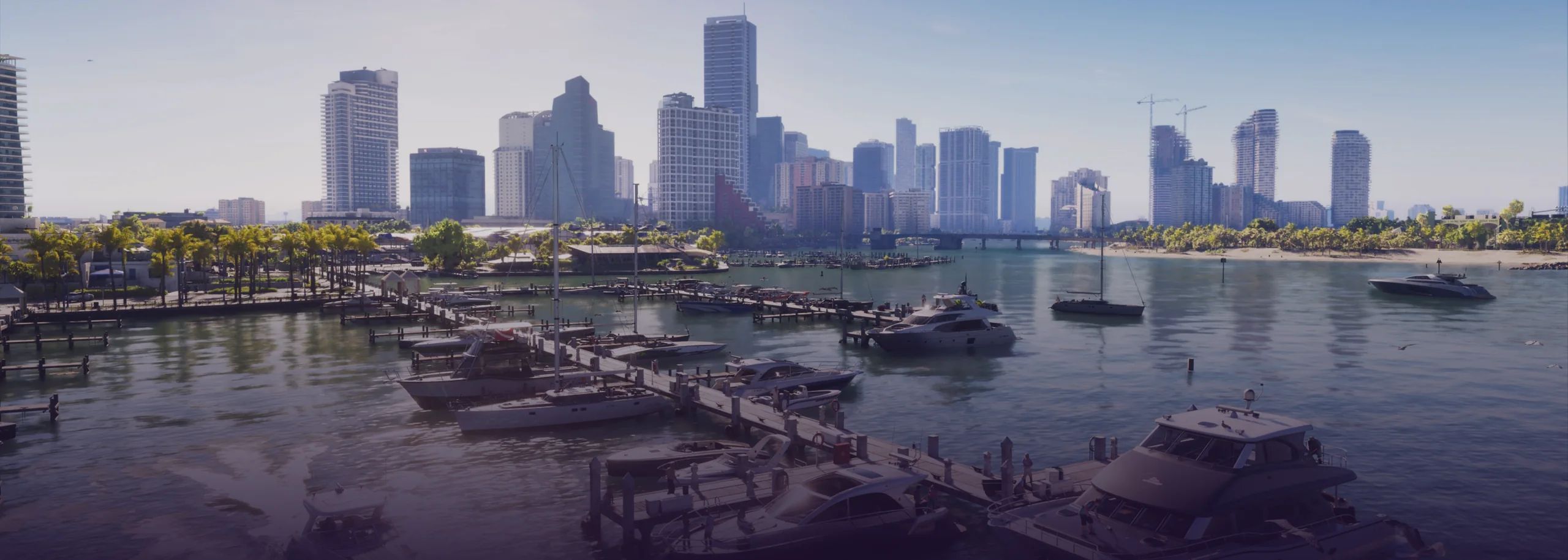
밤의 수변 주택.
디스플레이 탭에는 PS5 Pro에서도 성능 모드나 화질 모드, 프레임 레이트 옵션, 시야각 슬라이더가 없다. 게임은 모든 콘솔에서 초당 30프레임으로 실행된다.
출처: Rockstar(Wccftech에 보낸 성명), Digital Foundry
출시 시점에는 완전한 1인칭 모드가 없으며, 카메라 탭에도 1인칭 옵션이 없다. 일부 총기는 조준할 때 1인칭 시점으로 전환되며, 운전 중에는 1인칭 카메라를 사용할 수 있다.
출처: TheSixthAxis, Vice(Rockstar 인터뷰), Beebom, Everyeye.it, Windows Central
접근성
- 입력
- 탭 및 길게 누르기 보조, Focus·조준·로드아웃의 길게 누르기 또는 토글, 간소화된 낚시와 니트로.
More
Tap and hold assists, hold delay, and hold-or-toggle choices for Focus, aiming, interacting, the loadout and the D-pad actions; a simpler fishing control and nitrous option.
- 보조
- 간소화된 미니게임, 자동 운전, 접근성 전투(적 체력 및 받는 피해 감소), 차량 손상 감소, 헬멧 자동 착용.
Sources: Eurogamer, TechRadar
- 시각
- 고대비 셰이더, 밝기 감소, 포커스 트레일용 색각 이상 모드, 글자 크기 및 자막 설정.
Sources: Eurogamer, TechRadar
- 청각
- 이명 감소, 모노 오디오, 화면 내레이션, 오디오 설명.
Sources: Eurogamer, TechRadar, a Rockstar developer, to The Outer Haven
- HUD
- 미니맵과 나침반은 변경하거나 숨길 수 있다.
Sources: Eurogamer, Digital Foundry, Finger Guns
일시 정지 메뉴, 지도, HUD
- 일시 정지 메뉴
- Map, Game, Store, Help, 포토 스튜디오, Settings, 그리고 체크포인트 재시도 또는 미션 재시작.
More
Map, Game, Store, Help, Photo Studio and Settings, with the current chapter and mission shown and options to retry from the checkpoint or restart the mission.
- 지도 화면
- Four tabs네 개의 탭: 제이슨과 루시아, Map, Brief, Progress. 지도는 시간과 현금이 표시된 3D로 열린다.
More
Four tabs: Jason & Lucia, Map, Brief and Progress. The map opens in 3D (R3 switches to 2D) and shows the time and your cash; Square adds a marker and Cross sets a destination.
- 제이슨과 루시아
- Levels out of 4캐릭터별 시트: 범죄 프로파일, 현금, 수면, 영양, 신체, 그리고 Strength, Cardio, Focus 레벨.
More
A sheet for each of them: Criminal Profile, cash on hand, height and weight, sleep, nutrition and calories, body shape, muscle and body fat, Strength, Cardio and Focus levels out of 4, and money spent.
- 지도 색인
- 지도 왼쪽 가장자리의 아이콘에는 스토리 목록을 포함해 발견한 할 일과 장소가 나열된다.
More
A row of icons on the map's left edge opens an index of the tasks and places you have found, including the story list. Each place has a card with a short description and what it offers.
- 진행도
- 열두 장의 카드로, Stats, Vehicles, Weapons, Animals, 장비, 컬렉션, Activities, Contacts, Gangs, Robberies, 도전 순으로 시작한다.
- 스토리 목록
- 일시 정지 메뉴의 스토리 목록에는 진행 가능한 작업이 표시된다. 첫 미션 이후에는 여러 작업이 동시에 열린다.
More
The pause menu's story list shows the jobs open to you; after the first mission several are open at once.
- HUD
- 왼쪽 위에는 Health, Stamina, Focus 바, 오른쪽 위에는 현금과 수배 별, 필요할 때 미니맵.
More
Three bars top left for Health, Stamina and Focus; cash on hand and the cash in your stash top right with the wanted stars; a compass at the top; the minimap appears when it is needed or on D-pad down.
- 휴대폰
- 시작 시 앱은 열 개이며, 그중에는 왓업, Contacts, Snapmatic, Fitness, Gallery, 날씨, WAINK, Settings가 있다.
More
A home screen with the time, weather, reminders and ten apps, among them WhatUp (messages), Contacts, Snapmatic, Fitness, Gallery, Weather, WAINK and Settings. WAINK scans cars and points of interest.
- Fitness 앱
- 4단계 중 Strength, Cardio, Focus 레벨, 최적의 훈련 시간대, 신체와 영양.
More
Shows each character's health, Strength, Cardio and Focus levels out of 4, the best window for training, and body and nutrition. Its Focus page says Focus grows through activities that need concentration, such as basketball, fishing and meditation; non-lethal takedowns raise it while the Criminal Profile is professional or hardened, headshots while it is violent or psycho.
GTA 6 더 알아보기

모든 지역의 잠금 해제 시간, PS5와 Xbox의 사전 다운로드 용량 및 규칙, 패키지판 코드와 해당 지역, 보너스, GTA+.

PC와 가격부터 지도 크기와 온라인 플레이까지, 가장 많이 묻는 GTA 6 질문에 공식 출처를 바탕으로 답한다.
2026년 11월 19일 PS5 및 Xbox Series X|S 출시, 11월 10일부터 사전 다운로드, 30 fps, PS5 Pro 및 클라우드 플레이.

스탠다드 및 얼티밋 에디션 가격, 얼티밋 에디션 구성품, 빈티지 바이스 시티 팩.

바이스 시티, 리오나이다 키스, 그래스리버스, 포트 겔혼, 앰브로시아, 마운트 칼라가, 그리고 게임에 이름이 나오는 장소들.
제이슨과 루시아 간 전환, 두 사람의 관계, 범죄 프로파일, 강도, 휴대폰, 그리고 Rockstar가 밝힌 내용.
GTA 6의 플레이 시간, 프롤로그와 챕터, 제이슨과 루시아 간 전환, 범죄 프로파일, 엔딩을 스포일러 없이 다룬다.
범죄 프로파일을 깨끗하게 유지하기, 경찰 따돌리기, 훔친 차량 보관하기, 연료, 총기, 돈, 그리고 먼저 바꿔야 할 설정.
여섯 개의 수배 별, 경찰이 알고 있는 정보를 나타내는 아이콘, 수색 구역, 그리고 새 옷, 마스크, 흩어지기가 도주에 도움이 되는 방식.

키 복제기, 추적기, WAINK 및 스쿠터 브로스 앱, 장물아비, 은행 계좌, 그리고 작업 사이에 현금이 필요한 이유.
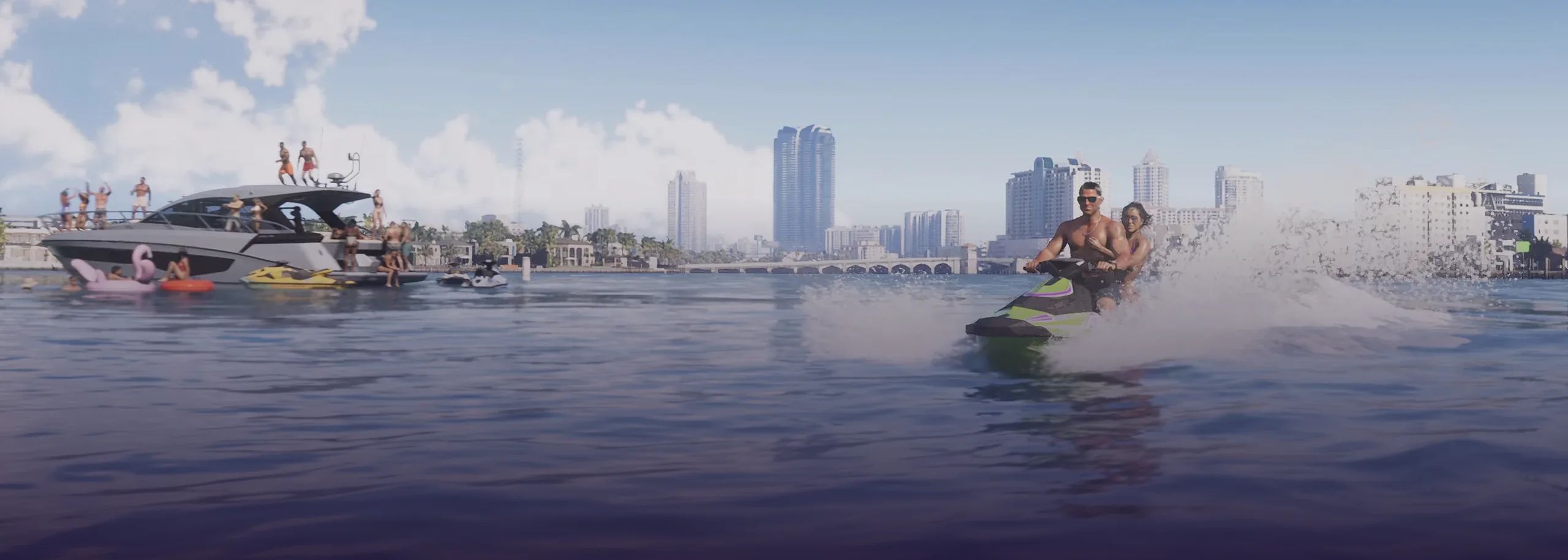
레이스, 제트 스키, 다이빙, 체육관, 클럽, 스카이다이빙, 낚시, 얼티밋 에디션 상점을 각 출처와 함께 소개한다.
PlayStation, Xbox, Rockstar가 온라인 플레이, 오프라인 플레이, 협동 플레이, GTA+에 대해 밝힌 내용과 GTA Online 계획.
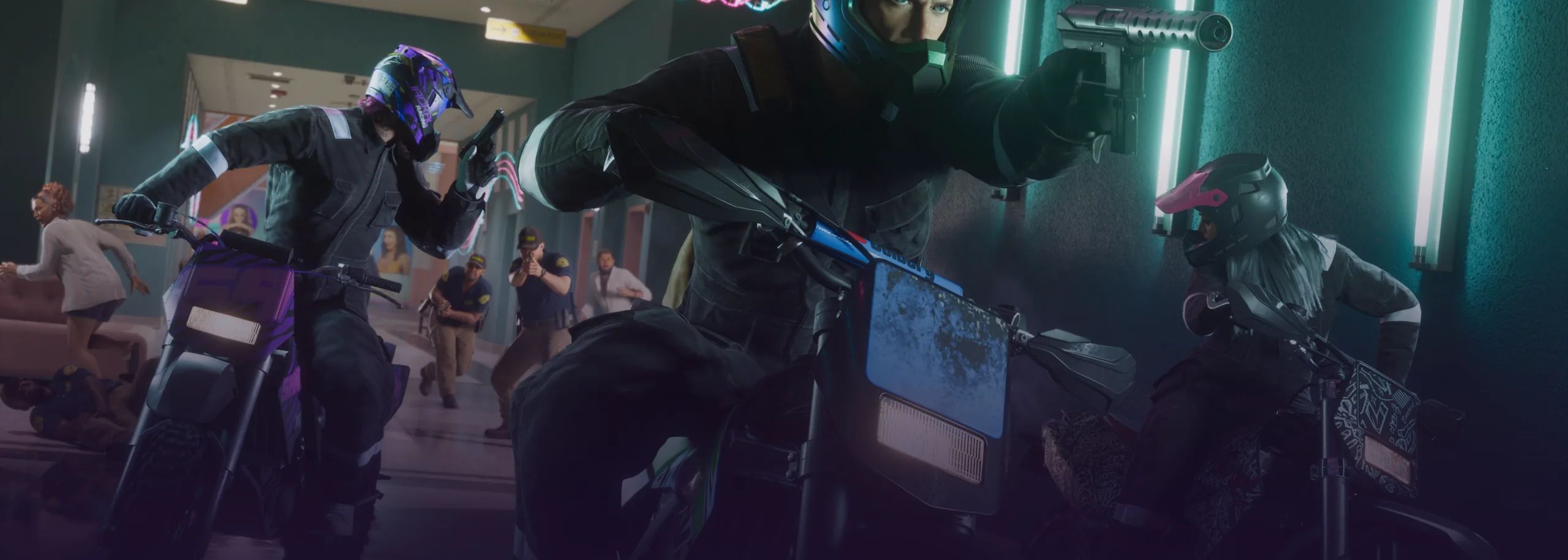
지금까지 이름이 공개된 모든 자동차, 바이크, 보트와 공식 이미지, 그리고 각각을 얻는 방법.
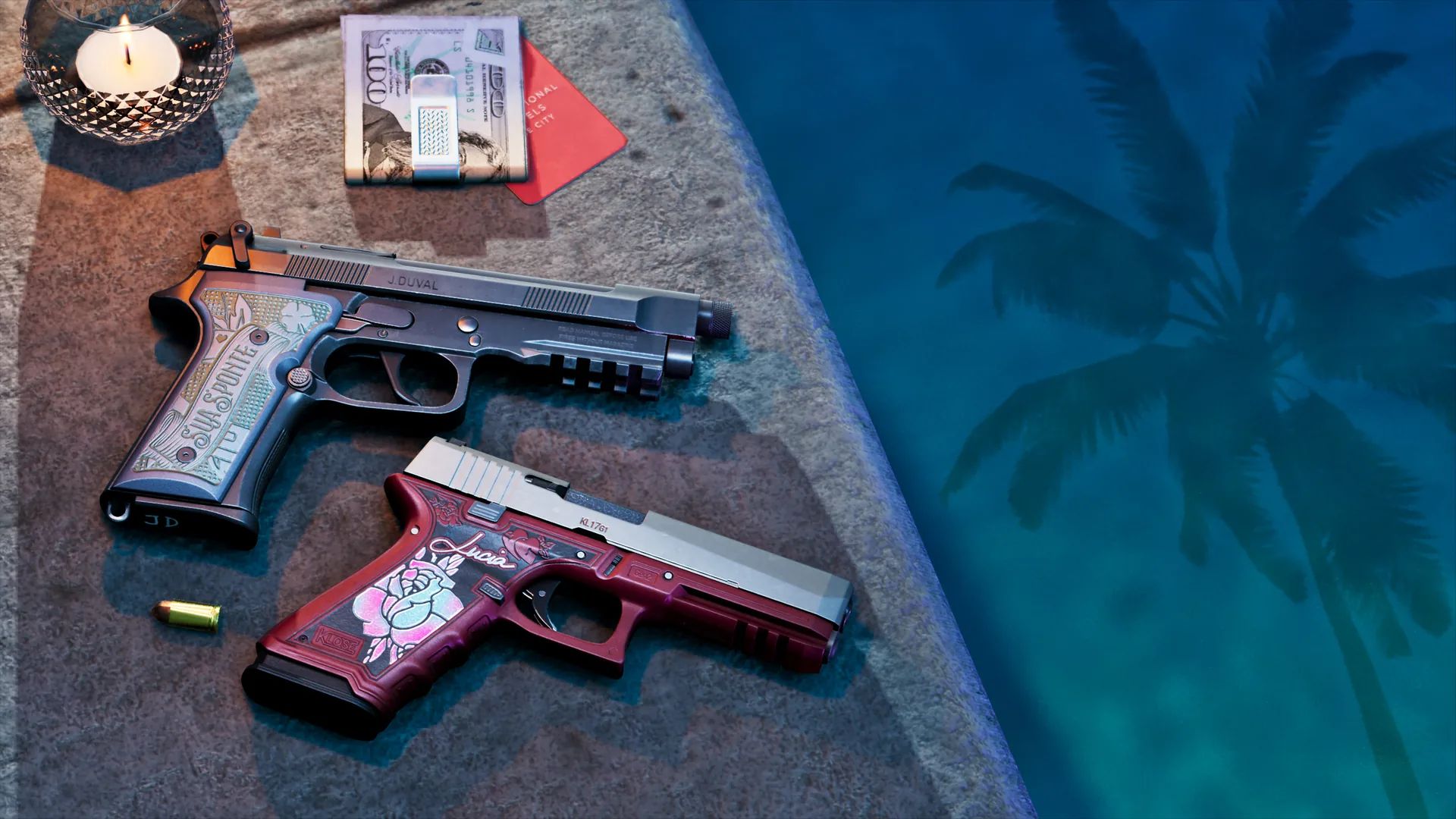
지금까지 이름이 공개된 모든 총기와 공식 이미지, 총포상 가격, 무기 개조.

제이슨 듀발, 루시아 카미노스, 그리고 Rockstar Games가 공개한 다른 캐릭터들.

Launch 트레일러, 트레일러 1, 트레일러 2, An Extended Look 및 기타 공식 동영상과 각 영상이 보여 주는 내용, 사용된 곡.
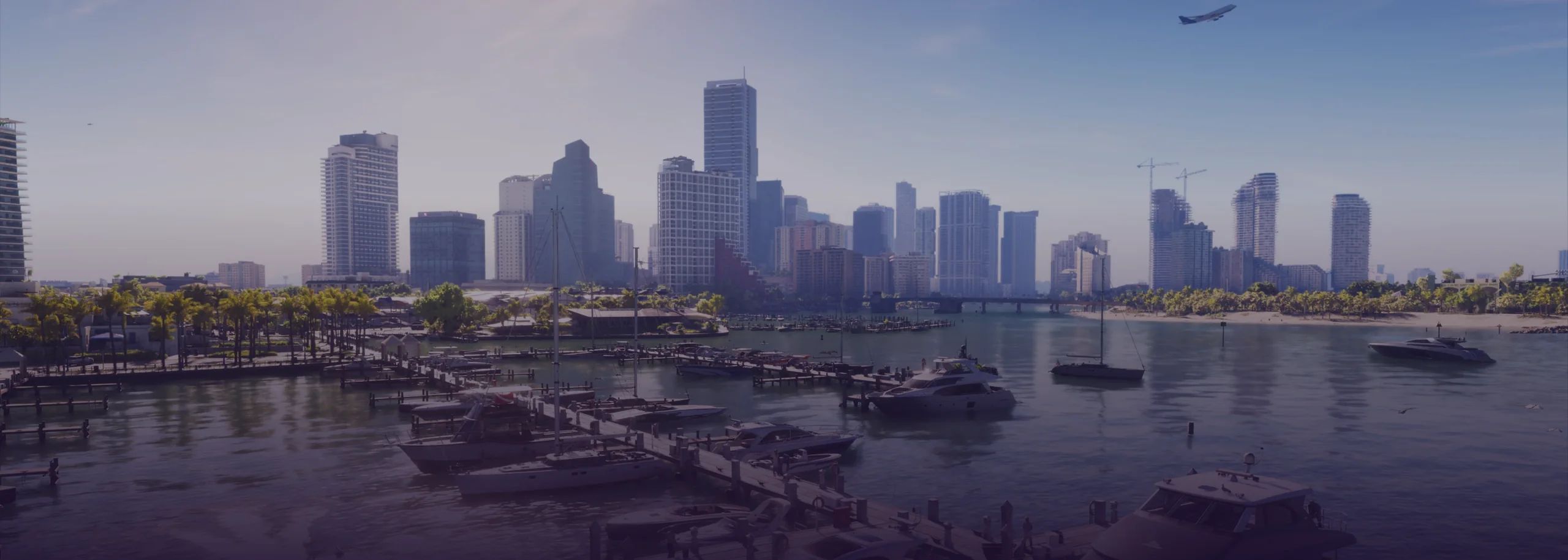
커버 아트, 키 아트, 캐릭터 아트워크, 비지트 리오나이다 엽서와 스크린샷, 그리고 Rockstar의 전체 다운로드.
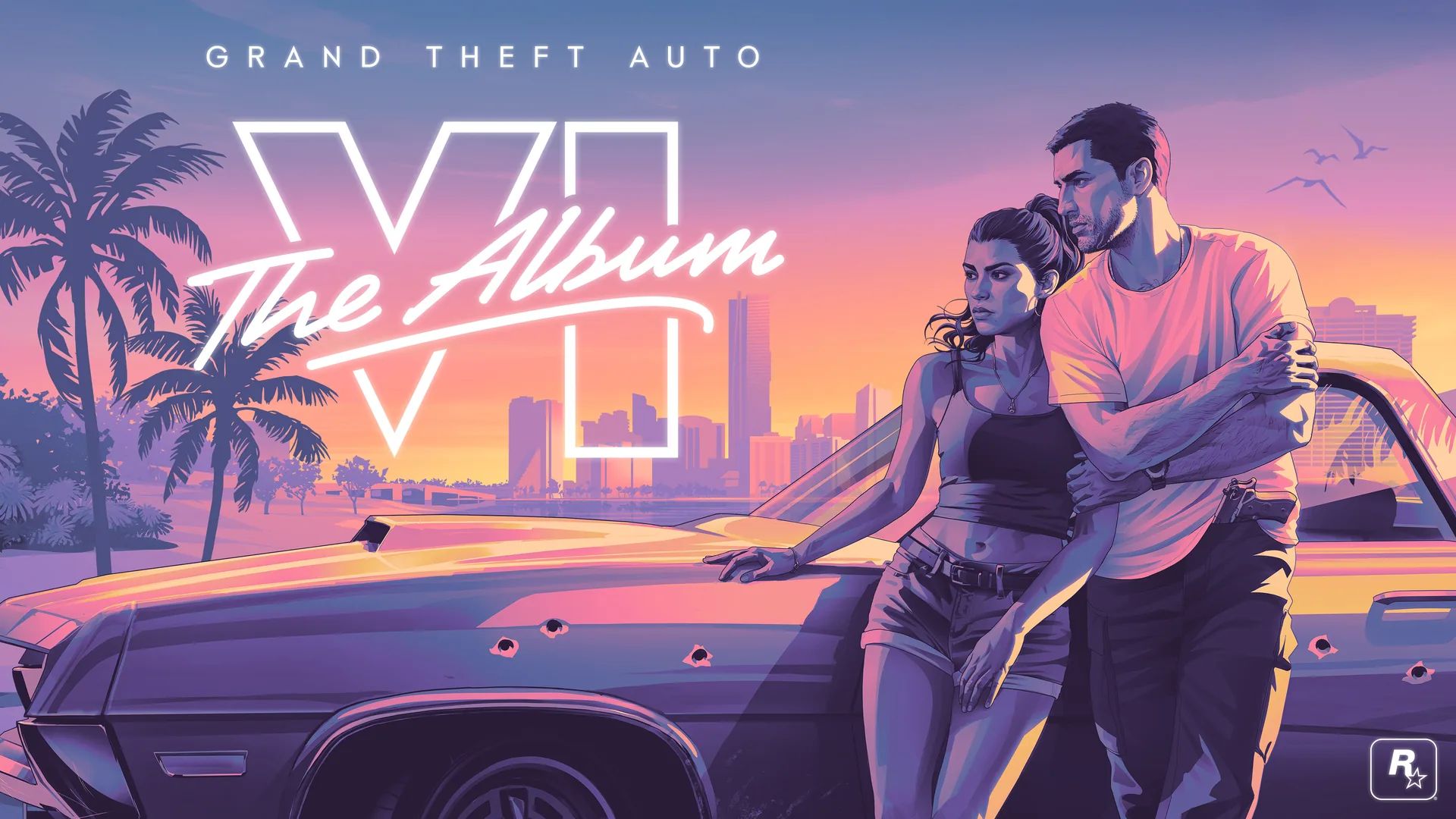
공개된 여섯 개의 라디오 방송국, The Album, Justice의 스코어, The Festival.
출처
2026년 11월 19일 업데이트. 이미지는 Rockstar Games의 공식 스크린샷과 아트워크이다. Grand Theft Auto VI 및 관련 명칭은 Rockstar Games와 Take-Two Interactive의 상표이다. Grand Theft Auto VI 로고는 © Rockstar Games.