
GTA 6 Controls and Settings: Settings
The button layout on PS5 and Xbox Series X|S, the three control schemes and what every settings tab holds, read from the game's own menus.
Pictures
Settings menu
- Controller
- Look and aim sensitivity and acceleration, aim response curve, inverted look, movement and aircraft controls, vibration strength, stick deadzones, and on PS5 the adaptive trigger resistance and vibration, an adaptive speed limiter and the light bar.
- Gameplay
- Targeting (Lock-On, Partial or Free Aim), aim assist strength, lock-on time, shooting and drive-by assist, quick draw, cover selection, holstering in vehicles, movement speeds, and the accessibility options below.
- Display
- HDR (on an HDR screen), brightness calibration, safe zone, motion blur strength, dismemberment, blood and gore intensity, flashbang effect, a focus trail colour-blind mode, brightness reduction and high contrast shaders.
- UI
- Language, text size, subtitles, a dynamic or fixed minimap and compass, the GPS route, markers, the reticle, which notifications appear (Criminal Profile and relationship among them), and imperial or metric units.
- Camera
- Camera height and follow speed on foot, in vehicles, in aircraft and underwater; weapon sway, camera shake and bob; how often cinematic kill shots and crash cameras play.
- Audio
- Mono audio, tinnitus reduction, the controller speaker and police scanner through it, GPS voice, muting licensed music, volume sliders, screen narration and audio descriptions for cutscenes (English only).
- Account
- Customer support, your Rockstar Games account, GTA+ boosts, credits and the legal pages.
Rockstar Support lists the same eight tabs, reached from the pause menu's Settings, and notes that Restore All and Restore Default at the bottom of the screen reset what you changed.
Graphics and performance
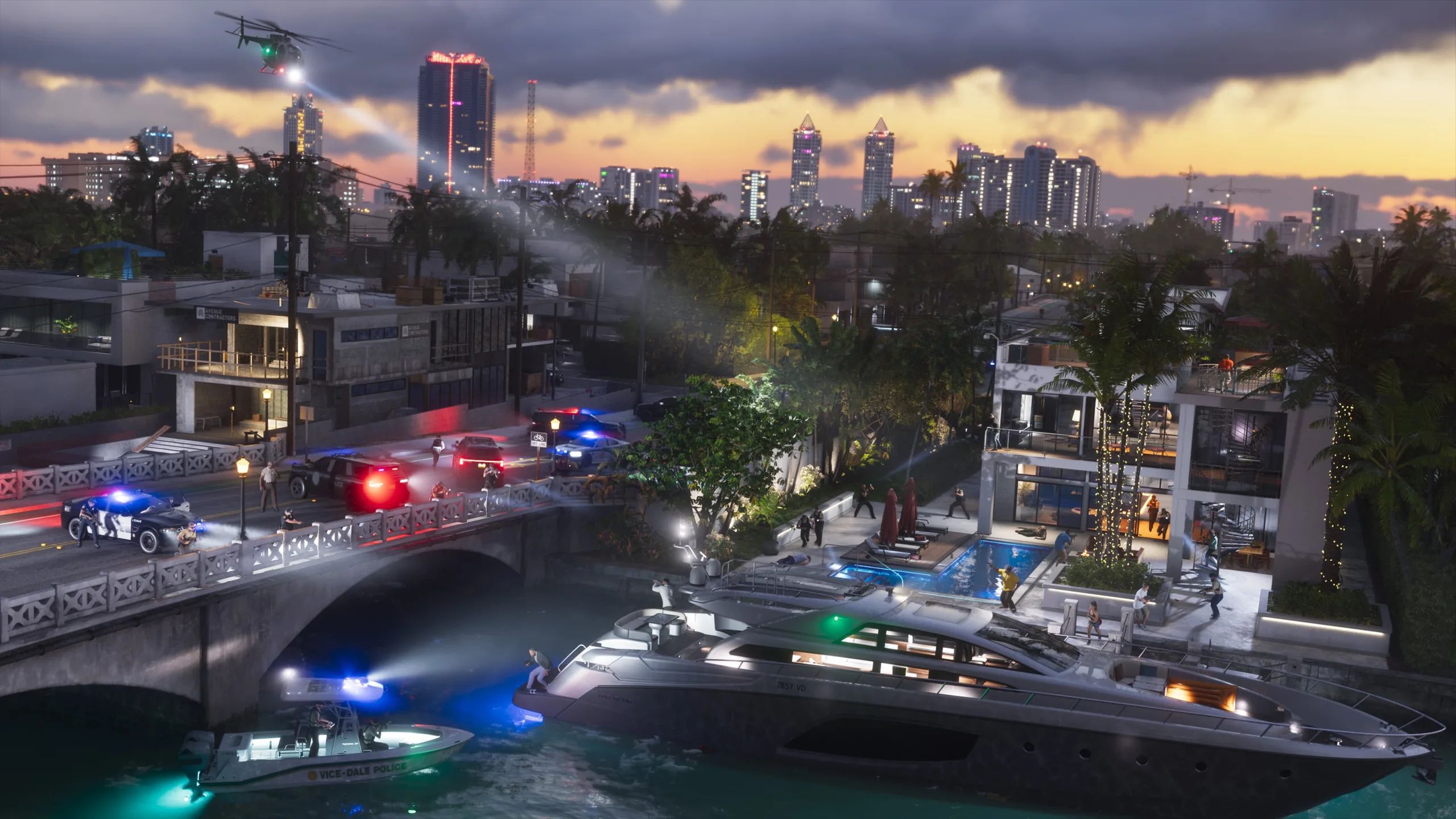
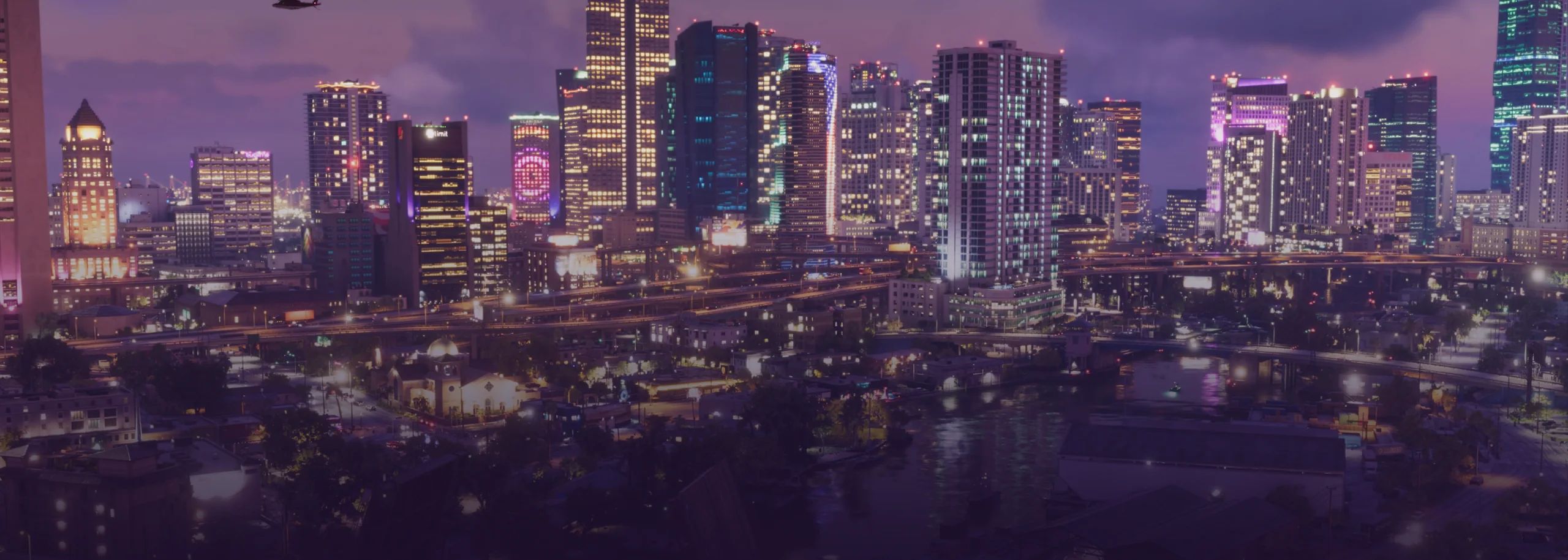
Waterfront homes at night.
The Display tab has no performance or quality mode, frame rate option or field-of-view slider, on PS5 Pro either. The game runs at 30 frames per second on every console.
There is no full first-person mode at launch, and the Camera tab has no first-person option. Some guns switch to a first-person view when you aim, and a first-person camera is available when driving.
Accessibility
- Input
- Tap and hold assists, hold delay, and hold-or-toggle choices for Focus, aiming, interacting, the loadout and the D-pad actions; a simpler fishing control and nitrous option.
- Assists
- Simplified mini-games, auto drive, accessible combat (less enemy health and damage taken), reduced vehicle damage and auto-equipped helmets.
- Seeing
- High contrast shaders, brightness reduction and a colour-blind mode for the focus trail; text size and subtitle settings.
- Hearing
- Tinnitus reduction, mono audio, screen narration and audio descriptions.
- HUD
- The minimap and compass can be changed or hidden.
More on GTA 6
Where to buy GTA 6 on PS5 and Xbox, edition prices, the download size, boxed codes and their regions, the bonuses and GTA+.
The most asked GTA 6 questions, from PC and price to map size and online play.
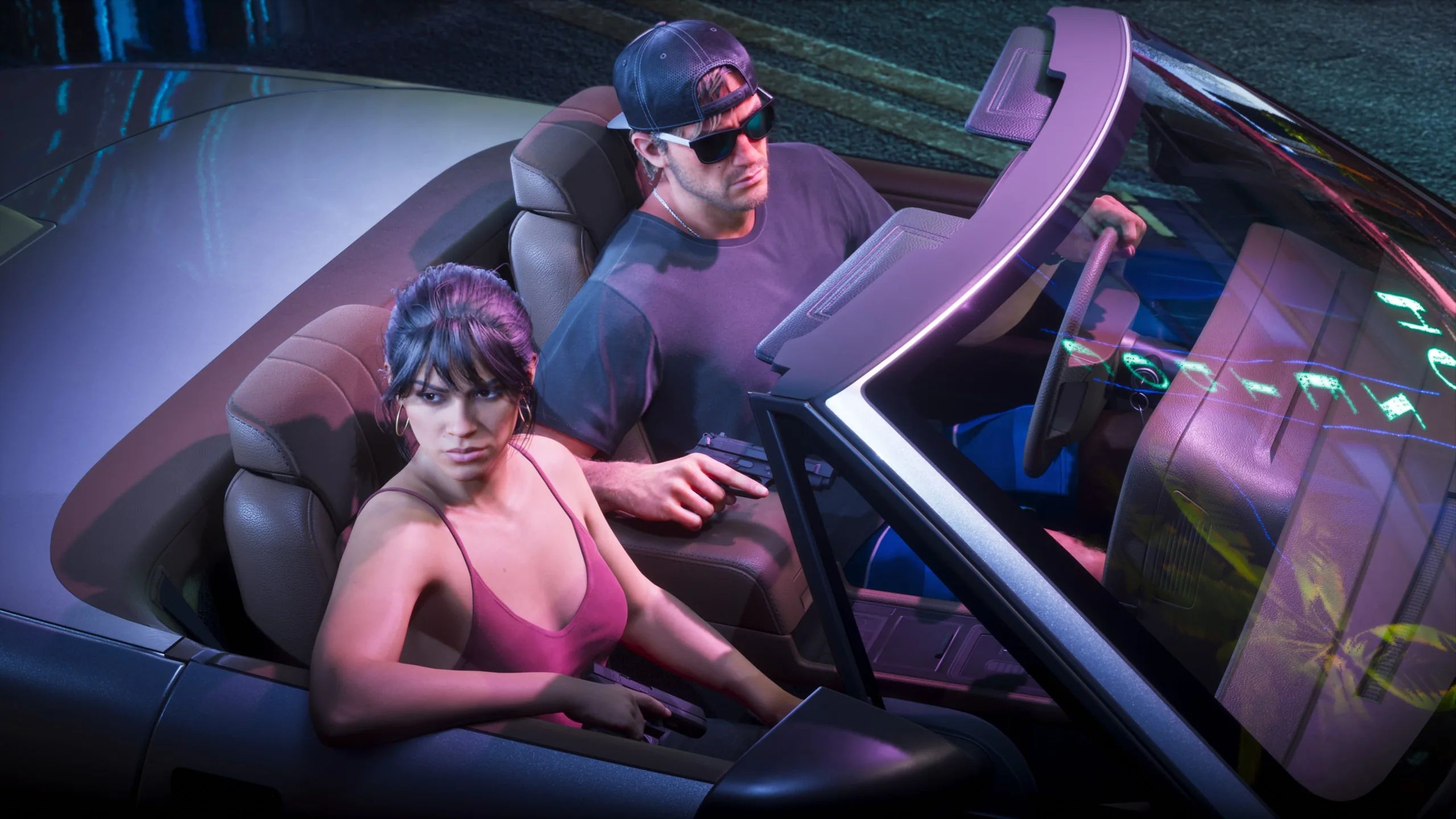
November 19, 2026 on PS5 and Xbox Series X|S, 30 fps, PS5 Pro and cloud play.
Standard and Ultimate Edition prices, Ultimate Edition contents and the Vintage Vice City Pack.
Vice City, the Leonida Keys, Grassrivers, Port Gellhorn, Ambrosia and Mount Kalaga, and the places named in the game.
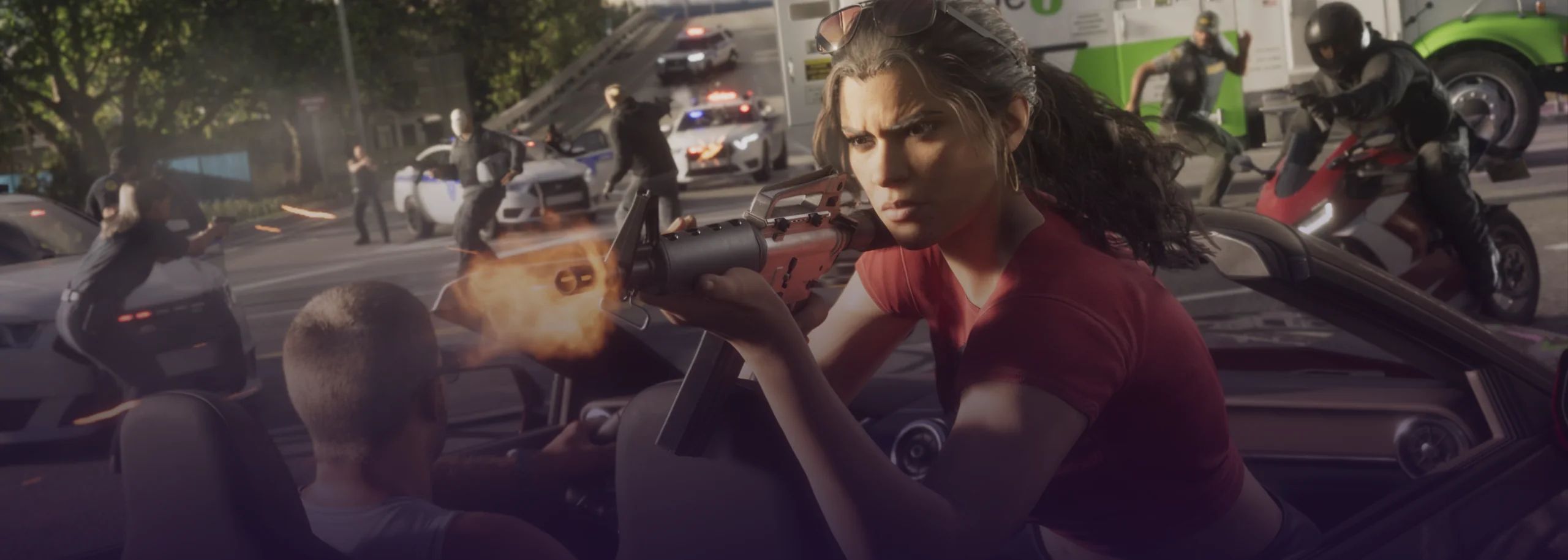
Switching between Jason and Lucia, their relationship, the Criminal Profile, robberies and the phone.
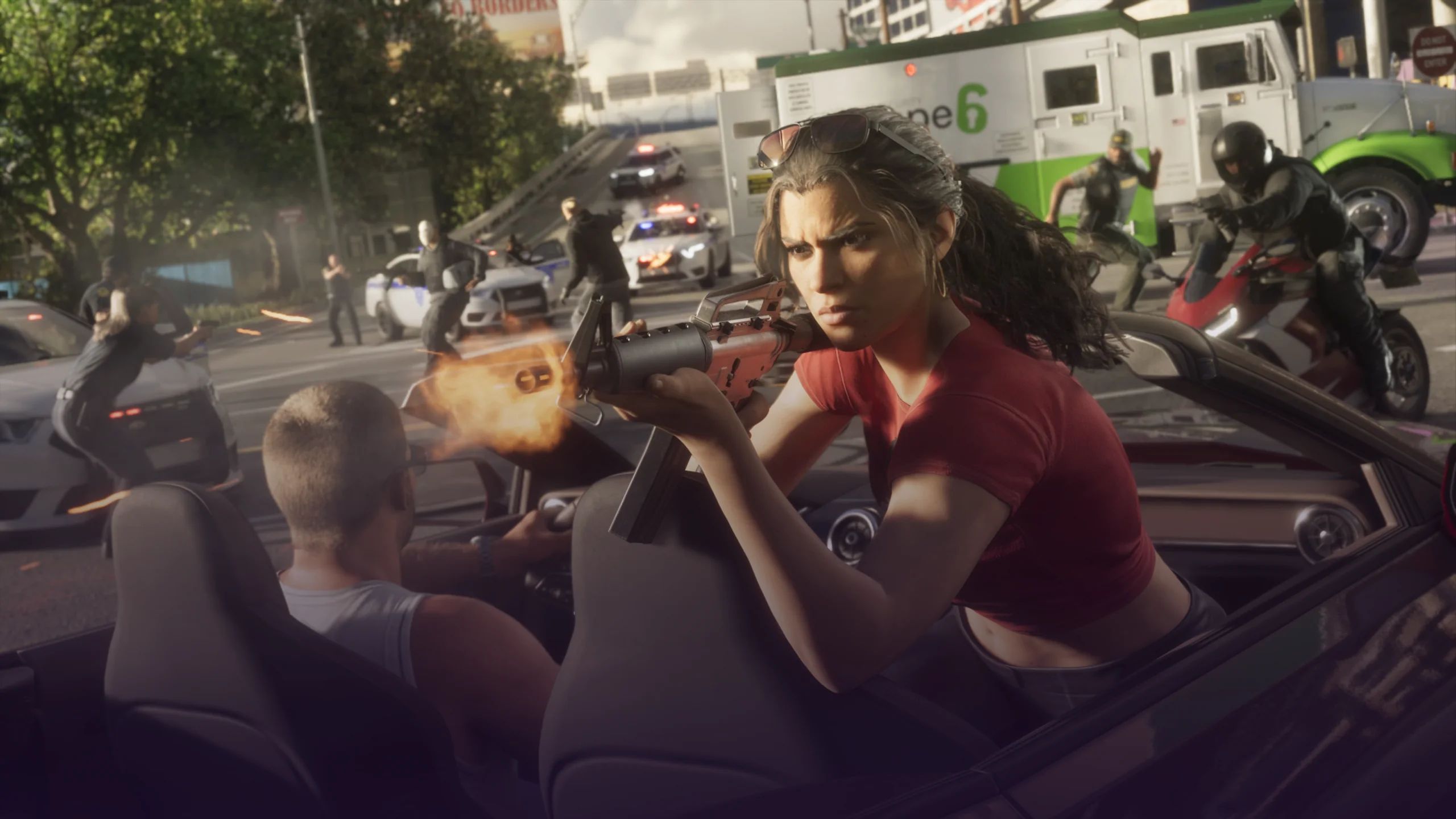
How long GTA 6 takes, the prologue and chapters, switching between Jason and Lucia, the Criminal Profile and endings, without spoilers.
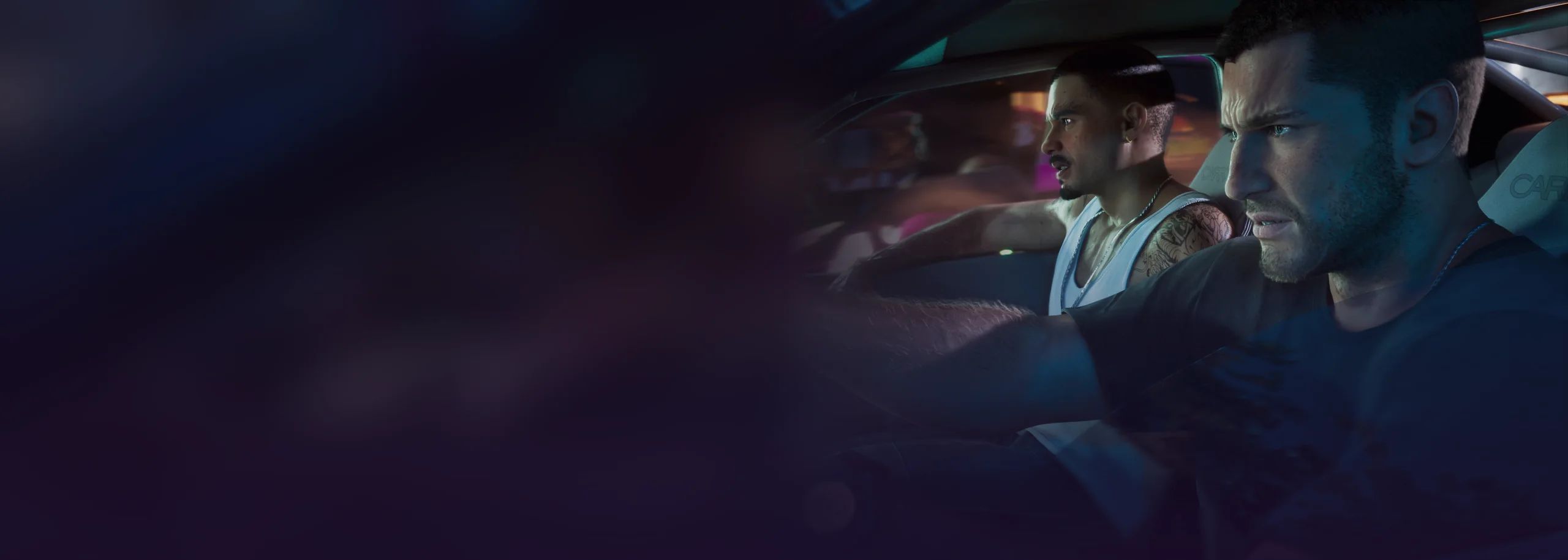
Keeping your Criminal Profile clean, losing the police, keeping stolen cars, fuel, guns, money and the settings to change first.
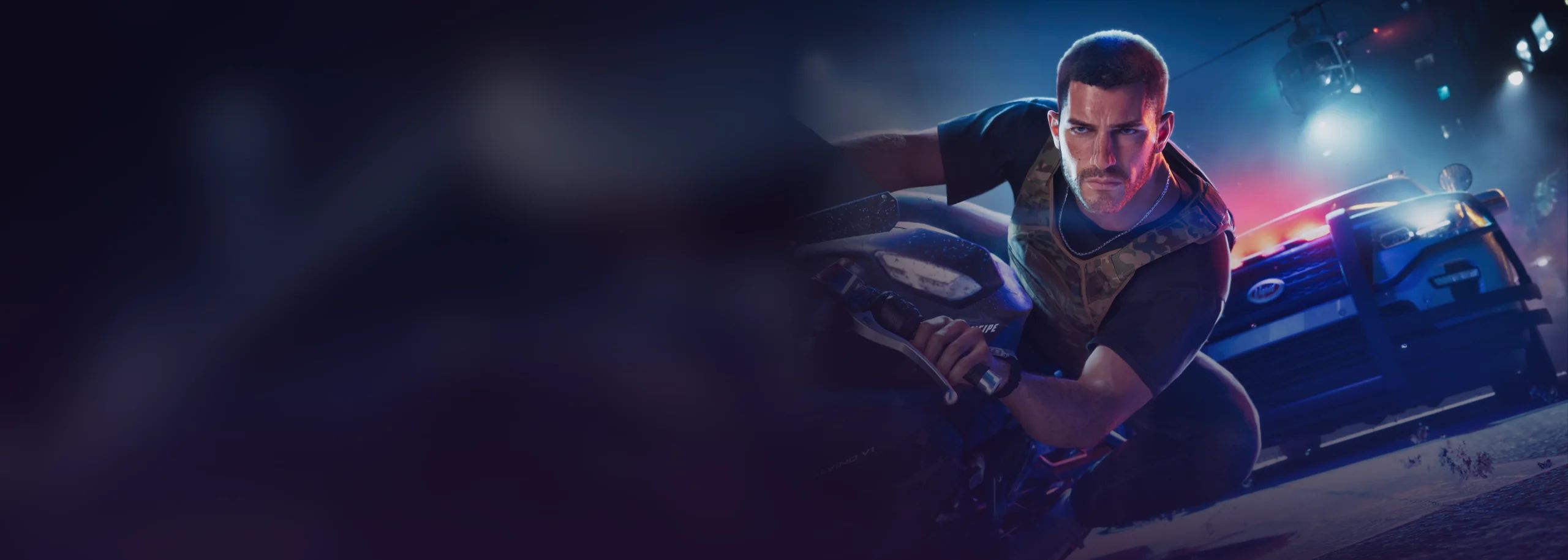
Six wanted stars, the icons for what police know, the heat area, and how new clothes, masks or splitting up help you get away.

Key cloners, trackers, the WAINK and Scooter Bros apps, fences, the bank account and why you need cash between jobs.
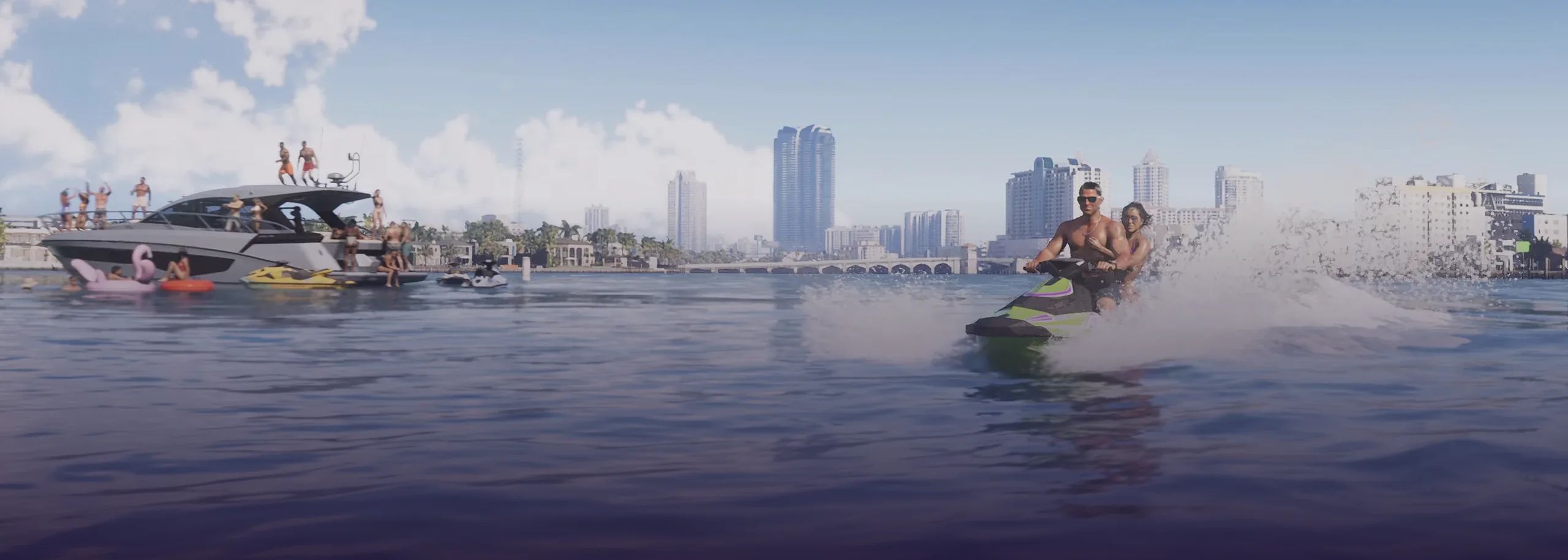
Races, jet skis, diving, the gym, clubs, skydiving, fishing and the Ultimate Edition shops.
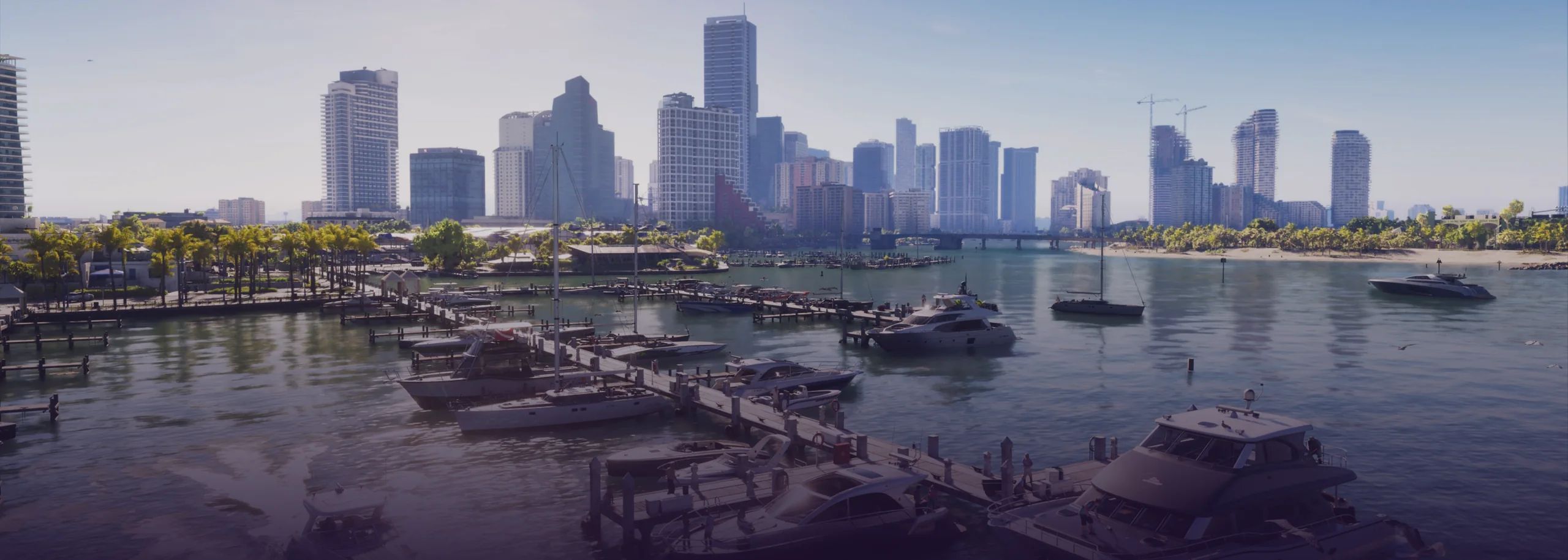
What PlayStation, Xbox and Rockstar say about online play, offline play, co-op and GTA+, with the GTA Online plans.
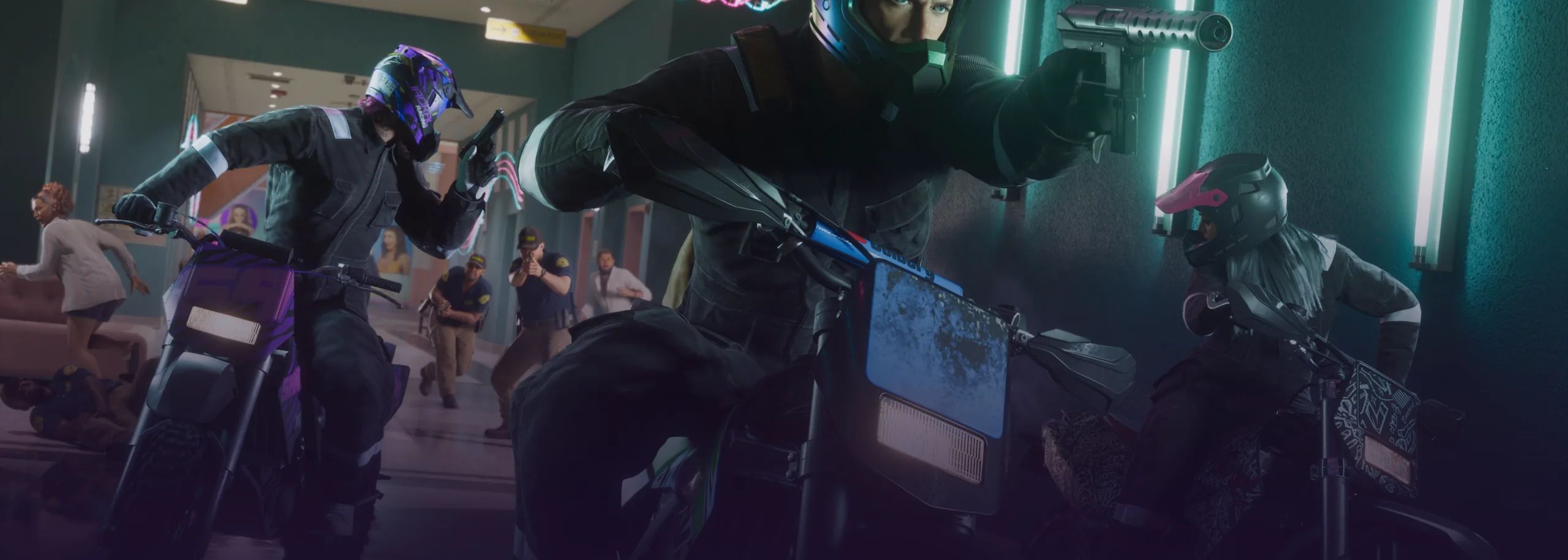
Cars, bikes and boats, and how to get each one.
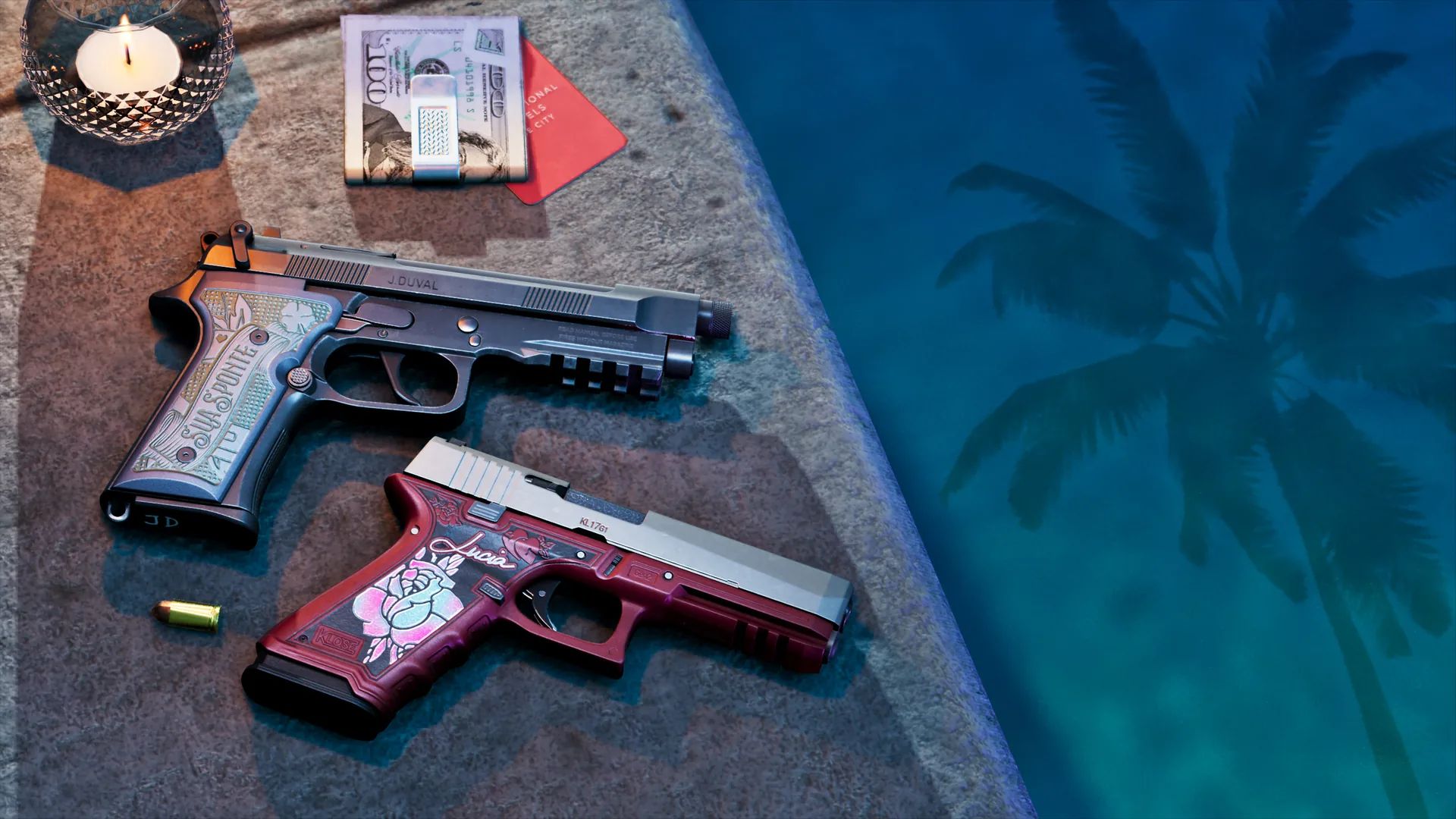
Guns, with gun shop prices and weapon mods.

Jason Duval, Lucia Caminos and the other characters of Grand Theft Auto VI.
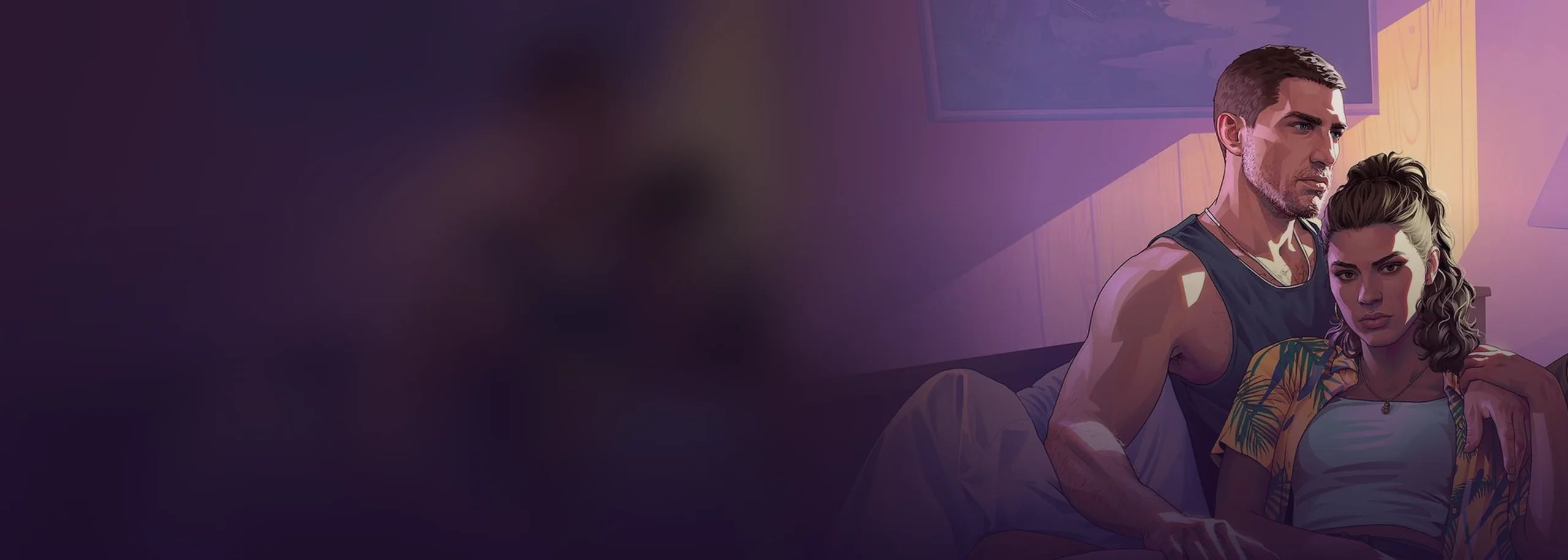
The Launch Trailer, Trailer 1, Trailer 2, An Extended Look and the other official videos, with what each shows and its song.
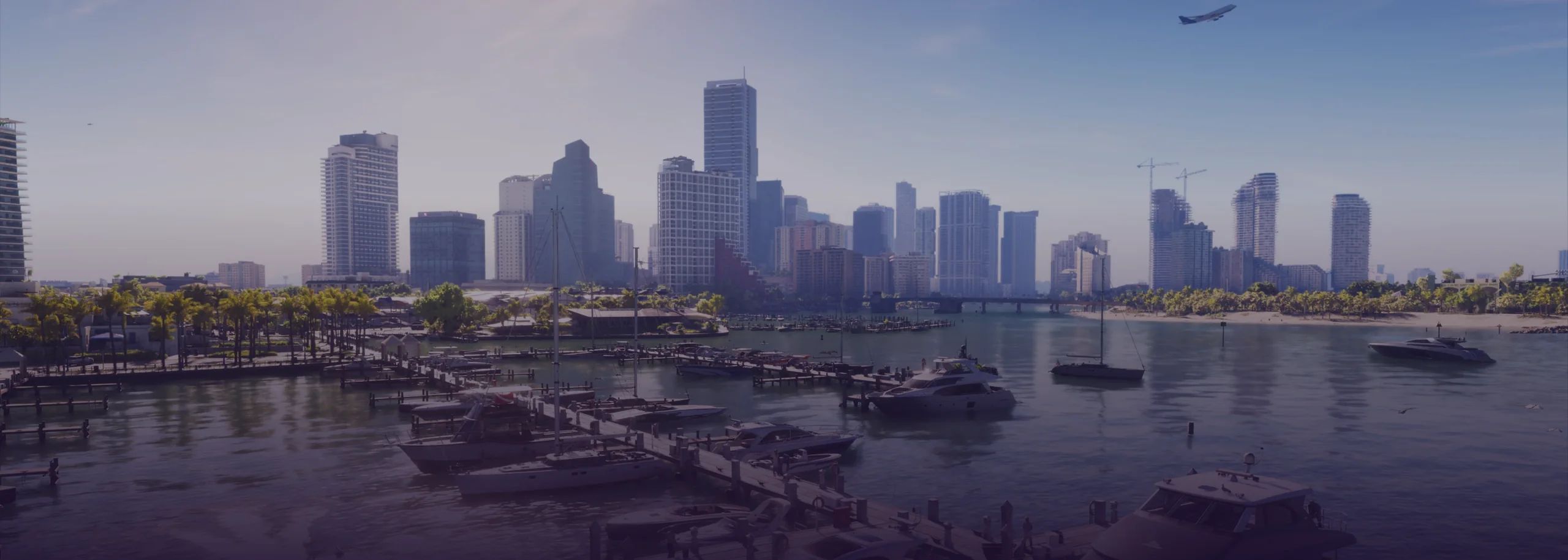
The cover art, key art, character artwork, the Visit Leonida postcards and screenshots, with Rockstar's full downloads.
The radio stations, The Album, the score by Justice and The Festival.
Pictures are Rockstar Games' official screenshots and artwork. Grand Theft Auto VI and its names are trademarks of Rockstar Games and Take-Two Interactive. The Grand Theft Auto VI logo is © Rockstar Games.