
Wikily for Windows (Overwolf) - free
Your whole Aniimo map, one key away
Press Shift + F10 for the map with all 16,947 spots, Alpha & Omega and all 1,365 items over Aniimo. Press it again to keep playing.
- Free, no account needed
- Windows PC
- Every Wikily wiki in one app
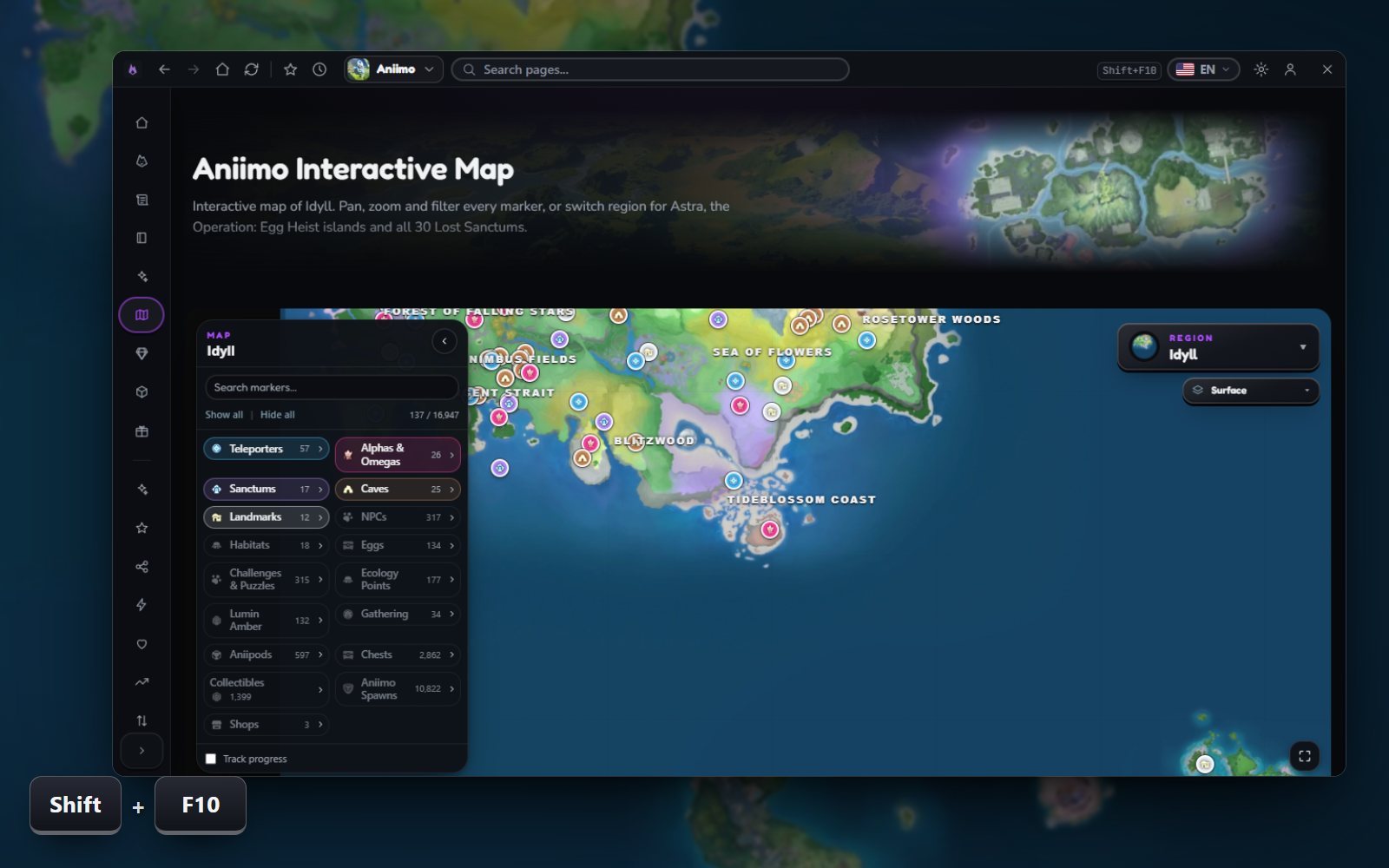
Open the wiki over Aniimo. Press again to play on.
Search every page of the wiki.
Jump to the wiki of another game.
Look it up without leaving Aniimo
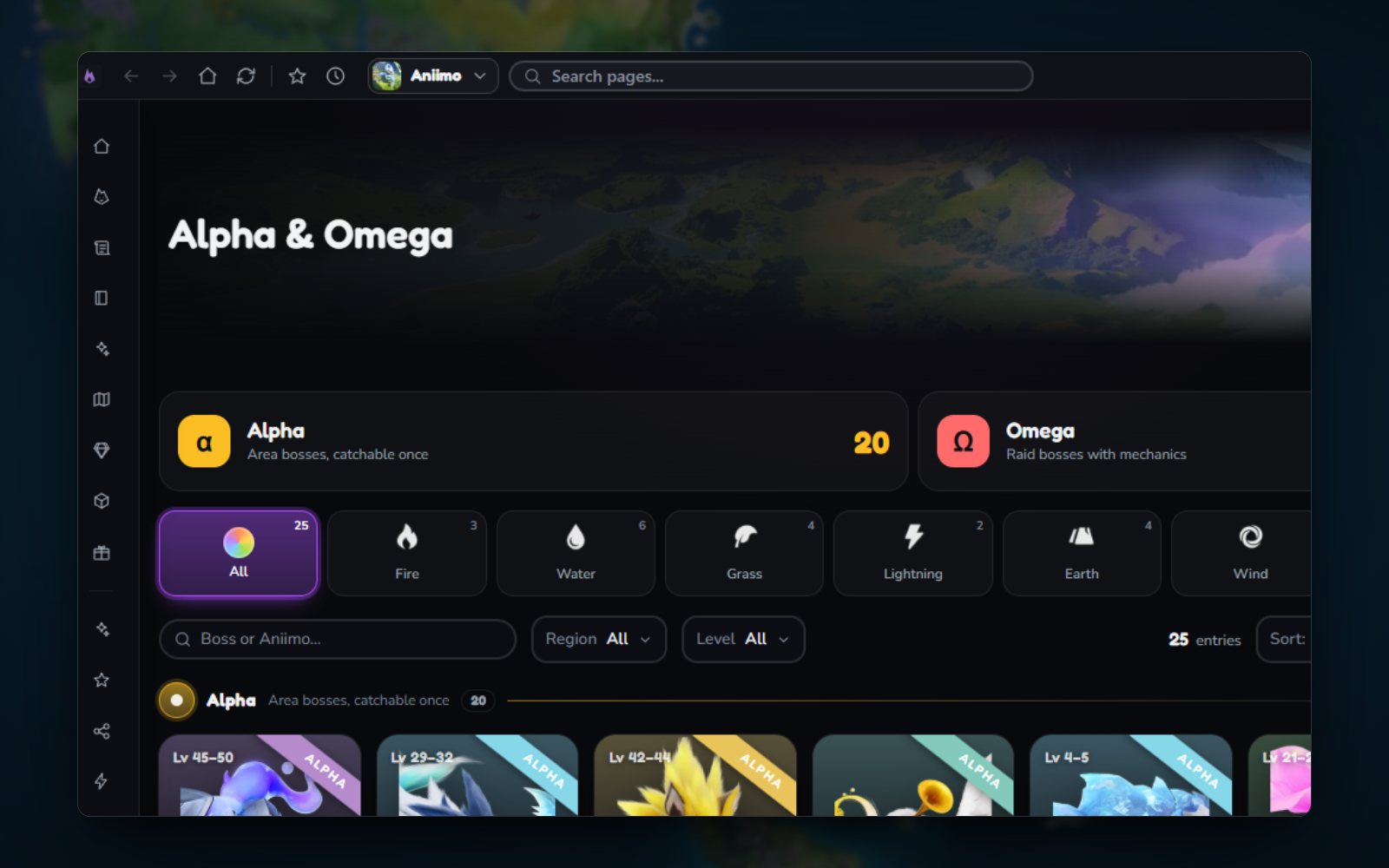
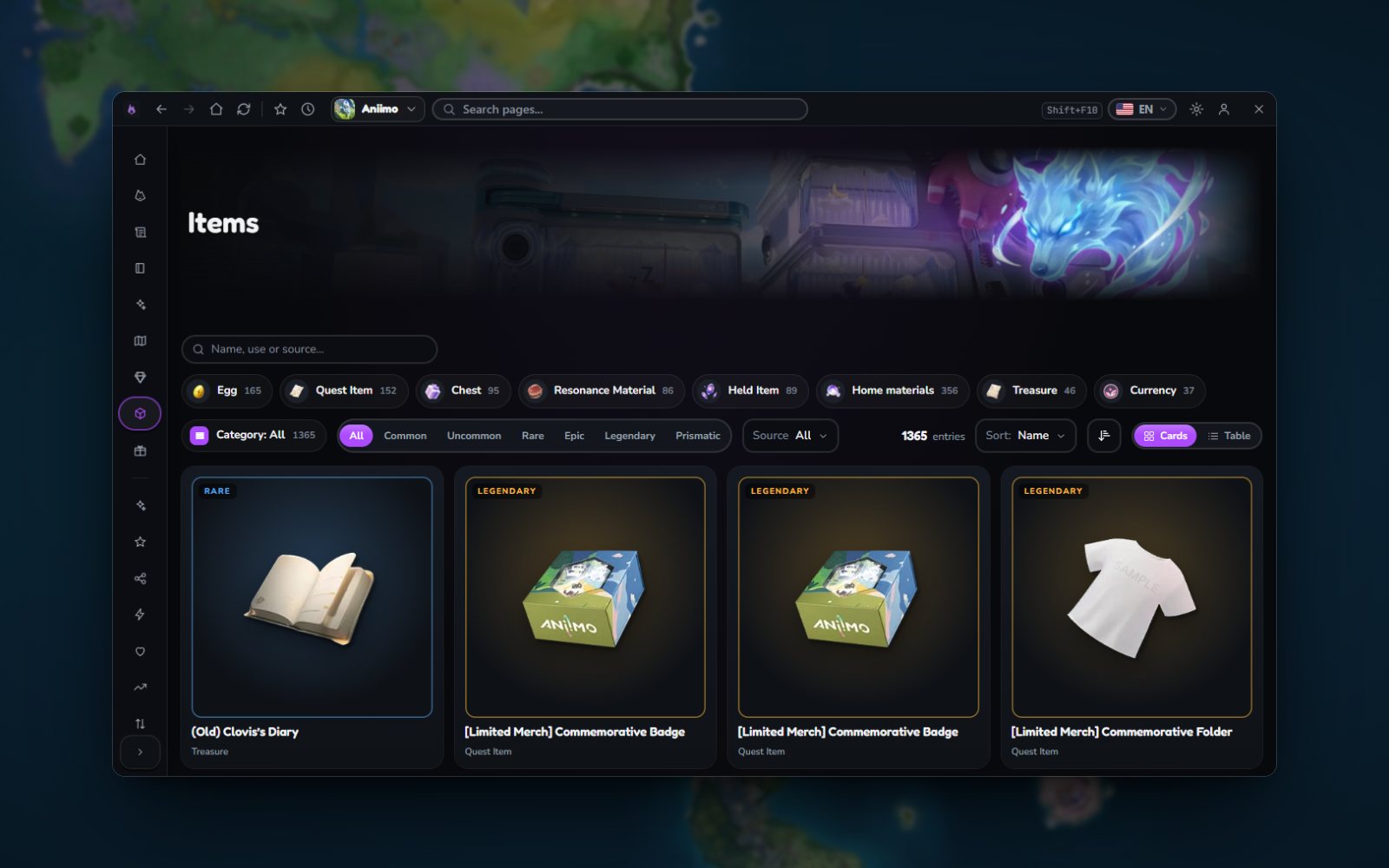
Setup takes a minute
- 1InstallOne installer sets up Overwolf and the app.
- 2Start AniimoThe app starts with the game. Nothing to set up.
- 3Press Shift + F10The wiki opens over the game. Press it again, or click outside, to close it.
Questions
Is it free?
Yes, and you need no account. Overwolf shows a few ads in the app's corner.
What do I need?
A Windows PC. The installer sets up Overwolf, the platform the app runs on, in the same step.
Does it touch Aniimo?
No. It does not read or change your game files. Overwolf draws the app's window over the game, and the app only checks which game is running to open the right wiki.
Which games open it in game?
AION 2, ARK: Survival Ascended, ARK: Survival Evolved, Aniimo, Enshrouded, Far Far West, Graveyard Keeper 2, Kingdom Rush, Minecraft Dungeons II, Once Human, Paralives, Solarpunk, Subnautica, Subnautica 2. Every other Wikily wiki opens in the app's window.