[stayzeee] Kawaii Face Masks

Estatísticas da Oficina
Inscritos no total
Inscritos atuais
Favoritos no total
Visualizações
Tamanho do arquivo
Última atualização
Publicado
Capturas de tela

Descrição do mod
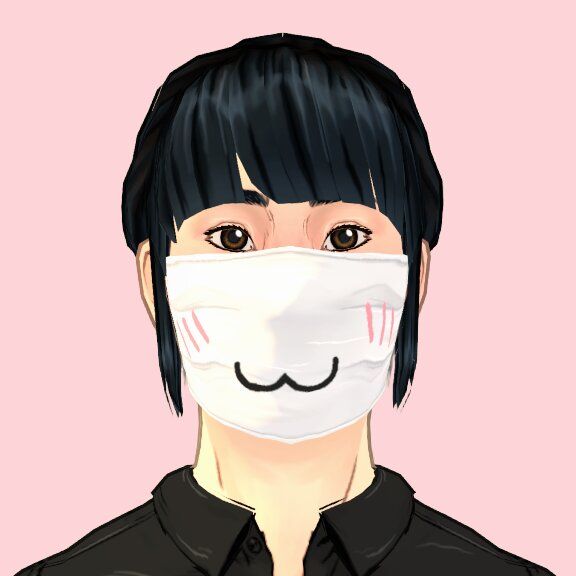
Don't let wearing a face mask stop your Paras from expressing themselves! This pack features kawaii faces to express a wide range of emotions, animal faces, monster teeth, and kaomoji. Whether your Para is a cosplay or techwear enthusiast, feels more comfortable behind a mask, or just wants to protect others, these masks will help them put their best face forward.
Includes 64 face masks in total (14 white and 50 black variants).
Uses the in-game surgical mask mesh, with custom textures added. Since it uses an in-game mesh, there shouldn't be any issues with clipping, other than the existing issues with some glasses or piercings for instance. Sorry if the number of masks added is cluttering up your Paramaker. Hopefully the Paralives team will make it possible to group variants of the same item in the future.
Escrita pelo autor do mod na Oficina Steam e exibida no idioma original.
Mais mods deste tipo
Os mods com mais inscritos que têm a mesma tag da Oficina. O número em cada cartão é o total de inscritos.