Wikily for Windows (Overwolf) - free
The Once Human wiki, in game
Press Shift + F10 in Once Human and this wiki opens over the game: the same maps, databases, tools and guides as on wikily.gg. Press it again and you are back in the game.
- Free, no account needed
- Windows PC
- Every Wikily wiki in one app
What you get
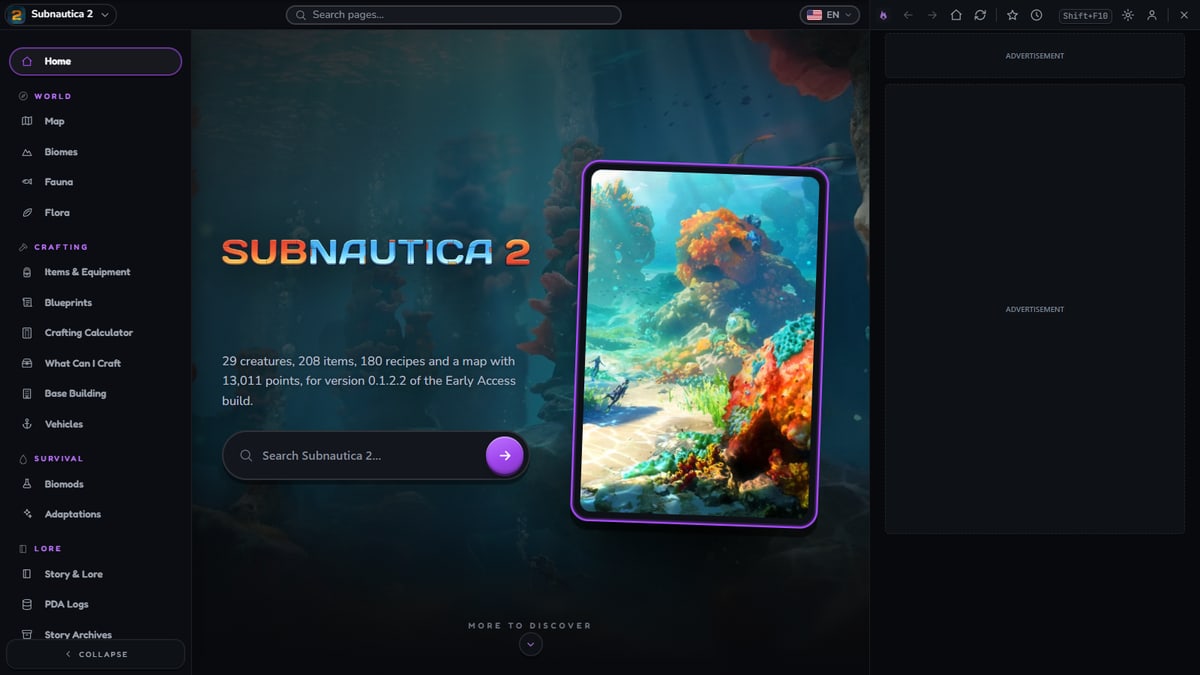
The wiki over the game
In a supported game, Shift + F10 opens the wiki of the game you are playing on top of it.
A window next to the game
Every wiki also opens in the desktop window (Ctrl + Shift + F10): beside the game or on a second screen.
Fast to find things
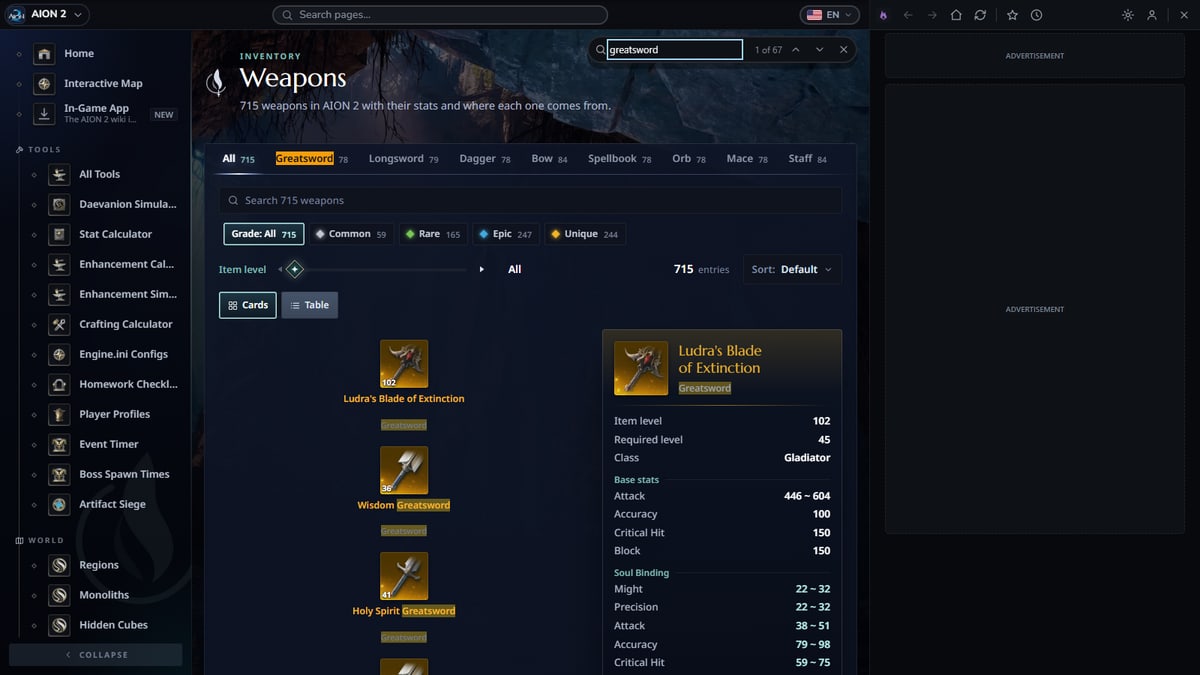
Ctrl + K searches the wiki, Ctrl + F finds on the page and Ctrl + G switches wiki. Pin pages with the star; Recent keeps what you read lately.
The same wiki as on the site
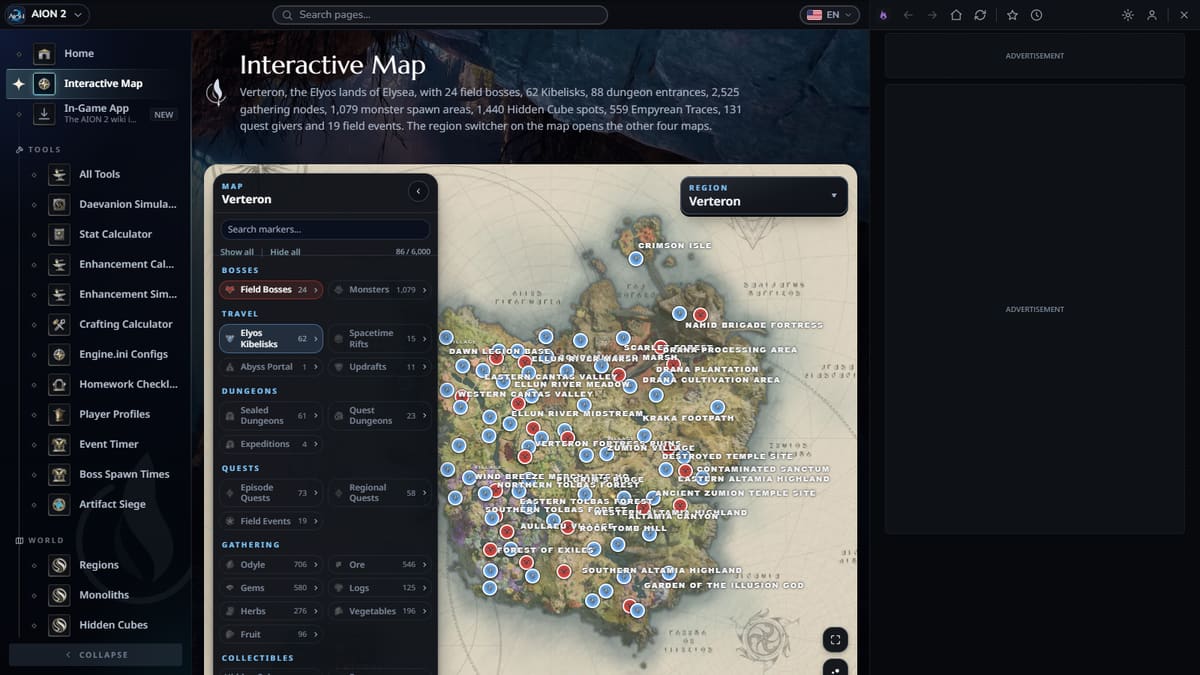
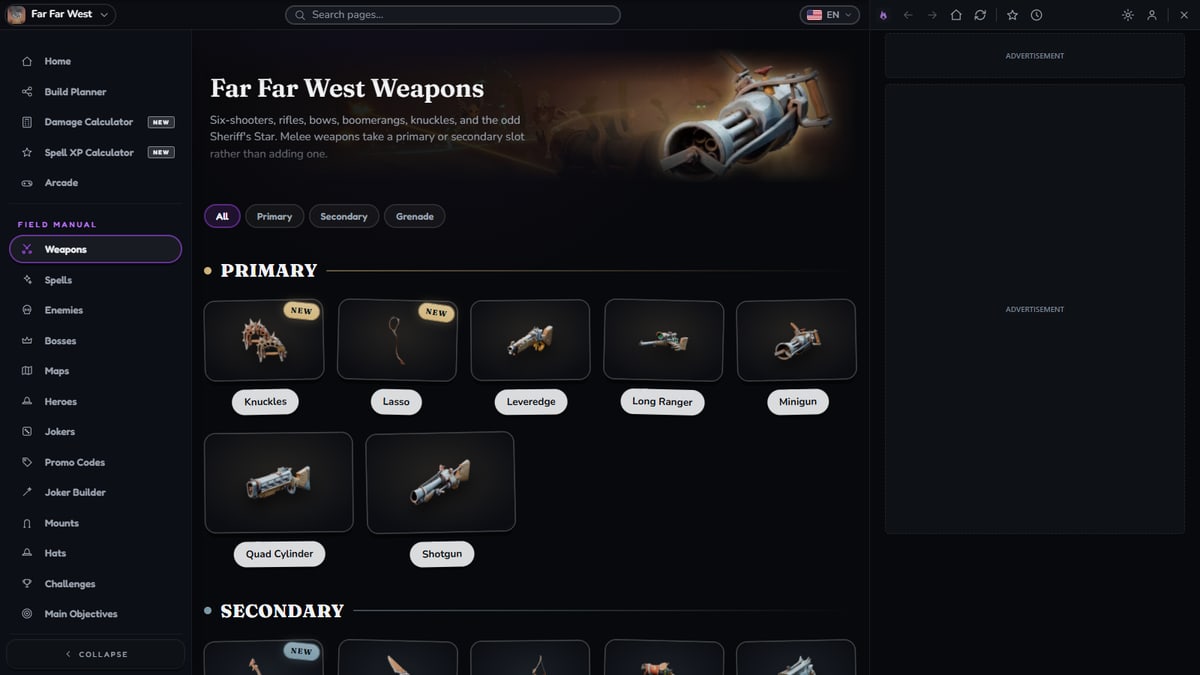
Maps, databases, calculators and guides, drawn by the same components as on wikily.gg.
What it looks like
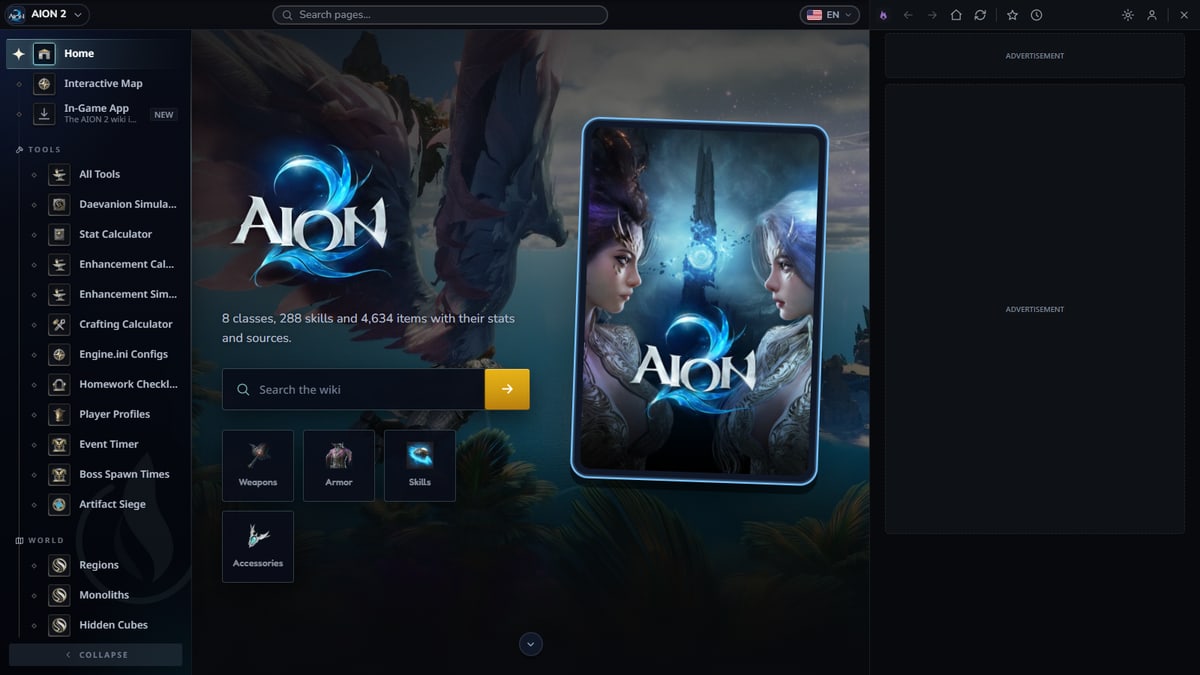
Setup takes a minute
1. Install
One installer sets up Overwolf and Wikily for Windows together.
2. Start your game
The app starts with Once Human. Nothing to set up.
3. Press Shift + F10
The wiki opens over the game. Press it again, or click outside, to close it.
Which games
In game, over the game (Shift + F10)
Far Far West, Aniimo, Graveyard Keeper 2, ARK: Survival Ascended, Subnautica, Once Human, Paralives, Subnautica 2, Solarpunk, Kingdom Rush, Minecraft Dungeons II, AION 2, Gothic 1 Remake, Enshrouded, ARK: Survival Evolved
In the window next to the game
Every Wikily wiki, including Kingdom Rush 6: Genesis, Palworld, Deskrawl: Idle ARPG, Winds of Valen, Outbound, Planet Zoo 2, Over the Hill, Last Day on Earth, Rust, Moon Sweepers, Probably Stolen, Phantom Blade Zero.