Weekly Story Cards

창작마당 통계
누적 구독자
현재 구독자
누적 즐겨찾기
조회수
파일 크기
마지막 업데이트
게시일

모드 설명
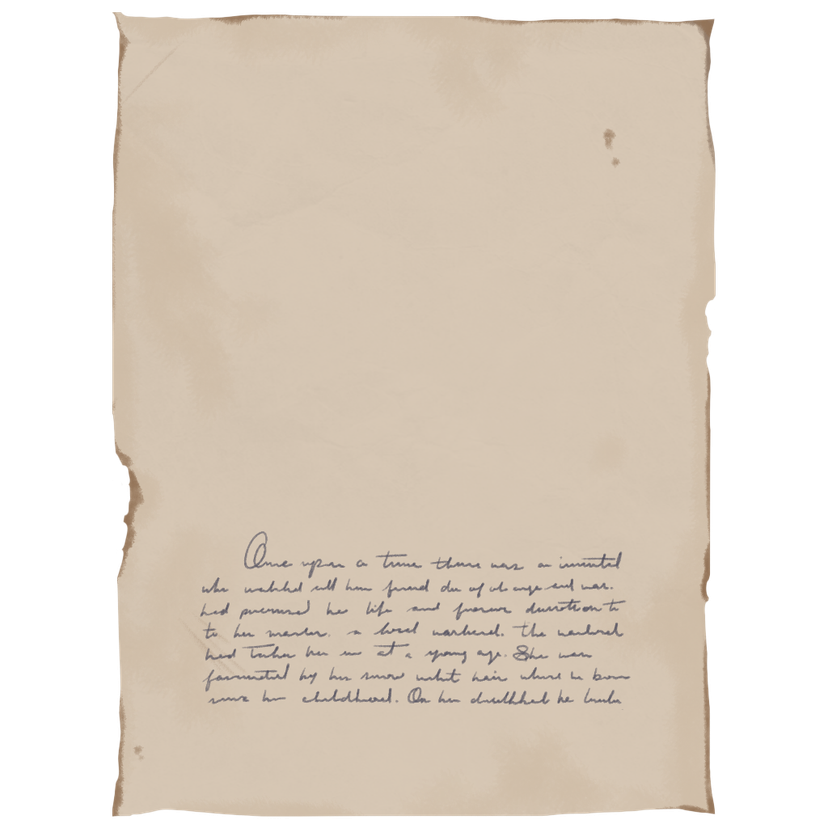
Summary This small mod stops the Story Cards being offered every night, and instead only offers them when your para falls asleep Sunday night.
Detail In the base game, the Story Cards are presented as soon as the entire household is asleep, between the hours of 20:00 and 05:00. The only change I've made is that the Day of the Week also needs to be Monday, and that the Story Cards are only presented between the hours of 00:00 and 05:00. This means, once the entire household is asleep and the clock ticks over to midnight Monday morning, the Story Cards will be offered.
Tutorial The Devs have built incredible modding tools straight into the game meaning you can make this change yourself if you're comfortable! In the next section I'll explain how I made this change in case you want to tweak it. Just make sure you disable my mod before creating your own!
Want to change the day? 1. From the Main Menu click Mods 2. Disable my Mod (Weekly Story Cards) 3. Create New Mod and give it a name 4. Click Control Panel in the top right 5. Find and click Story Cards (in the General Section). 6. Change the 'Start Of Time To Give Daily Story Card hrs' to 0 7. Click the 'Give Story Card Automatically After Time Period' (so that the white circle disappears from the box) 8. Click 'Requirements To Get Daily Story Cards' 9. Click 'All requirements must be true for all household members' 10. Click 'Multiple Requirements' 11.Click the + next to the 'Multiple Requirements' 12. Click the newly created 'Type: Undefined' row. 13. In 'Type' select 'DayOfWeek' (note: the search function at the top of the box will help find it quickly) 14. In 'Rule' select Equal 15. Change the Value to match whichever day you'd like to add, 0 = Monday, 1 = Tuesday etc. 16. Click My Mods at the top 17. Hover over your mod and click 'Stop editing this Mod' 18. Play!
In summary, when you click the + in step 11, you're telling the game that another thing MUST be true for the Story Cards to be offered. The first thing that MUST be true is that the characters are asleep (that one was already there). By clicking the +, you're adding your own rule, and with the extra steps you're enforcing the day of the week restriction.
Want them on multiple days? Follow all of the steps listed above but stop after completing step 12 (so you have created the 'Type: Undefined' row. 13. In 'Type' select 'RequirementsOneMustBeTrue' (remember the search function, it's quicker!) 14. Click 'Multiple Requirements' (Note this is a new one you've just created, not the same one from step 10) 15.Click the + next to your new 'Multiple Requirements' 16. Click the newly created 'Type: Undefined' row beneath it. 17. In 'Type' select 'DayOfWeek' (note: the search function at the top of the box will help find it quickly) 18. In 'Rule' select Equal 19. Change the Value to match whichever day you'd like to add, 0 = Monday, 1 = Tuesday etc. 20. Repeat steps 15-20 for each Day you'd like a Story Card 21. Click My Mods at the top 22. Hover over your mod and click 'Stop editing this Mod' 23. Play!
This way is a little bit trickier to follow, but essentially you're telling the game, 2 things MUST be true: 1. All characters must be asleep. 2. It must be ONE of these days (that's what RequirementsOneMustBeTrue dictates). Then with each DayOfWeek you add, the game knows to show on one of those.
모드 제작자가 Steam 창작마당에 작성한 내용으로, 원래 언어로 표시됩니다.