
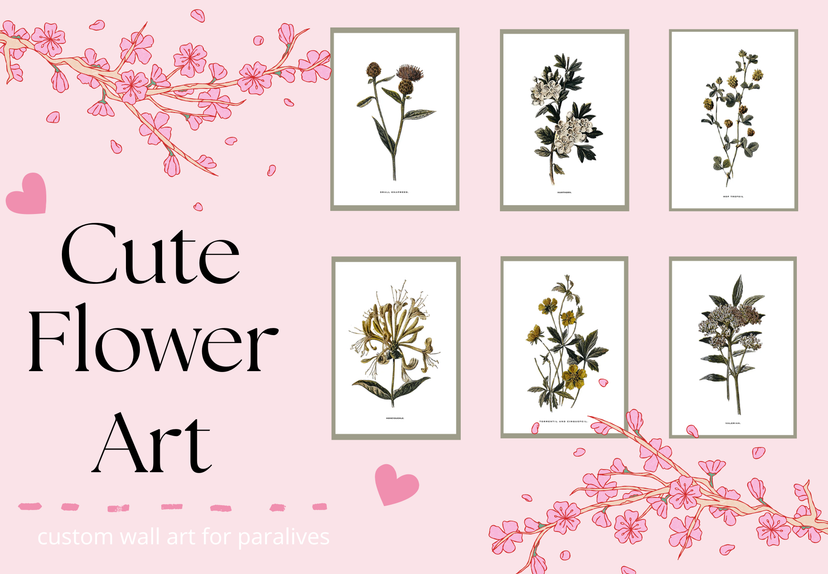
Flower art

창작마당 통계
누적 구독자
현재 구독자
누적 즐겨찾기
조회수
파일 크기
마지막 업데이트
게시일
스크린샷

모드 설명
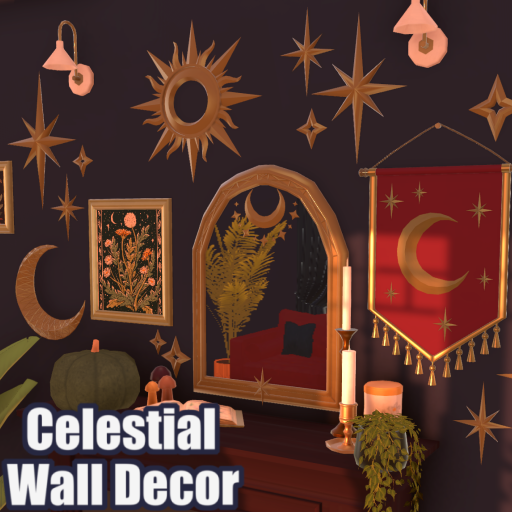
My very first art project! It's simple, but super cute. The perfect little flowers to brighten up your beautiful home! <3
How to instal
1. Place the fram that you want to use. 2. Select "Change Image," scroll to the bottom of the picture menu, and click the + button. 3. Select "Mod" at the bottom of the menu. 4.Choose "Flower Art" and click "Confirm." 5. Choose which folder you want to select art from. 6. Select the pictures you want to use, then click "Confirm." 7. That's it! Your mod is installed, and you're ready to decorate your game.
모드 제작자가 Steam 창작마당에 작성한 내용으로, 원래 언어로 표시됩니다.


Loading discussion...