Item Series: Maxwell The Cat!

Statistiche del Workshop
Iscritti totali
Iscritti attuali
Preferiti totali
Visualizzazioni
Dimensione del file
Ultimo aggiornamento
Pubblicata

Descrizione della mod
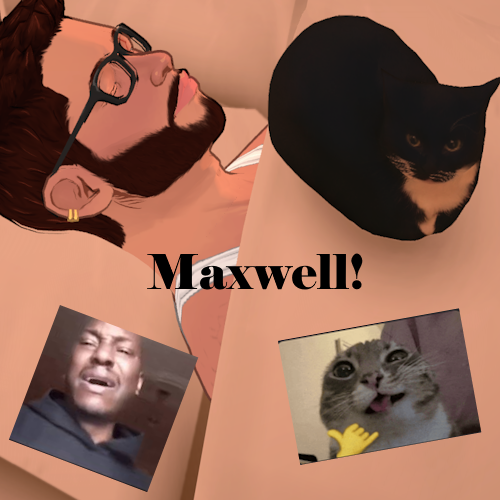
Who doesn't want the adorable Maxwell right by their side? Placeable anywhere and resizable!
No, this is not Uni and let's try to remember the true name for Maxwell is Jess, okay?
Model is finalized, so no longer a work-in-progress! The original mod ended up being so broken from a couple of changes that no matter what I did, I couldn't fix it but here we are now. This is my first item, so I'm still learning as I go. Please be patient with me y'all.
Tags are also wonky right now but you can find Maxwell in the hobbies category or using the search all feature in build mode, just type in "Max".
Any recommendations or feedback is always appreciated!
Credit to Zhuier for the model and texture.
Future Updates
Adding animation to have him do his iconic dance with his iconic music when interacted.
Scritta dall'autore della mod nello Steam Workshop e mostrata nella lingua originale.
Altre mod di questo tipo
Le mod con più iscritti che hanno lo stesso tag del Workshop. Il numero su ogni scheda indica gli iscritti totali.