Wikily for Windows (Overwolf) / free
The AION 2 wiki. In game.
The interactive map, field boss timers, quests and every item, on top of AION 2. Press Shift + F9 to open it, again to close it.
- Free, no account needed
- Every region and map
- In 8 languages
What you get
The same pages as this wiki, drawn over the game. No alt-tab.
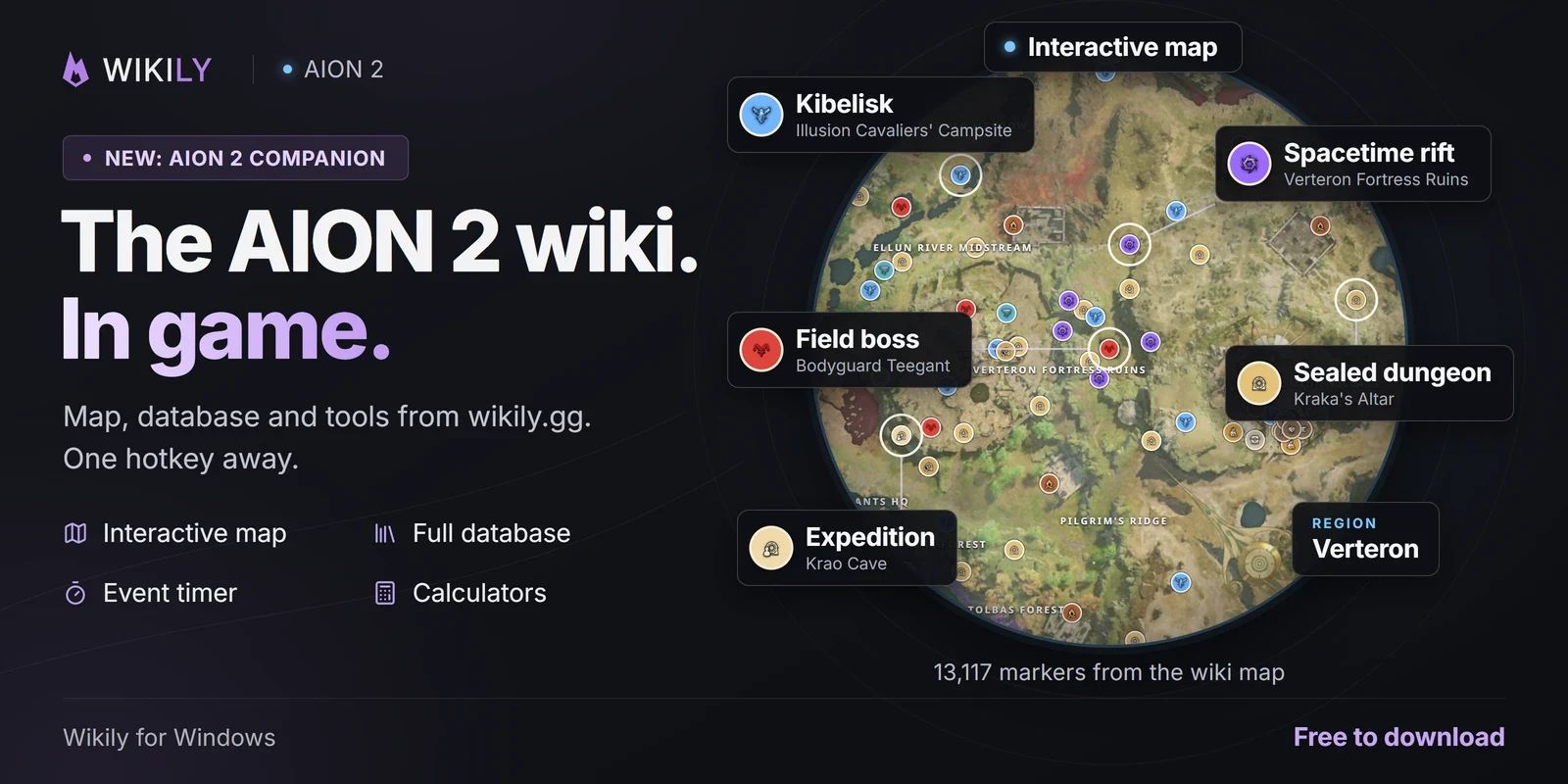
Every region with field bosses, Kibelisks, dungeon entrances, gathering nodes and Hidden Cubes as layers you switch on and off.
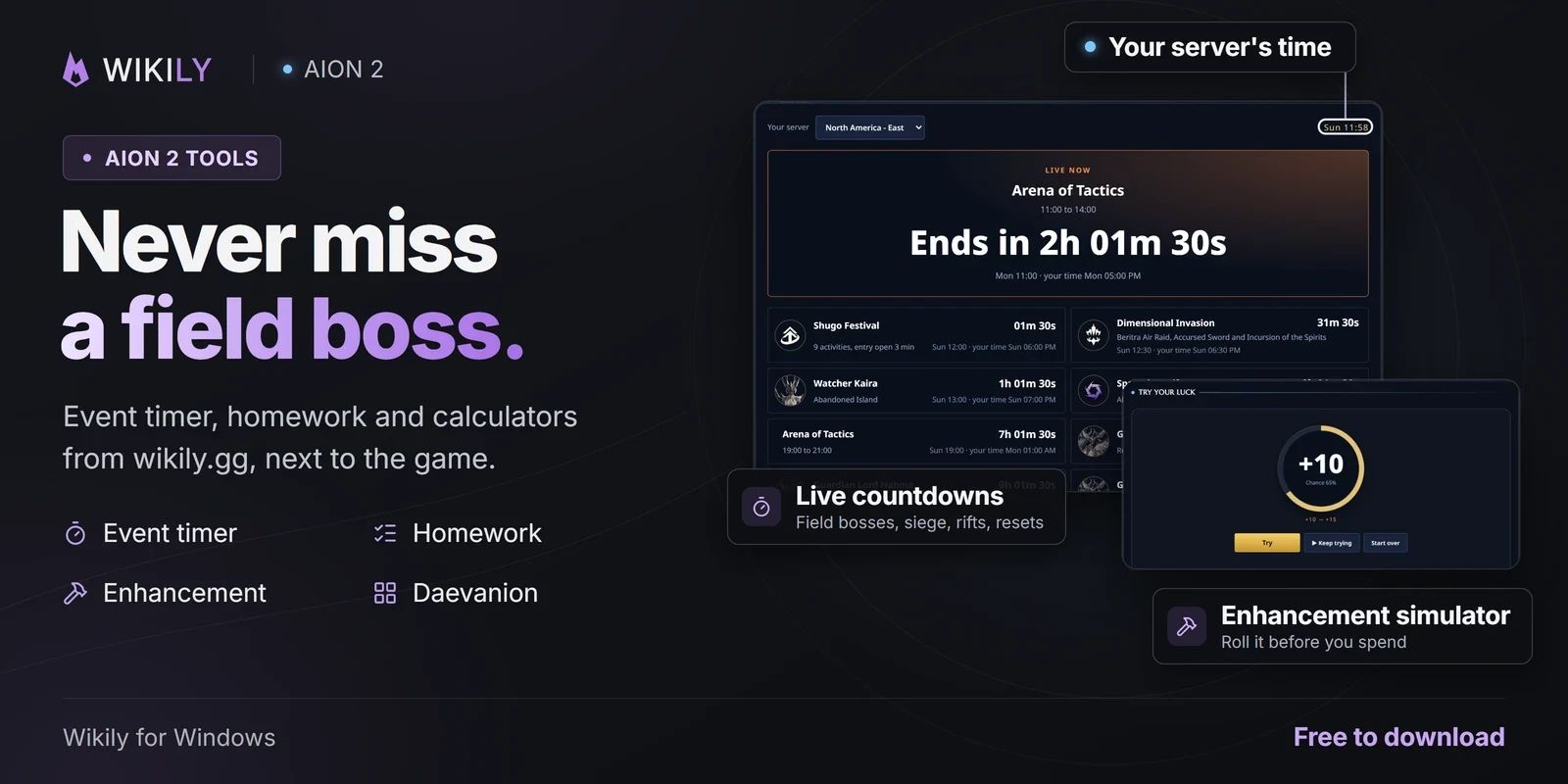
All 56 field bosses with level, spawn area and drops. The event timer counts down the scheduled ones while you play.
Episode, regional and exploration quests with their steps, givers and rewards, one hotkey away.
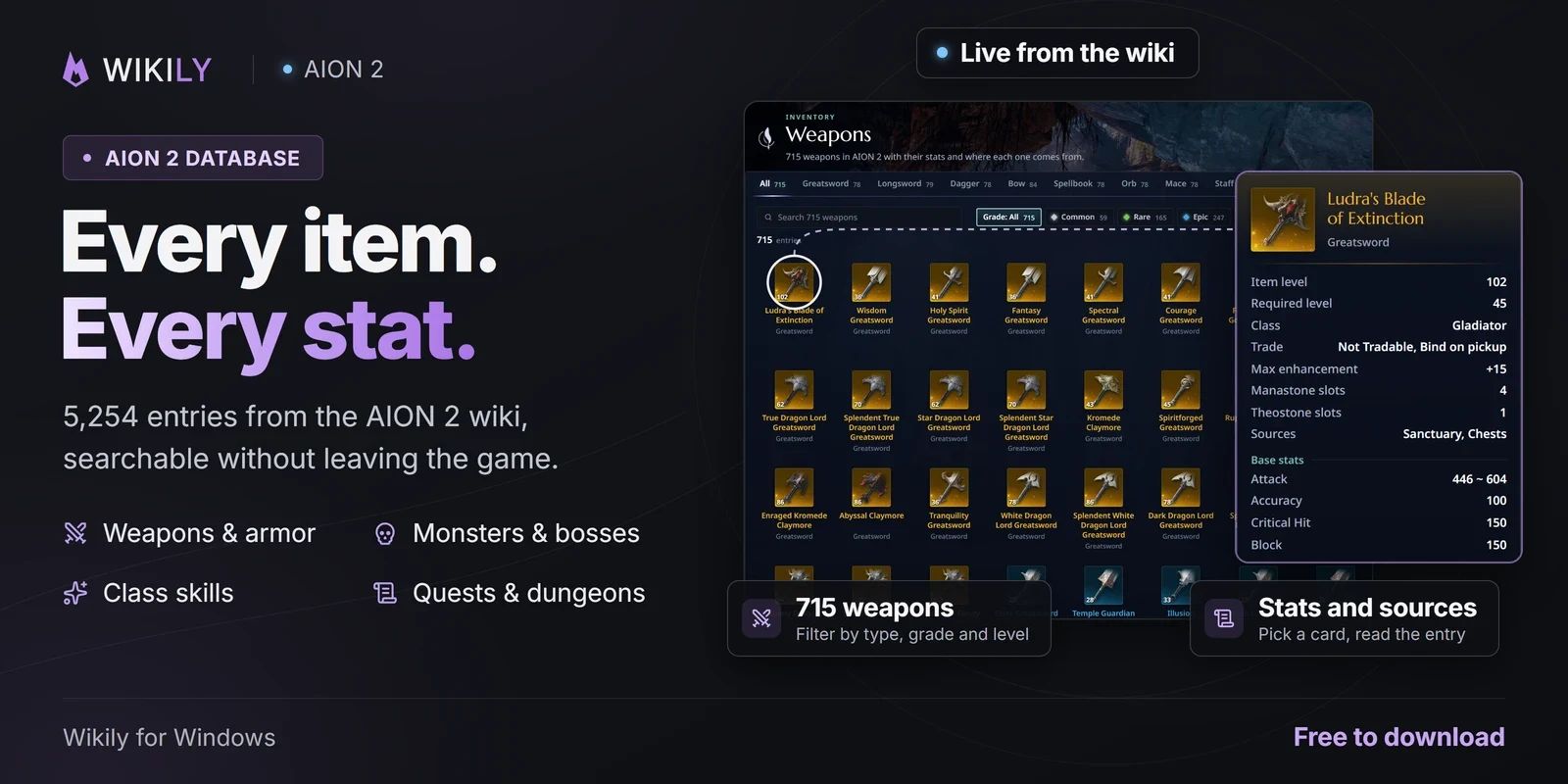
Weapons, armor, accessories, wings and materials with stats and where they drop or who sells them.
Stat and enhancement calculators, the crafting calculator, the Daevanion simulator and the homework checklist.
What it looks like
Setup takes a minute
One installer sets up Overwolf and Wikily for Windows together.
The app starts with the game. Nothing to set up.
The wiki opens over the game. Press it again, or click outside, to close it.
Put the wiki inside the game
Free on Windows. Press Shift + F9 once AION 2 is running.