 Utility
No Stuck - 7x7 Cryo Floor With Snap
 ItsA_EnvyUploaded Sep 11, 2025
- 65Structures
- 1Buildings
- 808Downloads
- 6Likes
Description
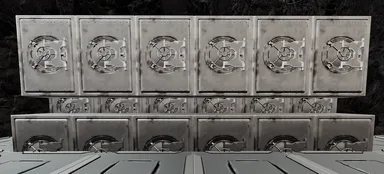
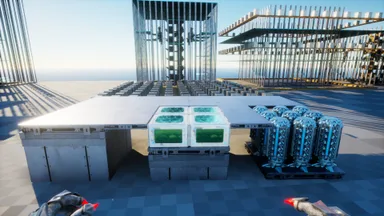
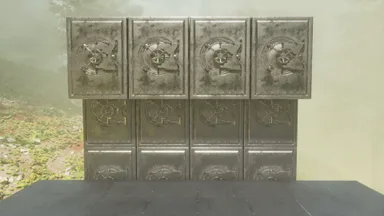
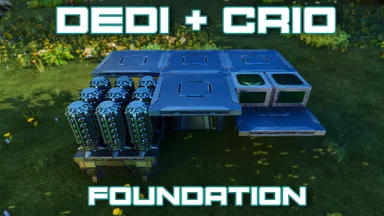
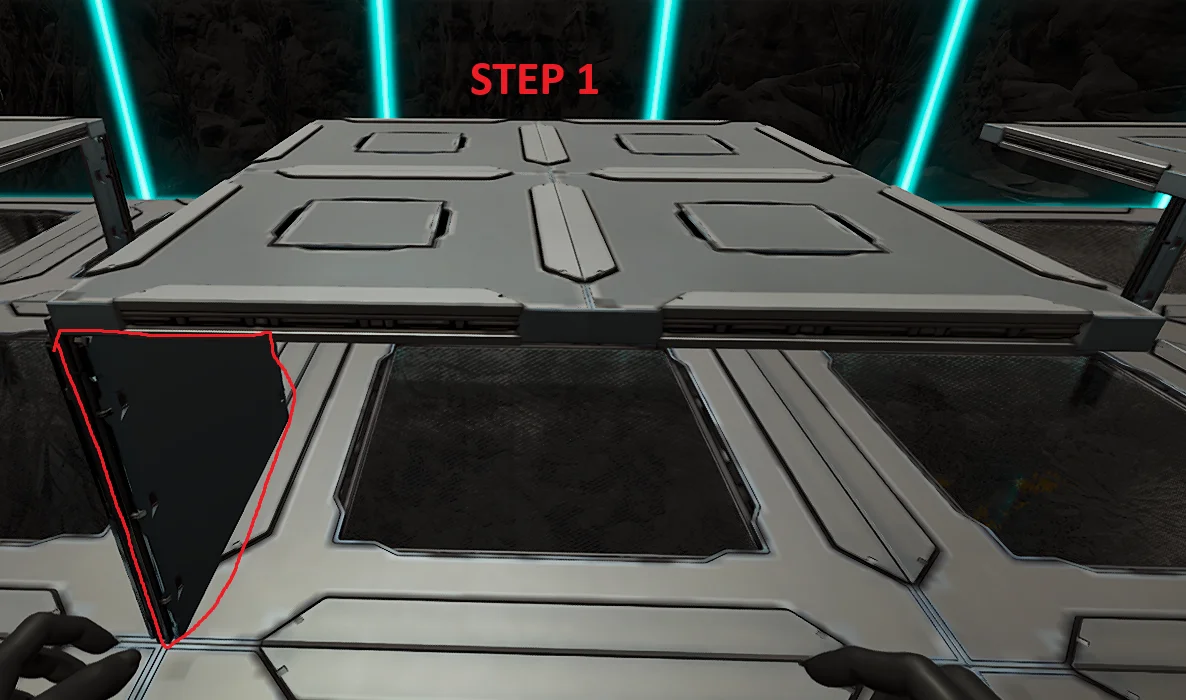
Follow the Pictures attached. Step 1: - Build the foundation where your cryos are going to be on. - This could be either Foundation, Ceiling, Vacuums - Make sure there is a wall in the bottom left corner so that the template can snap to it (Otherwise it wont line up) Step 2: - Snap the template and Autobuild. (It will finish building on its own unless its obstructed) Step 3: - Finish the build of by placing ceilings around the cryos to make it flush with floor
How to Get on Console
Full console guideConsole players (PlayStation, Xbox) can download and place this template directly in-game using the Template Hammer Importer mod.
- 1Install the ModOpen the in-game mod browser and search "Wikily" or "Template Hammer Importer".
- 2Craft the ImporterGo into Singleplayer + Creative Mode and craft the Wikily Template Importer (1 Fiber).
- 3Enter Template IDUse the item, enter Template ID
1034and the building index, then place it.


 Turret Towers